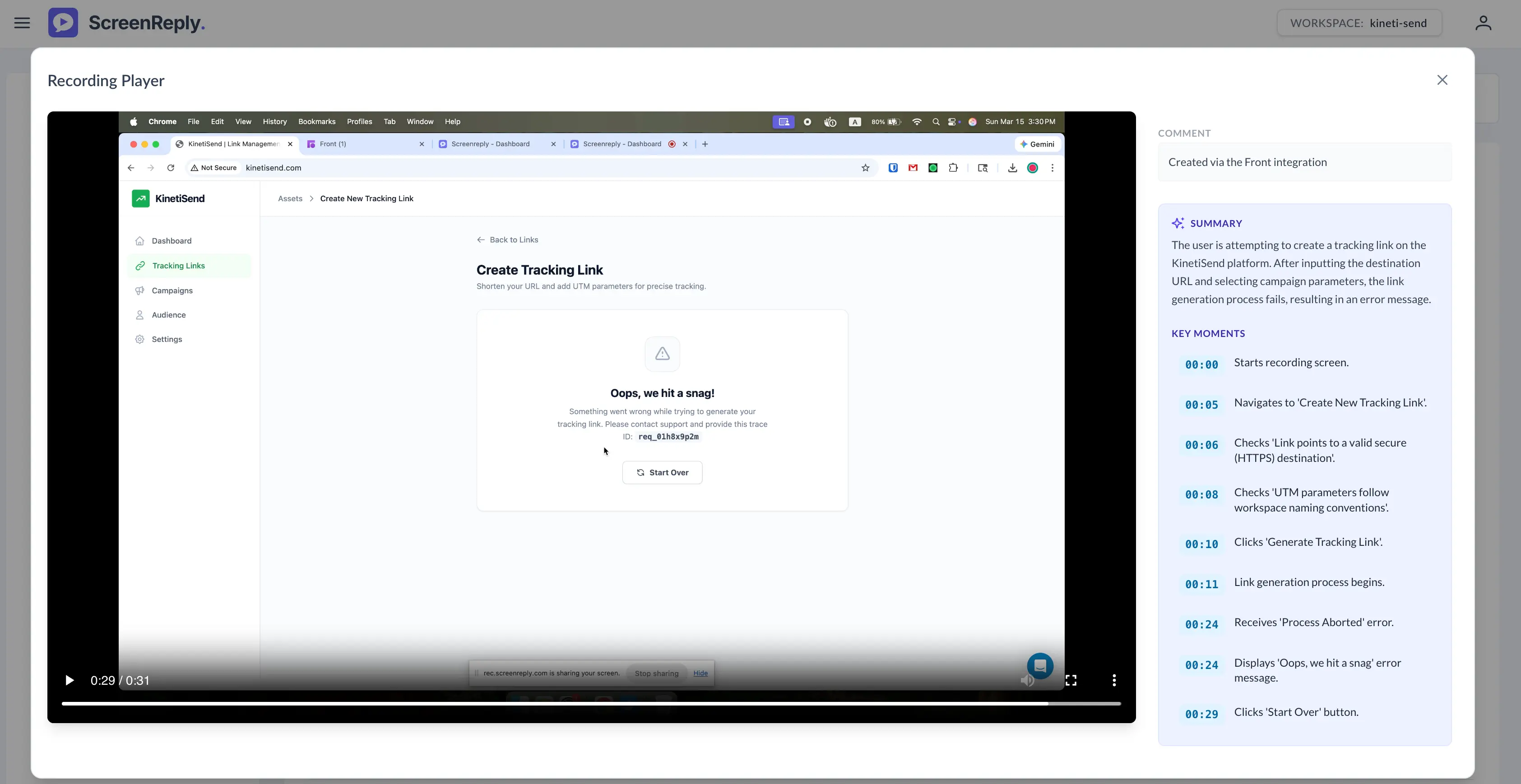
Front Integration
ScreenReply upgrades your Front inbox by letting you and your customers share screen recordings with each other to communicate more effectively. Instead of dealing with confusing back-and-forth email chains, you can use the ScreenReply plugin directly within your composer to instantly request a video from a customer or record your own screen. It’s the fastest way to get everyone on the same page.
See this integration in action and discover how to let clients share their screen directly in Front.
Installation
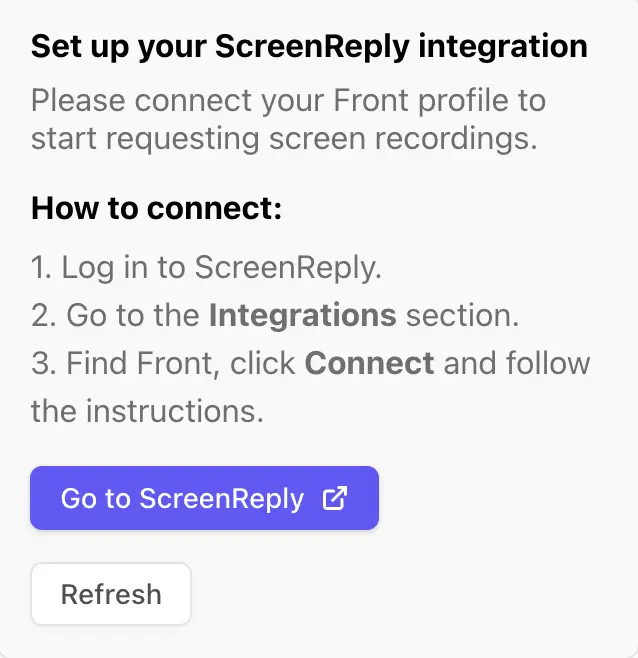
After installing the app in Front , you will need to set up the integration. Click the Go to ScreenReply button to begin the setup process, or simply open your ScreenReply dashboard.
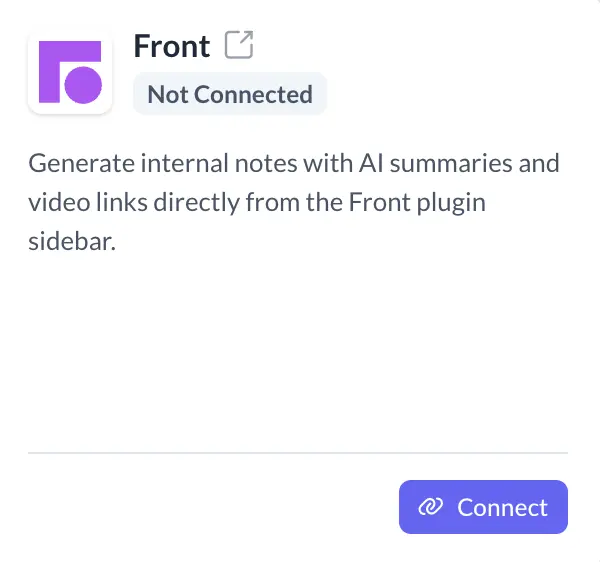
In the ScreenReply dashboard, navigate to the Integrations section, locate the Front app, and click Connect.
A dialog will appear asking for your Installation Key.
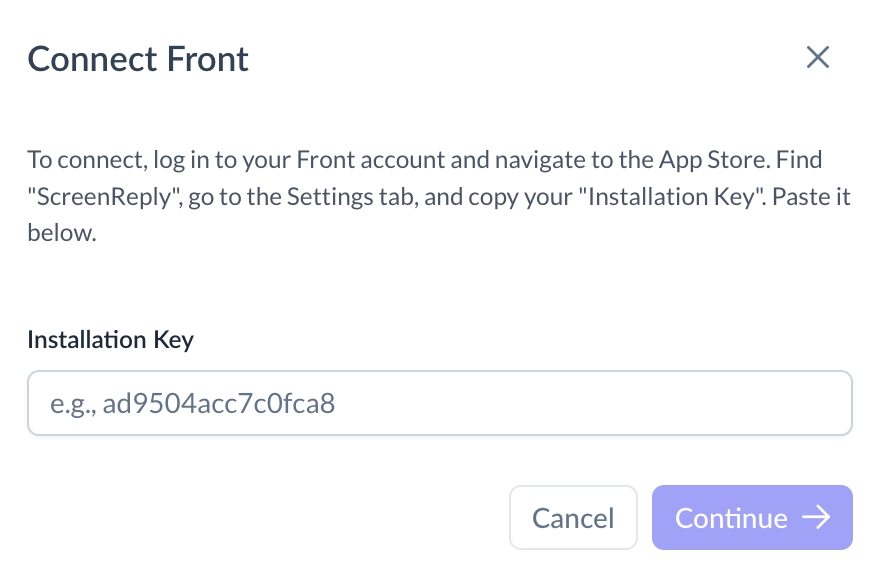
To find this key, go back to your Front account and navigate to the App Store. Find our app, "ScreenReply," and click the Settings tab.
In the Settings tab, locate the "Installation Key" section and click Copy. The Installation Key should look similar to this: ad9504acc7c0fca8.
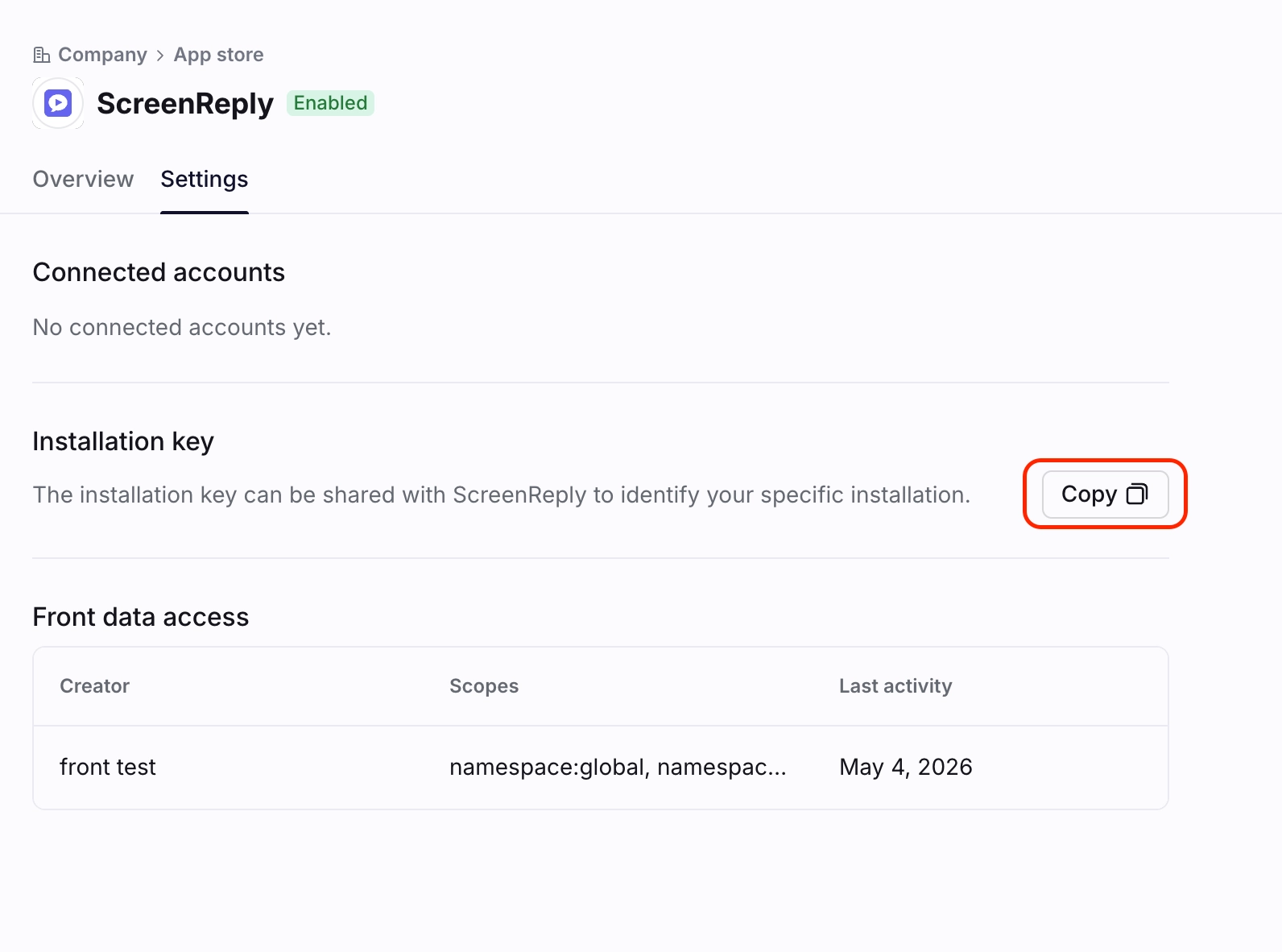
Paste the copied key into the ScreenReply dialog and click Continue.
Review the requested permissions and authorize ScreenReply to access your company's Front workspace.
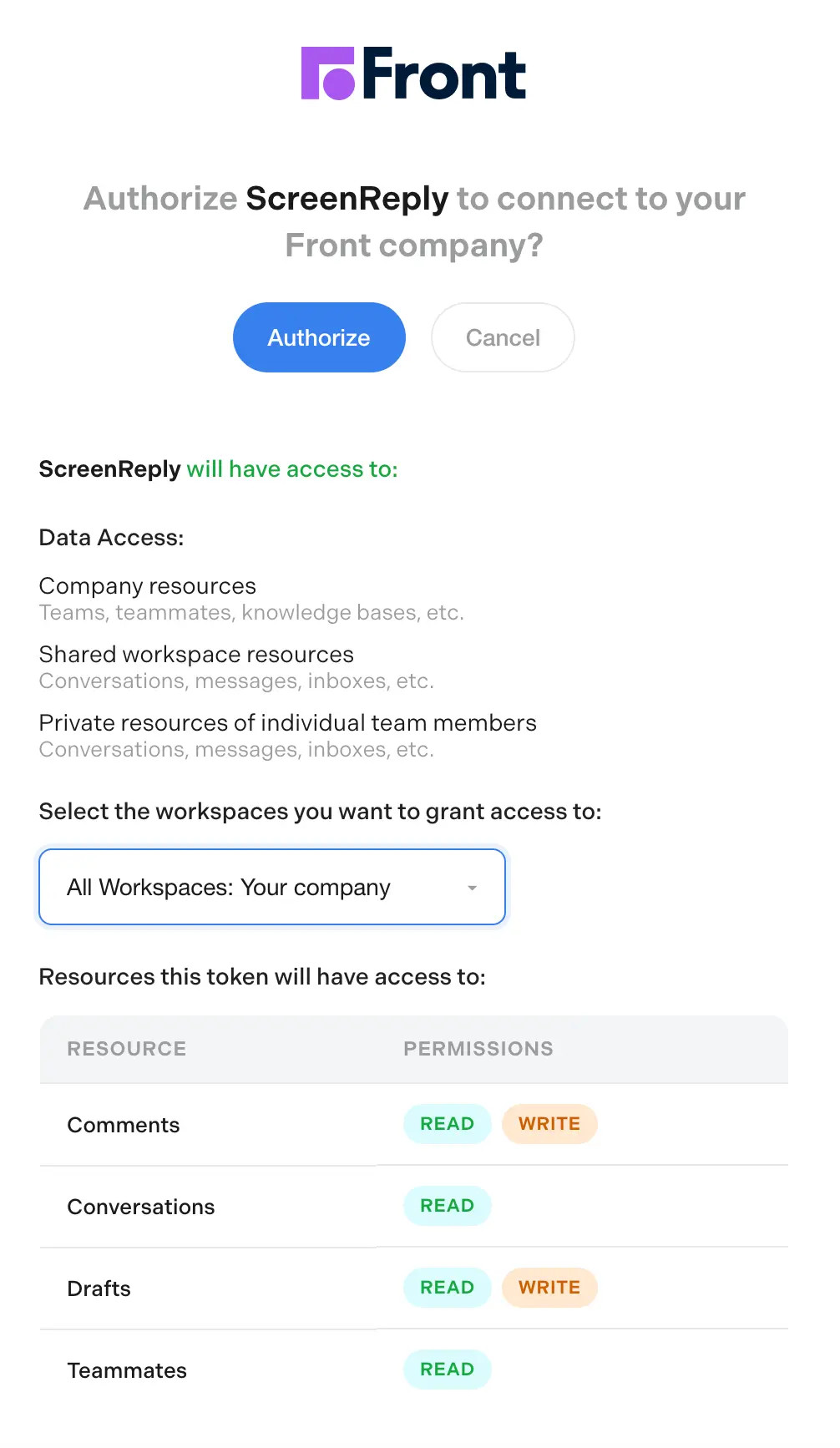
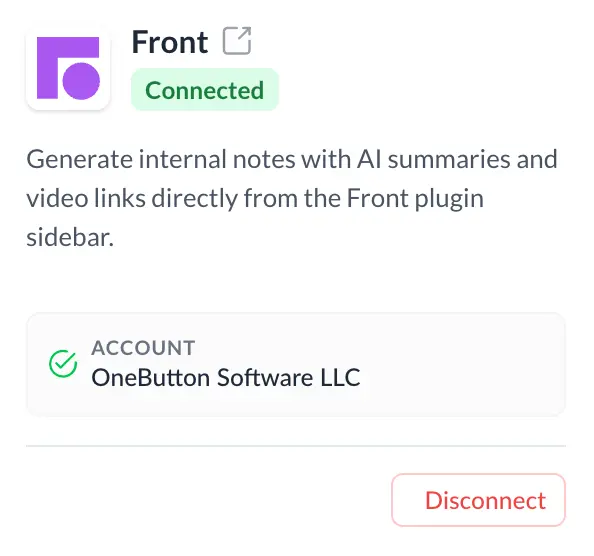
Your ScreenReply and Front accounts are now fully connected!
How to Use
Select any conversation where you need visual context from a customer. In the sidebar, click Request Screen Recording to instantly generate a unique link for them.
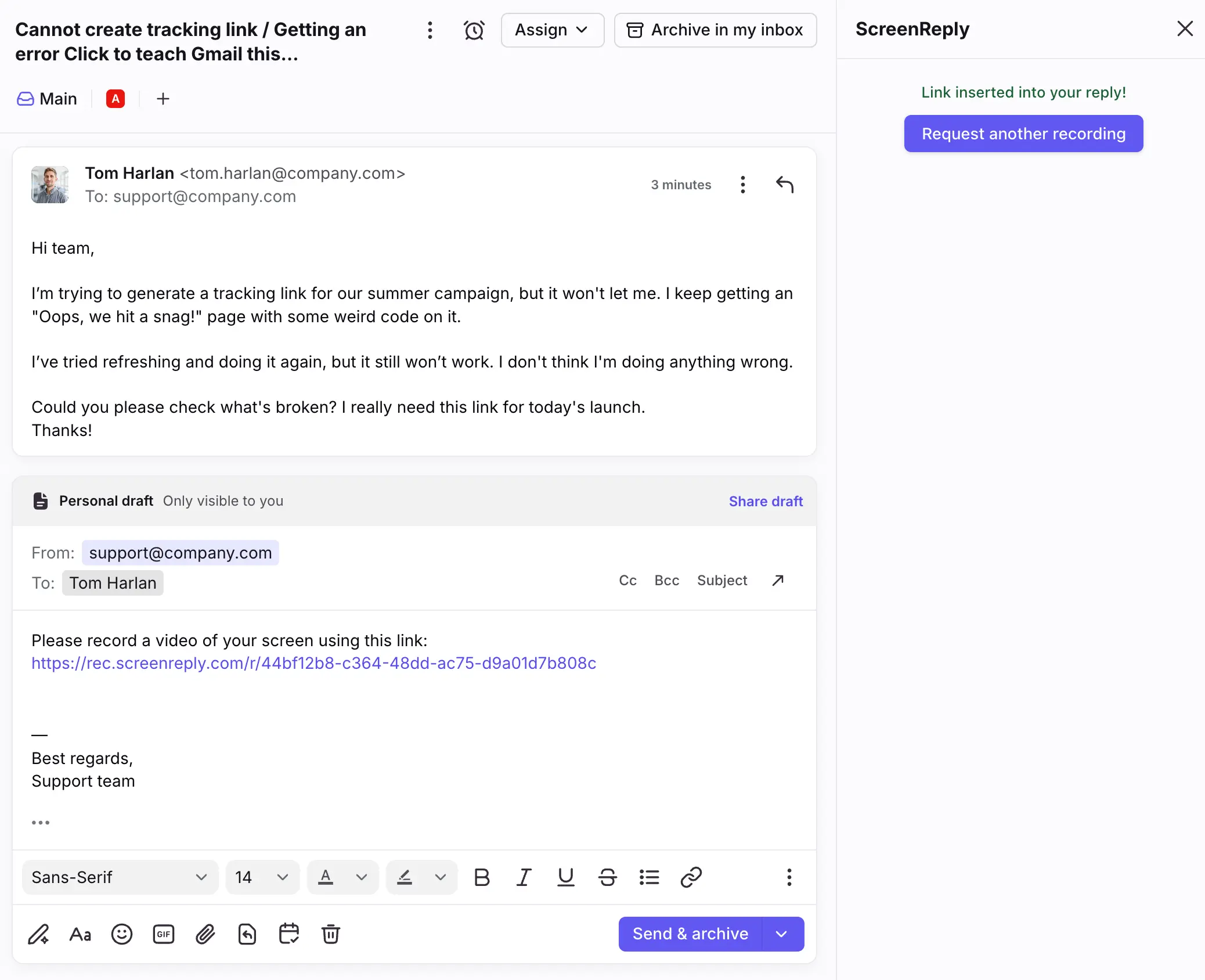
Once the user finishes recording their screen, you will automatically receive an internal note right in the same conversation thread.
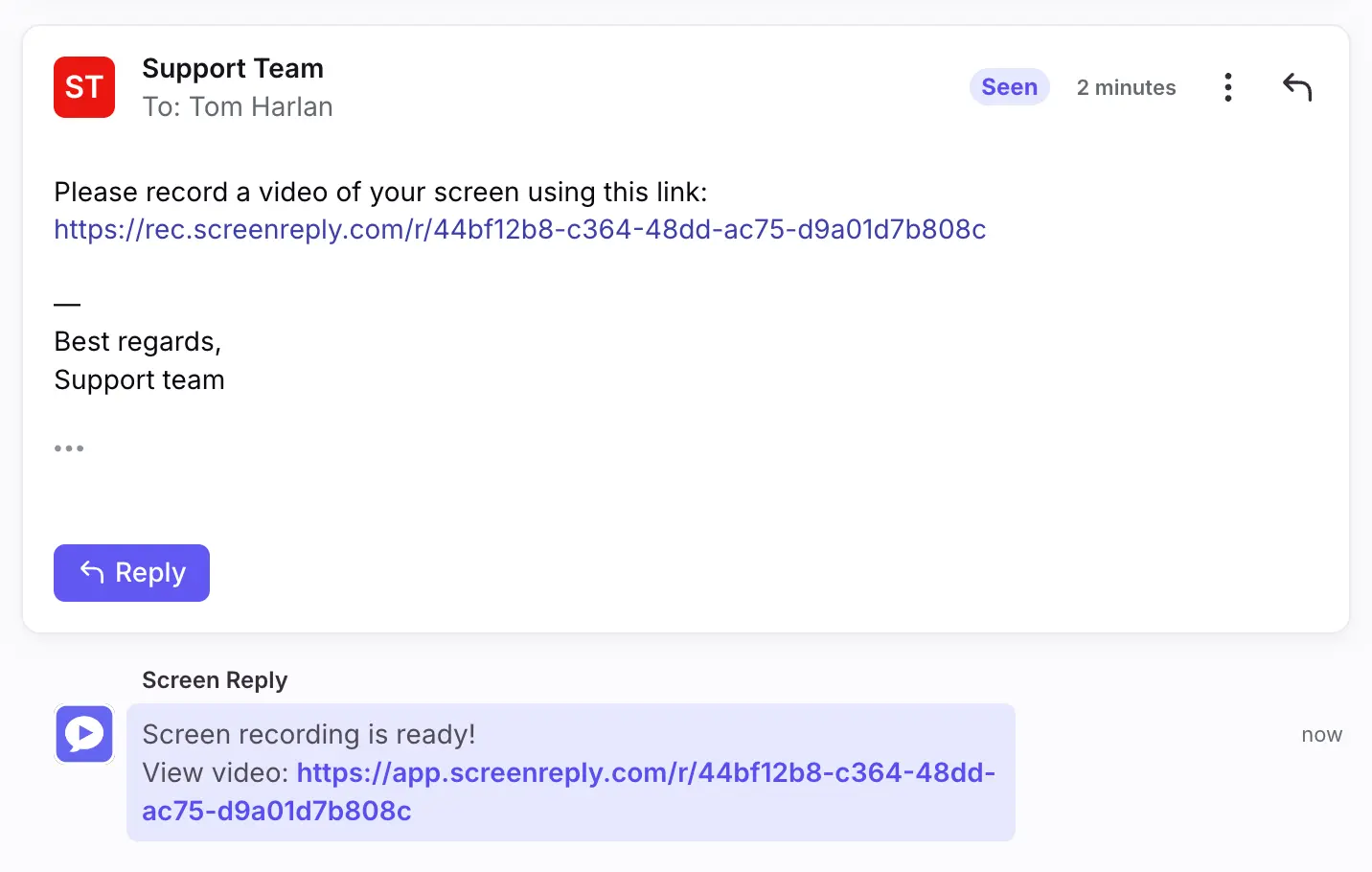
Simply click the link within the note to watch the video, gain full context, and resolve the issue faster.