Zendesk Screen Recording:
Let Clients Share Their Screen
Instantly request screen recordings with a simple link, without leaving Zendesk. Once a client finishes recording, the secure video link is automatically saved as an internal note on the ticket. Zero software installs required.
A picture is worth a thousand emails
Stop asking clients to type out steps to reproduce an issue. Let them show you exactly what's wrong so your support team can fix it on the first reply.
Request from the Sidebar
Agents can generate a secure recording link straight from the Zendesk app sidebar in the ticket view. No switching windows or juggling extra tools.
One-Click Client Recording
Clients just click the link in your public reply to record their screen instantly from their browser. No downloads, plugins, or sign-ins needed.
Automated Ticket Updates
Once submitted, the video link and a detailed AI-generated summary are automatically posted as an internal note in the Zendesk ticket for rapid review.
Seamlessly integrated into Zendesk Support
Keep your workflows exactly as they are. ScreenReply lives directly in your Zendesk ticket view, saving your support team time and context-switching.
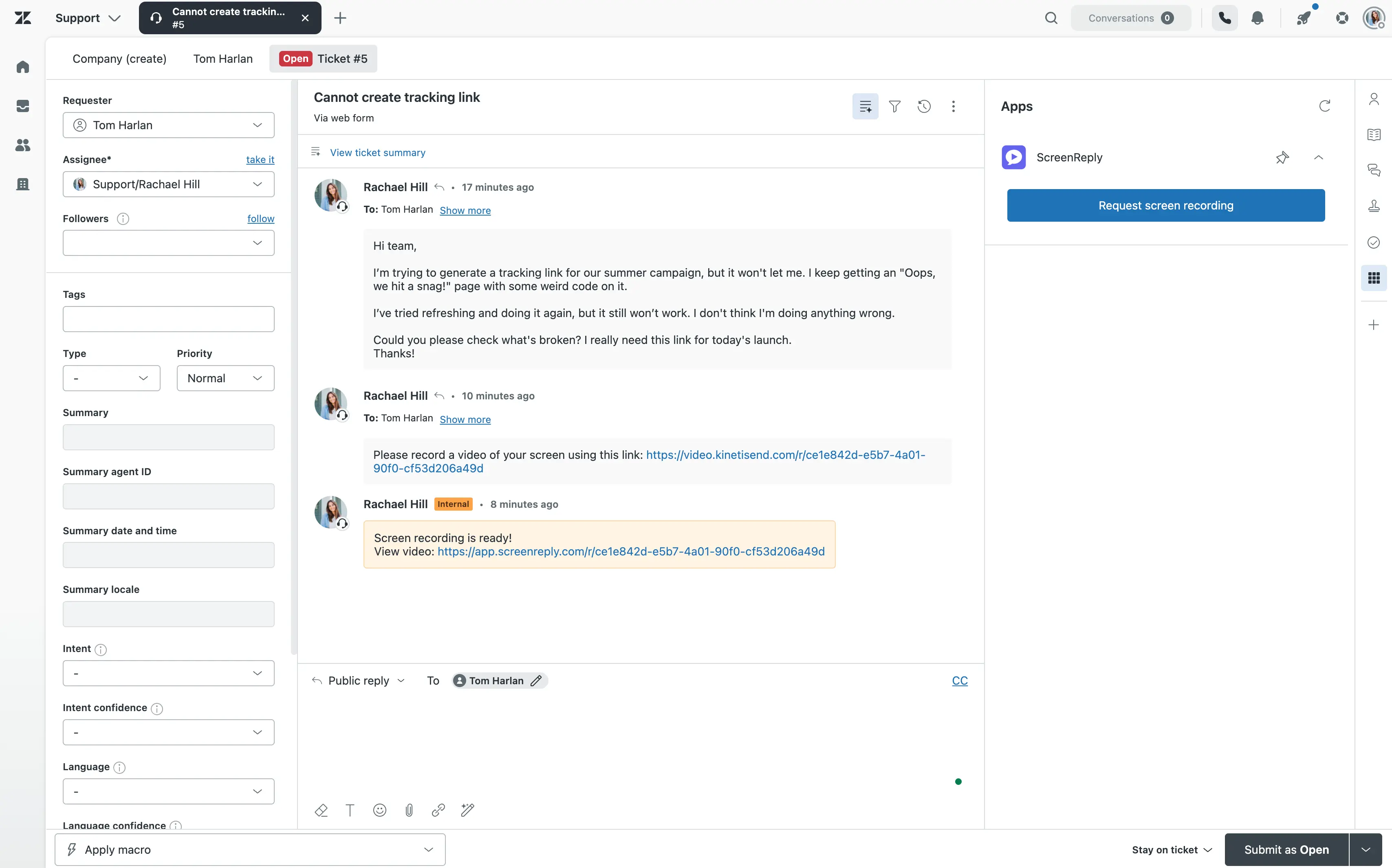
How to request a screen recording in Zendesk
Three steps from ticket to video — zero software installs required for your client. Ideal for customer support teams and internal IT helpdesks.
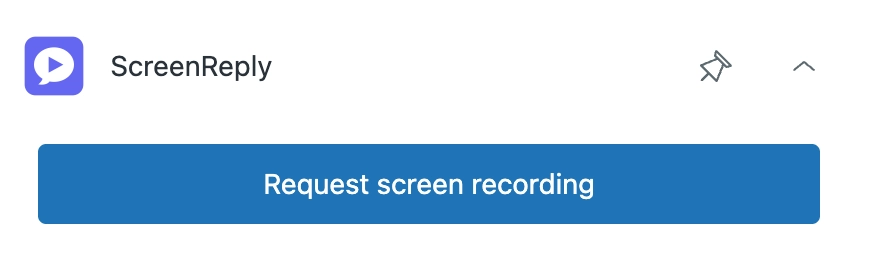
Generate links right from the ticket
The ScreenReply application resides directly in the Zendesk Support sidebar. Agents can create a secure recording request and paste it into their public reply with a single click.
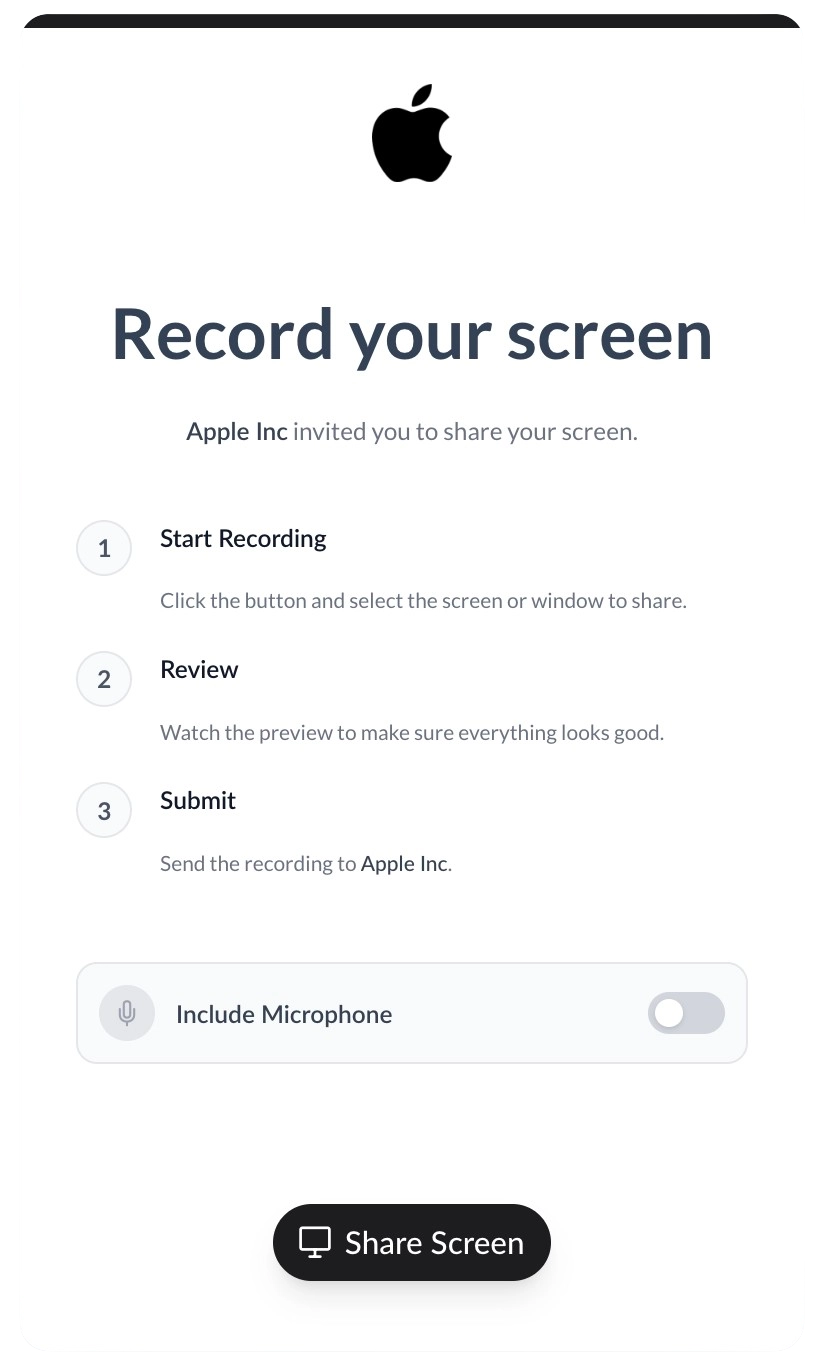
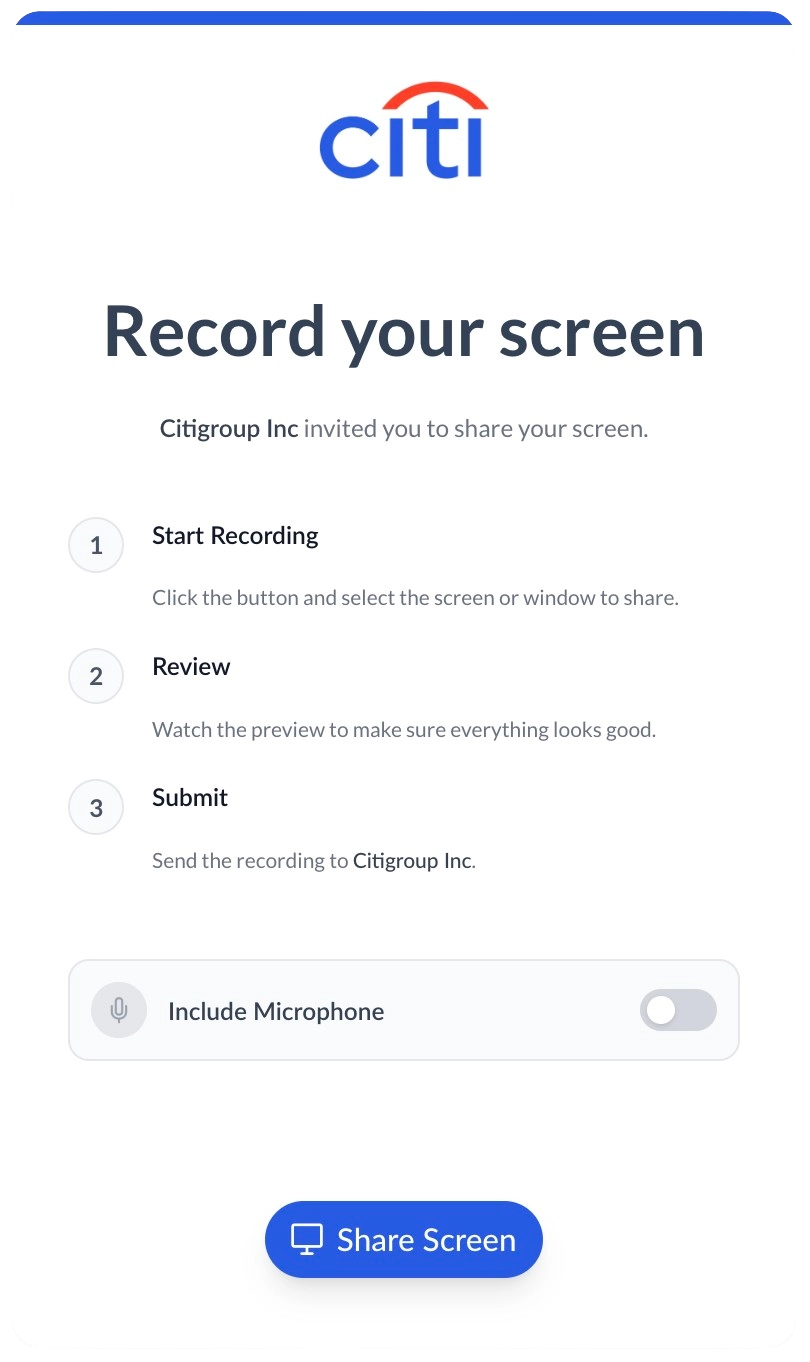
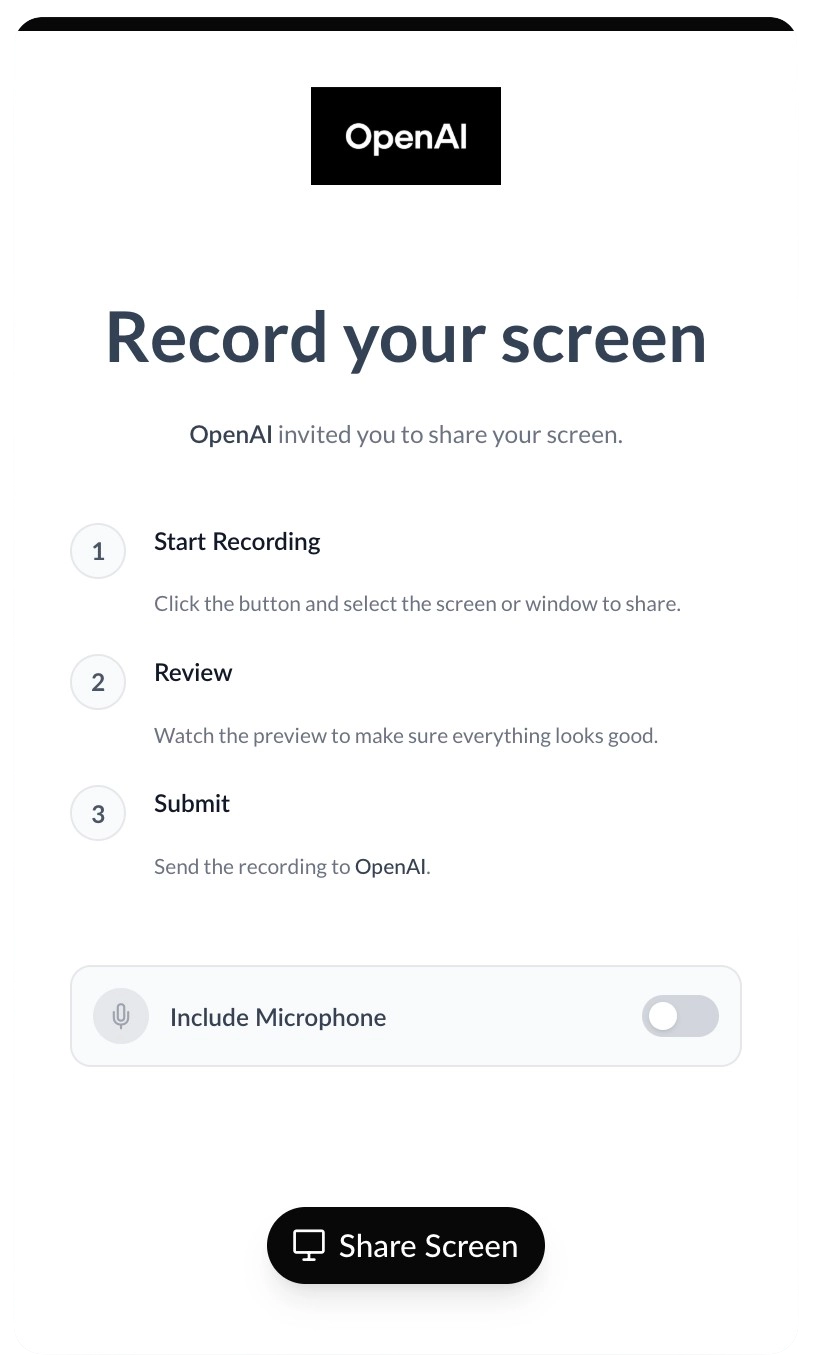
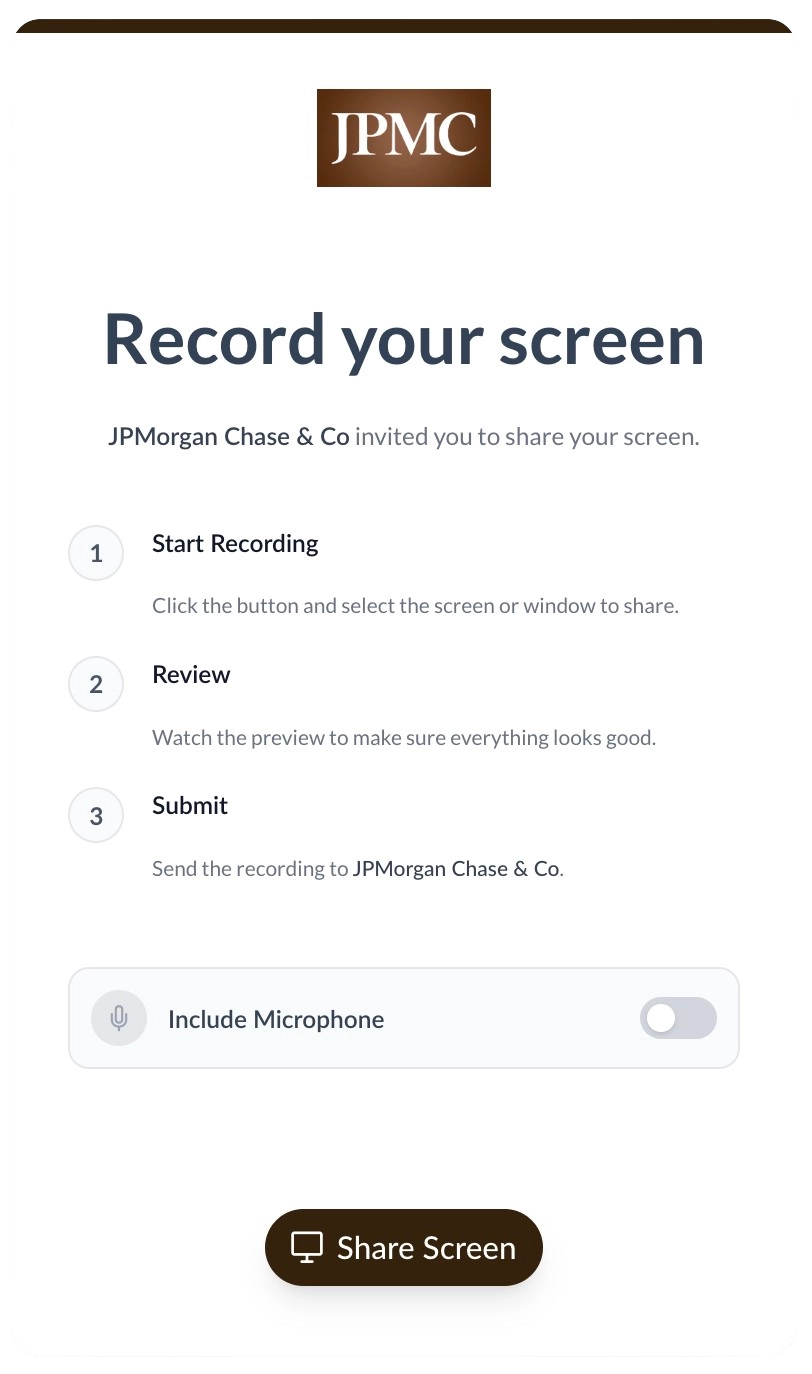
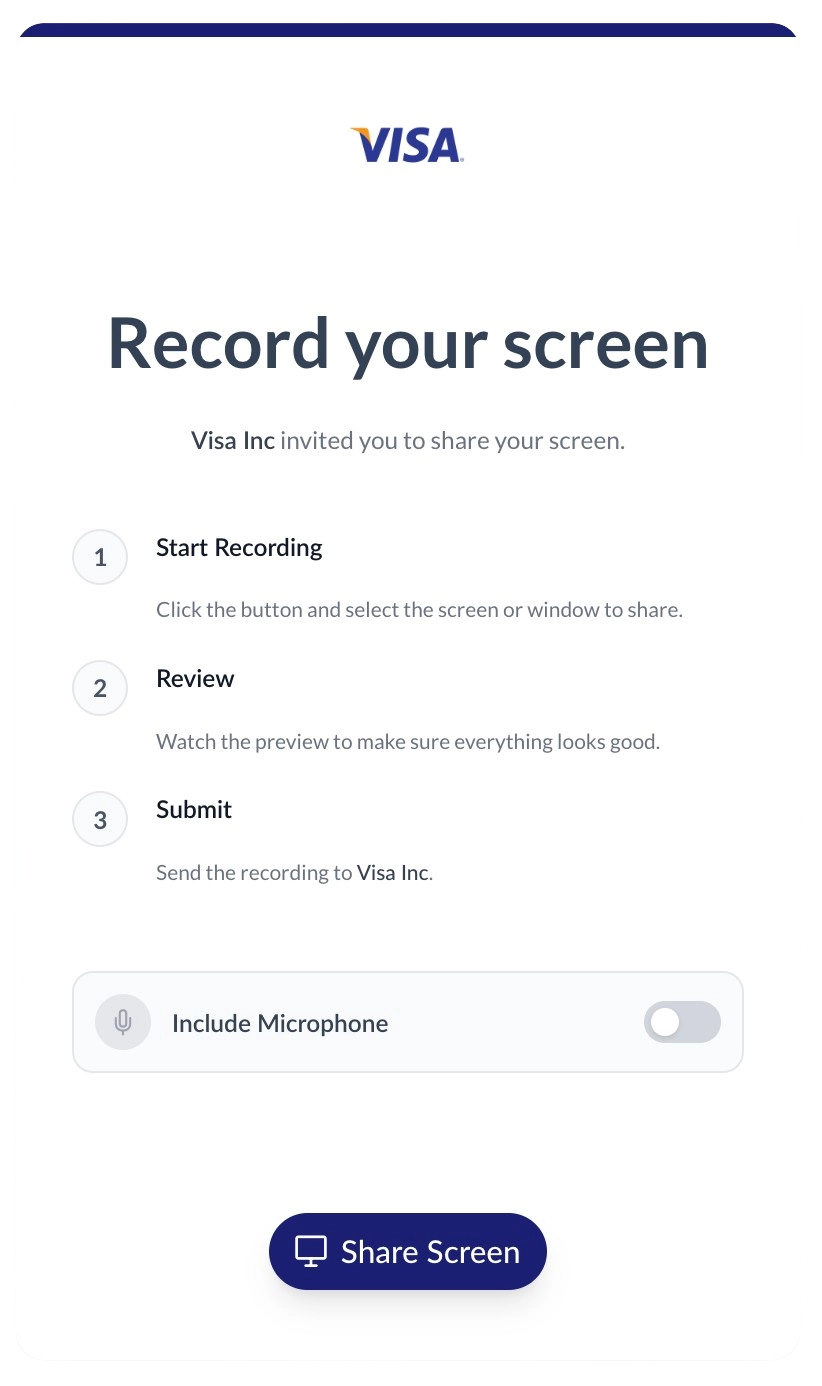
Provide a fully white-labeled experience
When clients click the link, they record in an environment tailored to your brand. Customize the portal with your logo, colors, and a custom domain to build trust and maintain a professional look.
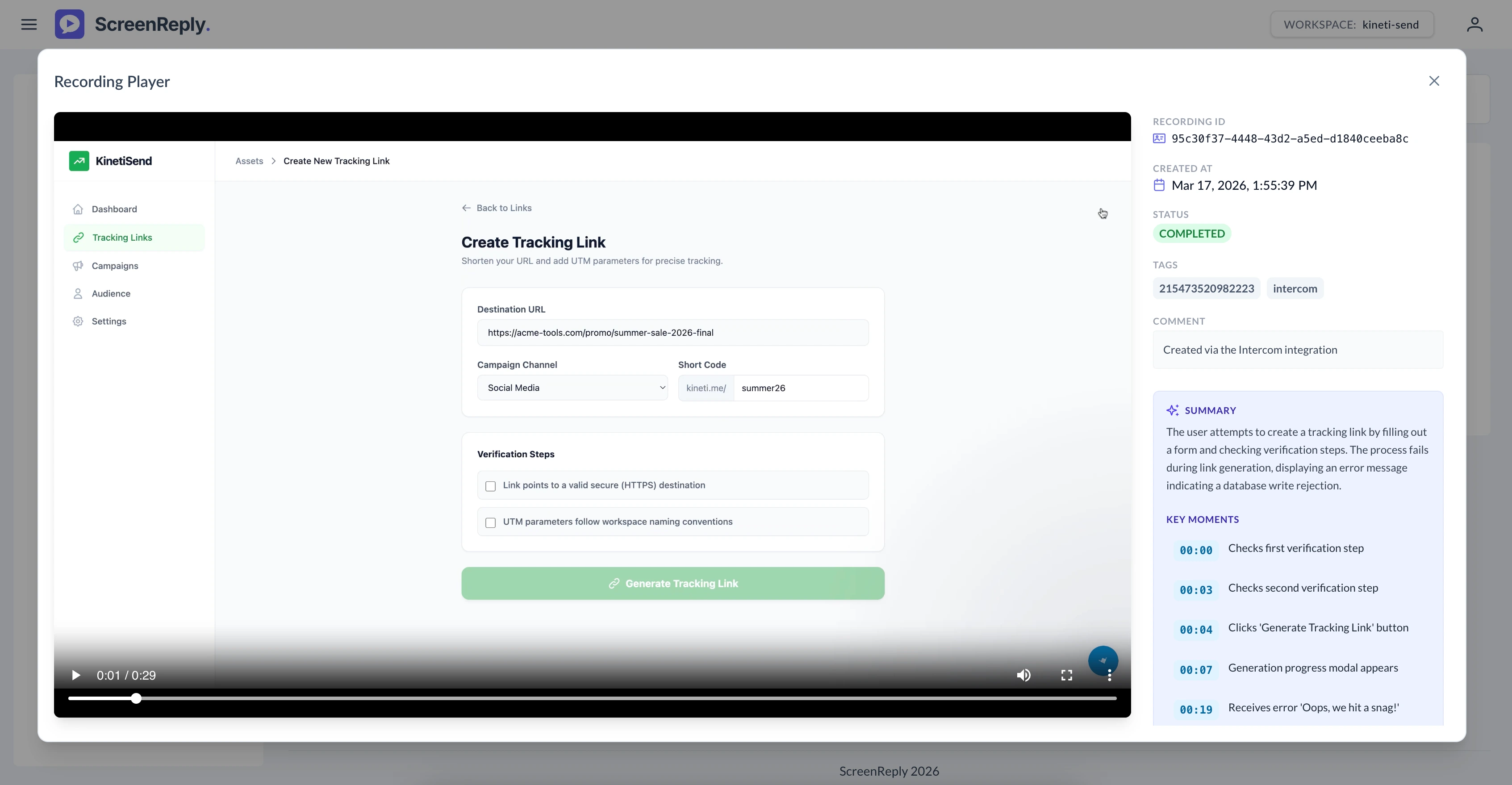
Review recordings and AI summaries instantly
Upon completion, an internal note is automatically appended to the Zendesk ticket. Agents click the secure link to view the video, read a detailed AI-generated summary, and navigate via smart timestamps.
Frequently Asked Questions
How do I request a screen recording from a client in Zendesk?
Generate a secure recording link directly from the ScreenReply app in your Zendesk ticket sidebar. When the client clicks the link in your public reply, they can instantly record their screen from their browser without installing any extensions. Once finished, an internal note with a direct link is automatically added to the ticket. Agents can click this link to view the video and its AI summary in the dedicated ScreenReply player.
Does the integration work within the Zendesk mobile app?
Currently, the ScreenReply application is optimized for the Zendesk Support desktop web interface where agents typically handle complex troubleshooting and require the sidebar app functionality.
Do our clients need to install an extension to record?
No installations are necessary. Your clients simply click the secure link in your Zendesk reply and record directly from their modern web browser (Chrome, Safari, Edge, Firefox). It is a frictionless experience designed for maximum conversion.
Can we include recording links in Zendesk Macros or Triggers?
While dynamic links are best generated manually via the sidebar app to ensure uniqueness and security per client, your engineering team can leverage our comprehensive REST API to build custom automated workflows or integrate with Zendesk Triggers.
Do the videos play directly inside the Zendesk ticket?
To provide the optimal viewing experience—which includes AI-generated text summaries, interactive timestamp navigation, and high-definition playback—the internal note contains a direct link that opens the video in the dedicated ScreenReply player dashboard.
Ready to visually upgrade your Zendesk workflow?
Join the customer support teams using ScreenReply and Zendesk to decrease resolution times and provide a superior support experience.