Intercom Screen Recording:
Let Clients Share Their Screen
Instantly request screen recordings with a simple link, without leaving the Intercom Inbox. Once a client finishes recording, the secure video link is automatically saved as an internal note in the conversation. Zero software installs required.
Eliminate the back-and-forth
Text-based support can be frustrating for both sides. Empower your team to get visual context right where they already work.
Request from the Sidebar
Teammates can easily generate a unique recording link directly from the right-hand panel in the Intercom Inbox. No need to switch tabs or open separate apps.
Zero-Friction for Clients
Clients receive the request link in the chat, click it, and instantly record their screen. Zero browser extensions, logins, or downloads required.
AI-Powered Player
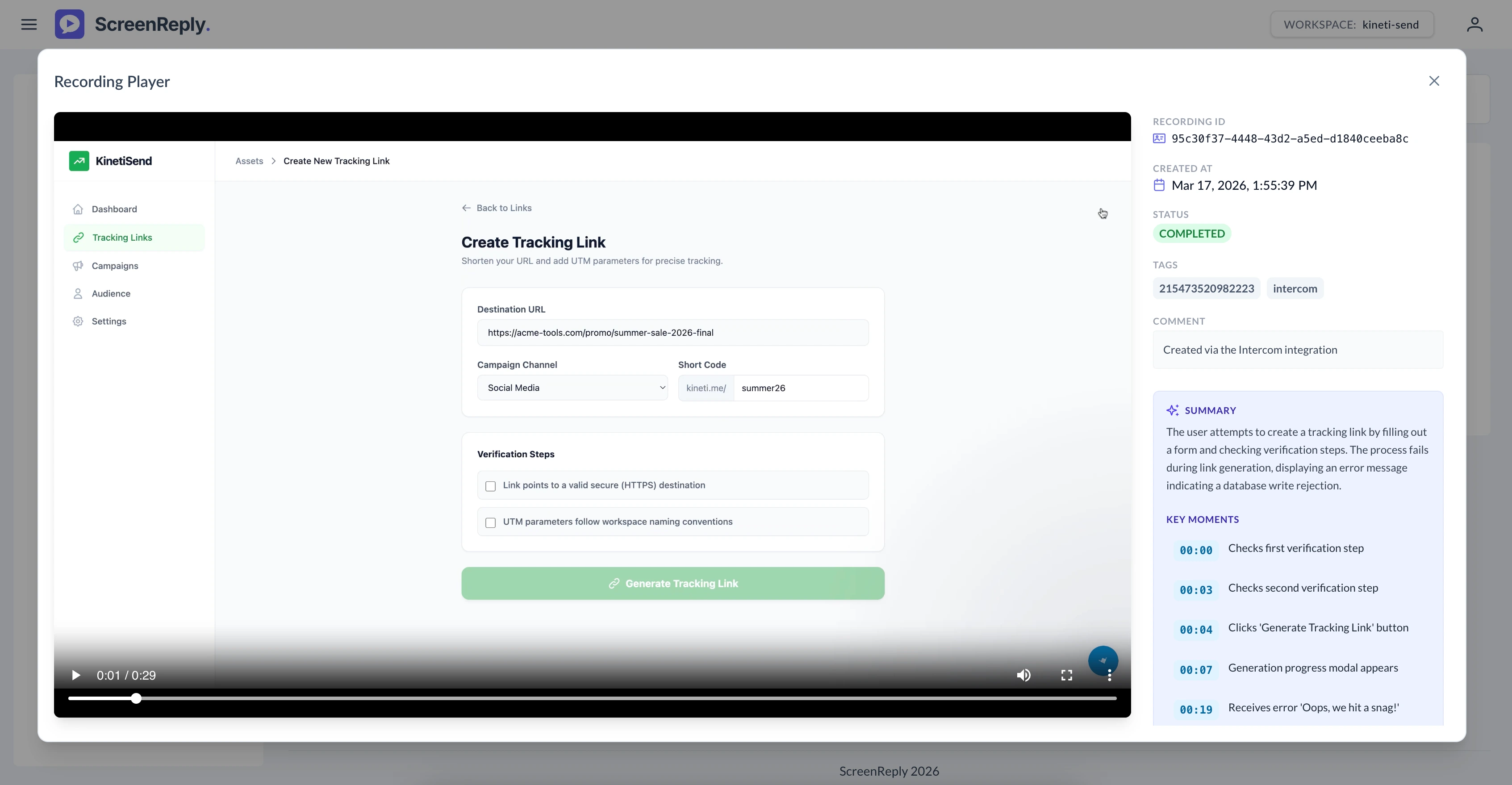
Don't have time to watch a long recording? The submitted video opens in the ScreenReply dashboard, complete with AI-generated text summaries and clickable timestamps.
Built right into your workflow
You don't need to change how your support team works. ScreenReply seamlessly integrates directly into the Intercom right-hand panel.
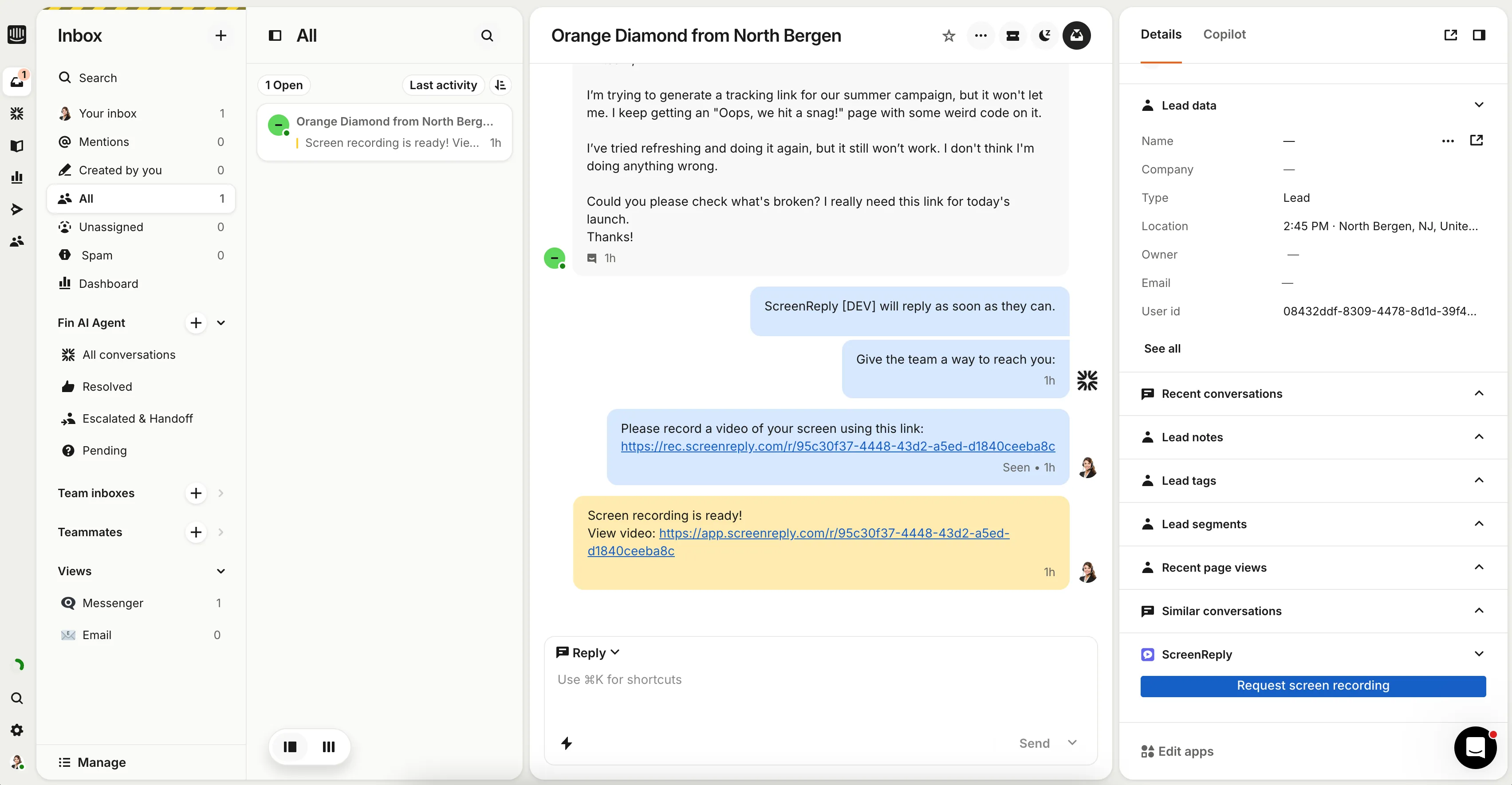
How to request a screen recording in Intercom
Three steps from chat to video — zero software installs required for your client. Ideal for SaaS customer support and proactive account management.
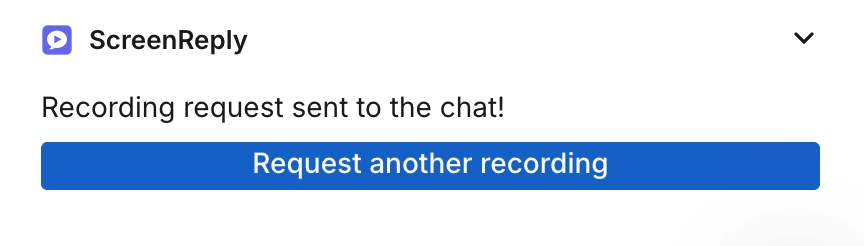
Request from the right panel
The ScreenReply app lives directly in the right-hand panel of your Intercom conversation view. Teammates can generate a recording request link and drop it into their reply with a single click.
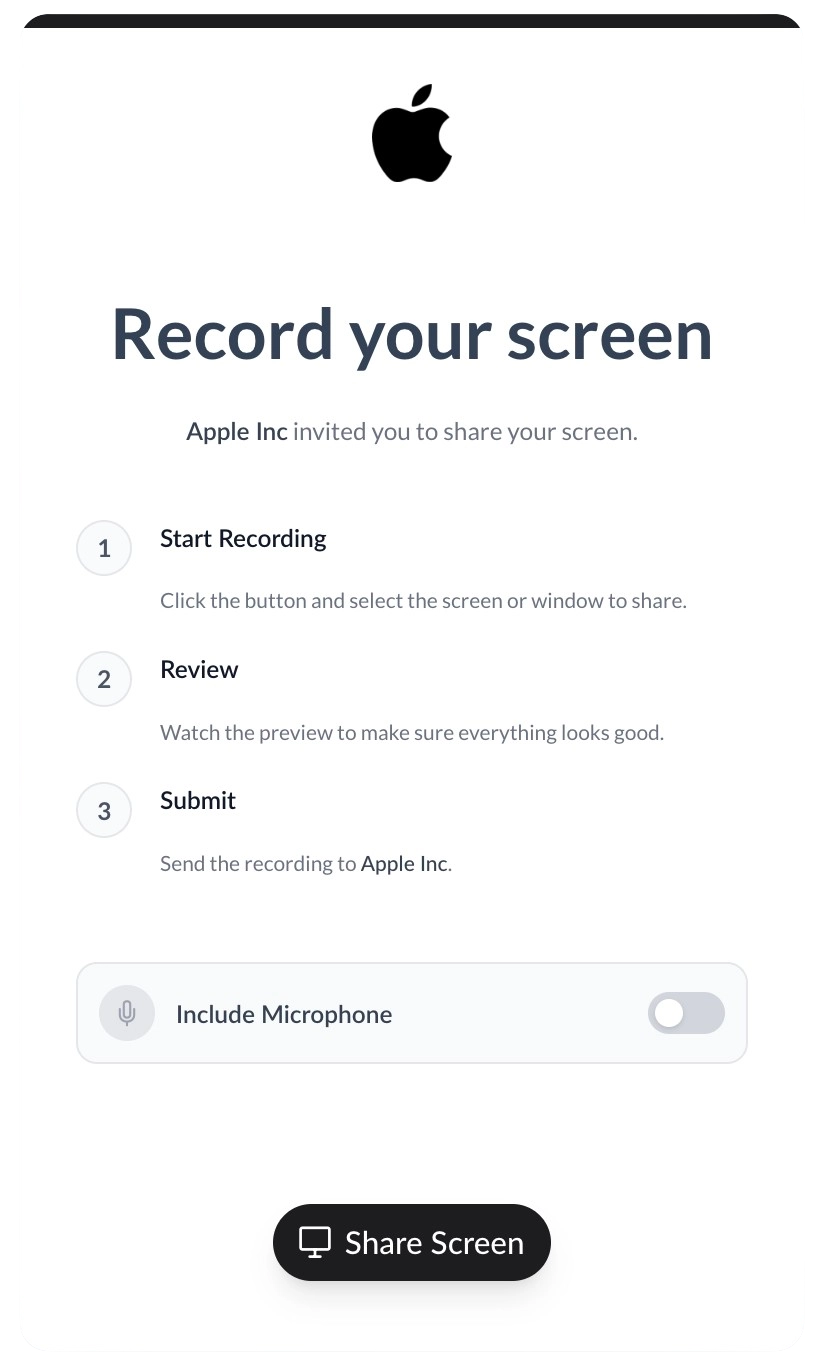
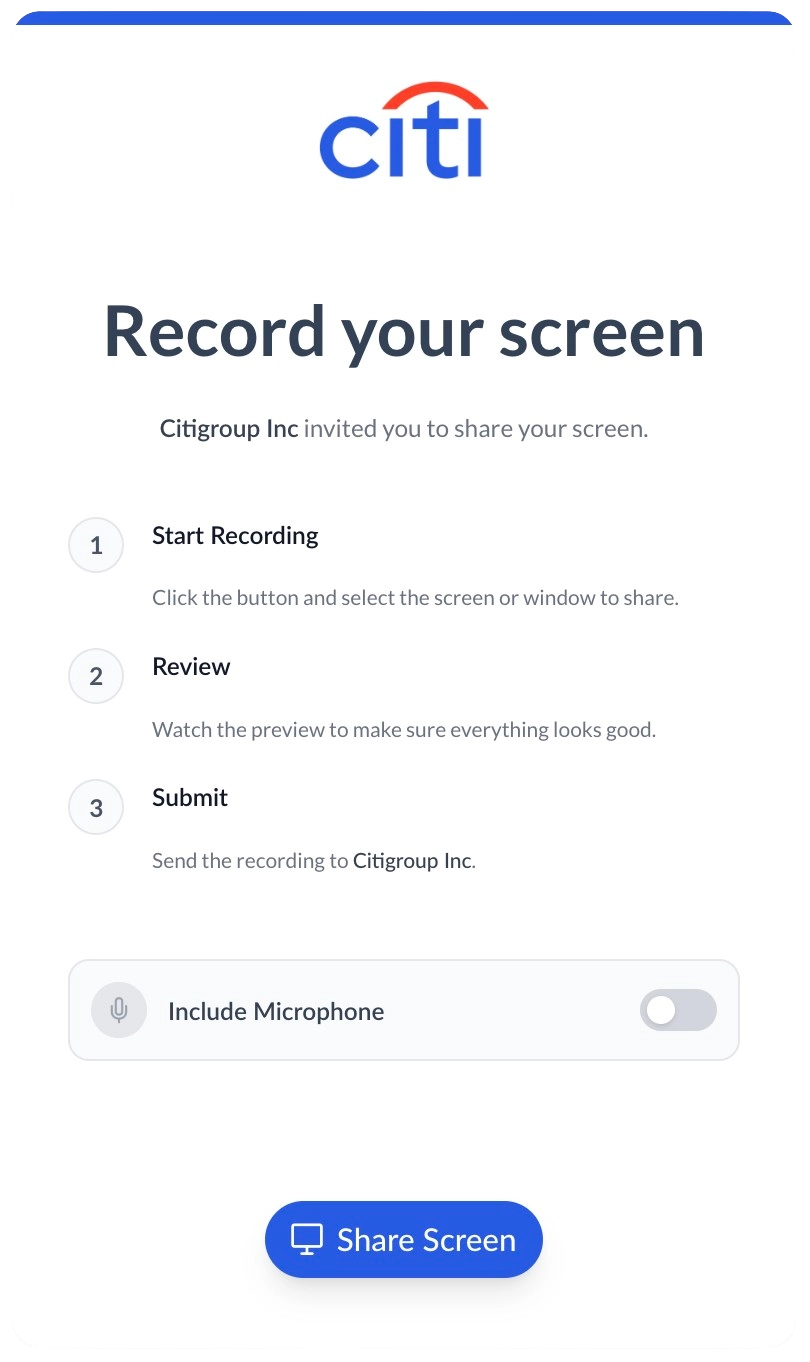
100% white-labeled experience
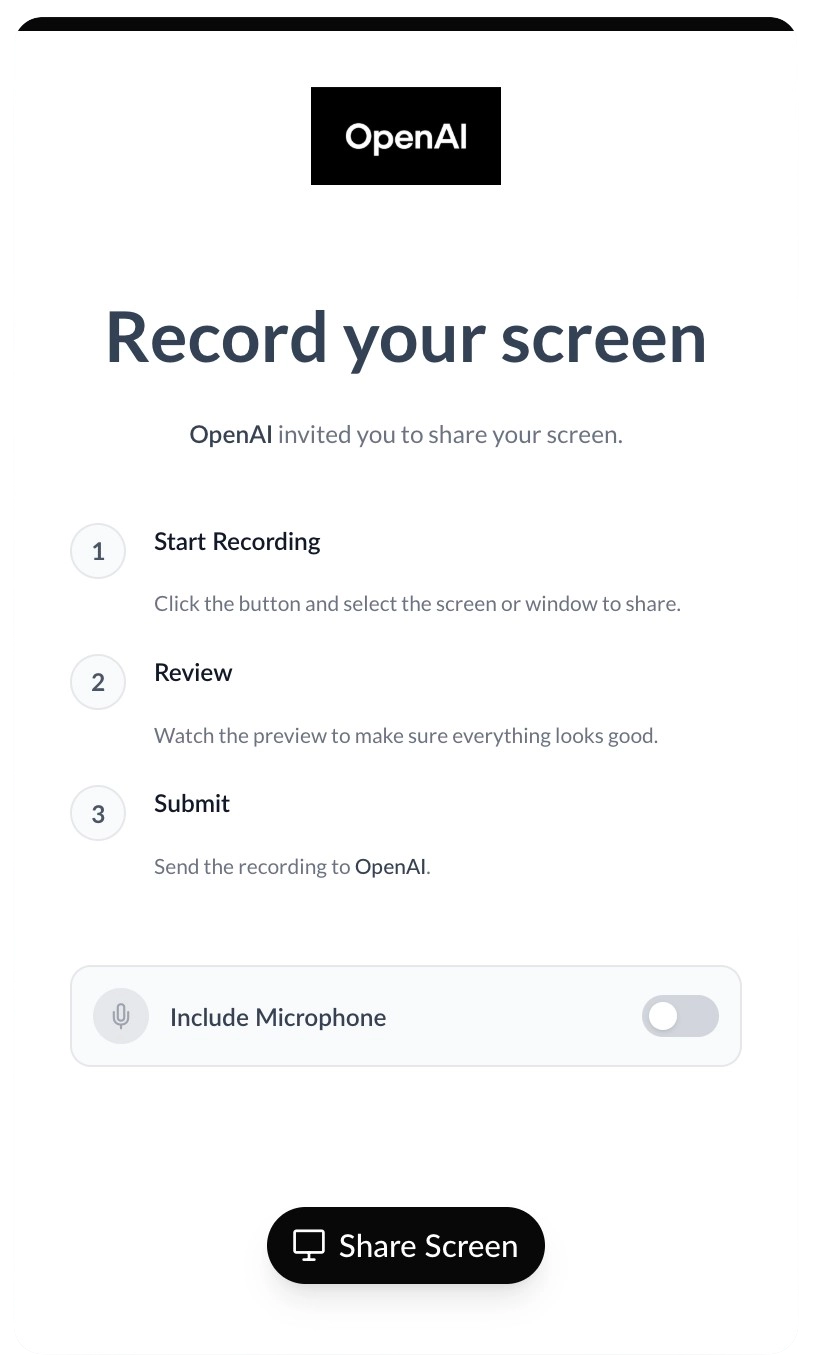
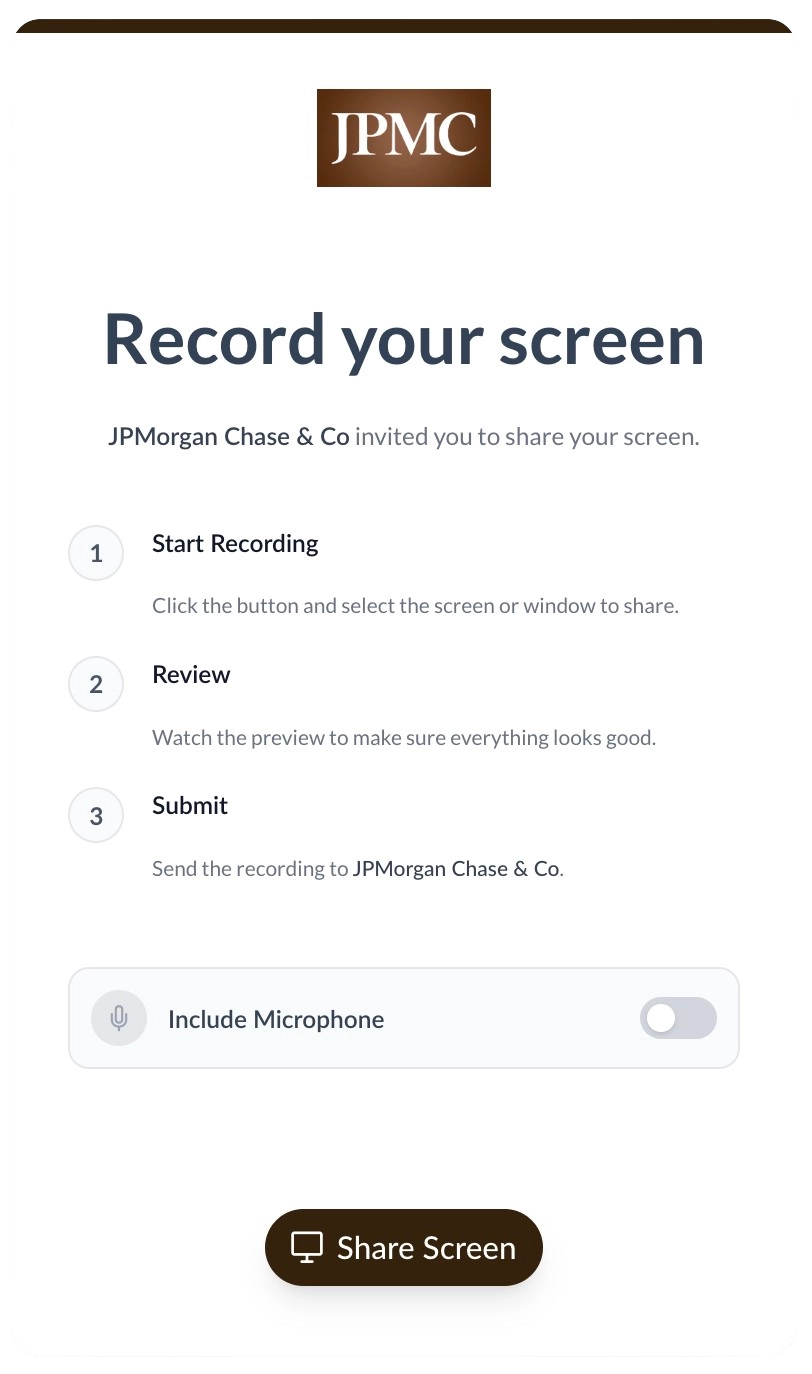
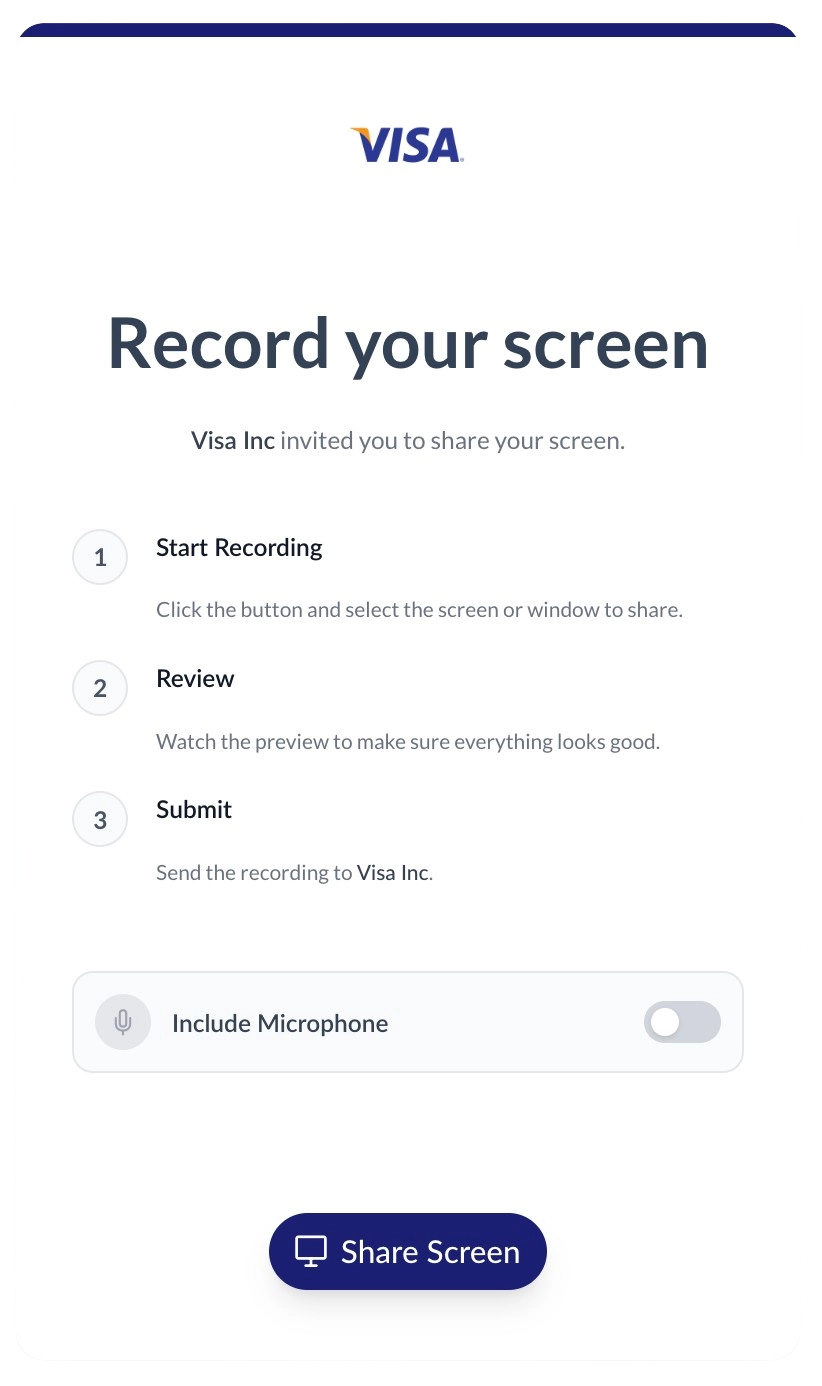
Clients click the link and record their screen instantly in a fully branded environment. You can customize the recording page with your company name, logo, brand colors, and even serve it from your own custom domain.
Review video and AI summary
Once the recording is complete, an internal note with a direct link is automatically pushed to the Intercom conversation. Teammates can open the player to view the video alongside an AI-generated text summary and clickable timestamps.
Frequently Asked Questions
How do I ask a client to record their screen in Intercom?
Generate a unique request link directly from the Intercom right-hand panel. When the client clicks the link in the chat, they can securely record their screen without installing any extensions. Once finished, an internal note with a direct link is automatically added to the conversation. Teammates can click the link to view the video and its AI summary in the dedicated ScreenReply player.
Does the app work in the Intercom mobile inbox?
Yes, the ScreenReply app is fully compatible with the Intercom Inbox mobile app. Teammates can generate recording requests and drop them into chats directly from their phones.
Do our clients need to install any software or extensions?
Zero installations required! When a client clicks your request link in the Intercom chat, they can securely record their screen directly from their web browser. It’s a completely frictionless experience supported on Chrome, Safari, Edge, and Firefox.
Does this integrate with Custom Bots or Fin AI?
Currently, teammates generate unique links manually within the conversation view. However, you can use our robust REST API to programmatically generate links and pass them to your Intercom Custom Bots for fully automated triage.
Will the video play directly inside the Intercom chat?
To provide the best experience—including AI summaries, clickable timestamps, and high-resolution playback—the internal note pushed to Intercom contains a direct link that opens the video in the dedicated ScreenReply player dashboard.
Ready to visually upgrade your support?
Join the teams using ScreenReply and Intercom to resolve inquiries faster, reduce client frustration, and boost CSAT scores.