Monday.com Screen Recording:
Let Clients Share Their Screen
Instantly request screen recordings with a simple link, directly from your Monday.com items. Once a client or teammate finishes recording, the secure video link is automatically saved as an update on the item. Zero software installs required.
A picture is worth a thousand updates
Give your team the visual context they need to resolve tickets, squash bugs, and manage client requests directly from your items.
Item View Integration
Generate secure recording request links natively using the ScreenReply Item View from any item across Monday work management, sales CRM, and dev.
Zero-Friction for Clients
Clients click your link and capture their screen instantly. No software downloads, browser extensions, or account sign-ins required on their end.
Automated Updates & AI
When a video is submitted, an Update is automatically posted to the Monday.com item, complete with an AI-generated text summary and a secure viewing link.
Seamlessly integrated into your workspace
No need to switch between tabs or search for external tools. ScreenReply is available as an Item View directly where your team manages projects and tickets.
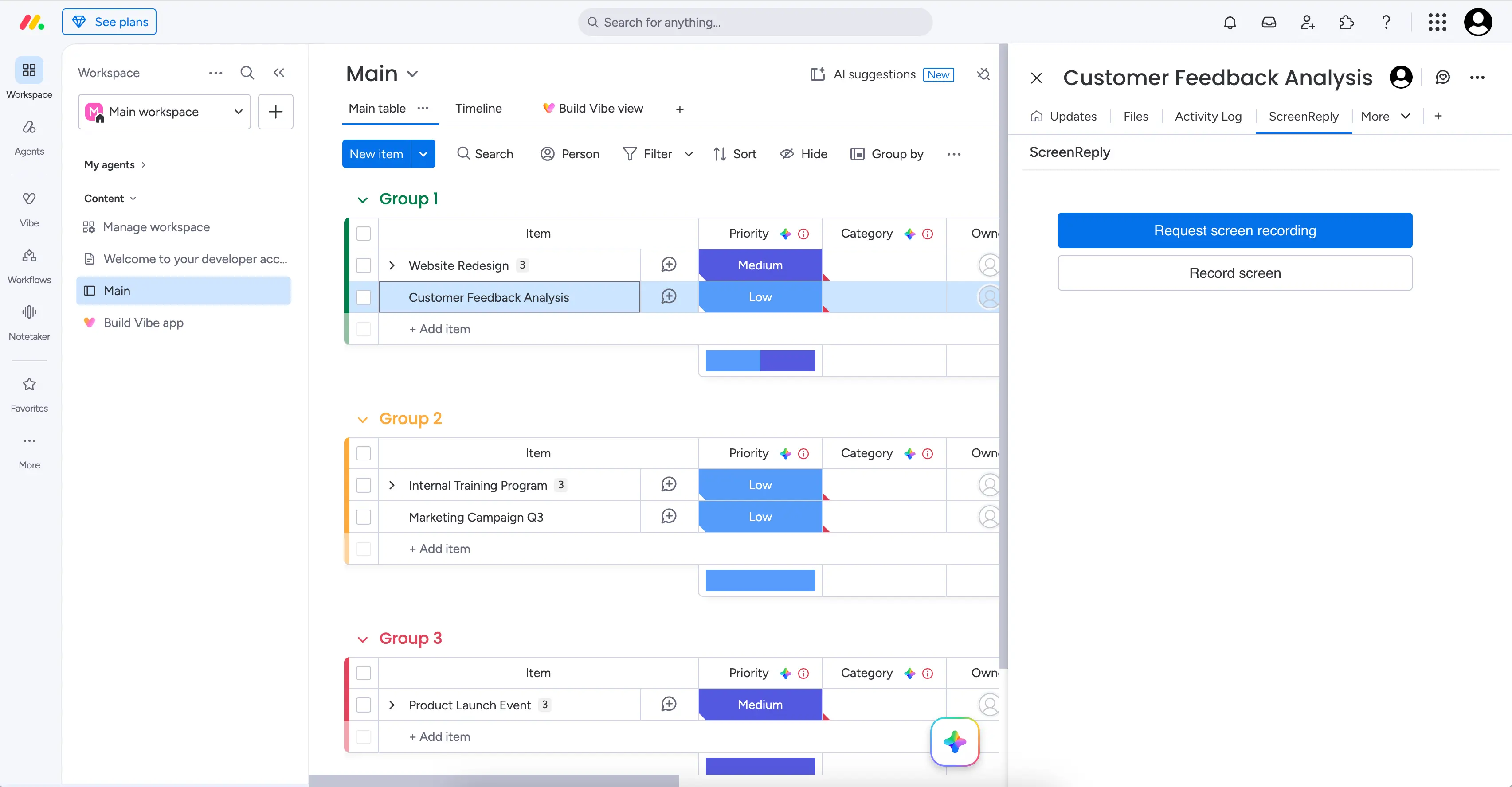
How to request a screen recording in Monday.com
Three steps from item to video — zero software installs required for your client. The perfect tool for customer support and agile project management.
Create links from any item
ScreenReply adds a dedicated Item View to your Monday.com items. Whether you are managing support tickets, bug reports, or client onboarding, your team can generate a unique recording request link with one click and share it anywhere.
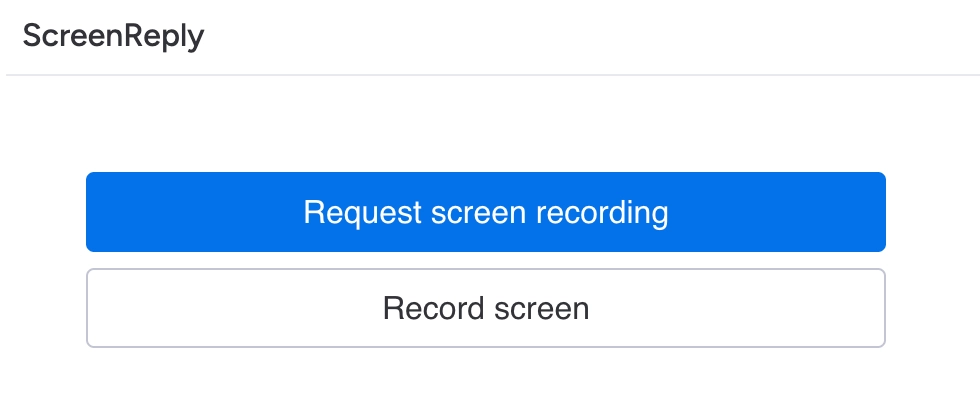
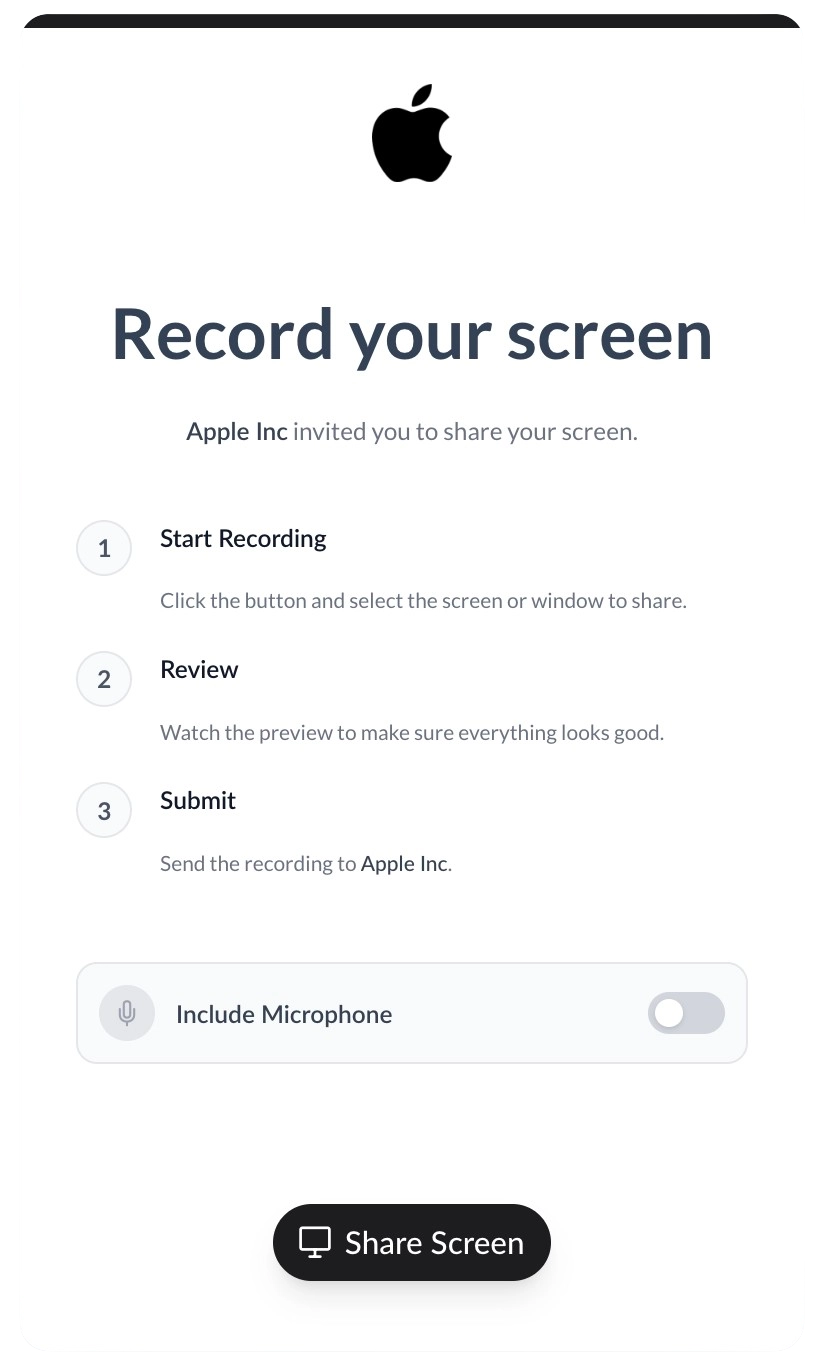
Maintain your brand identity
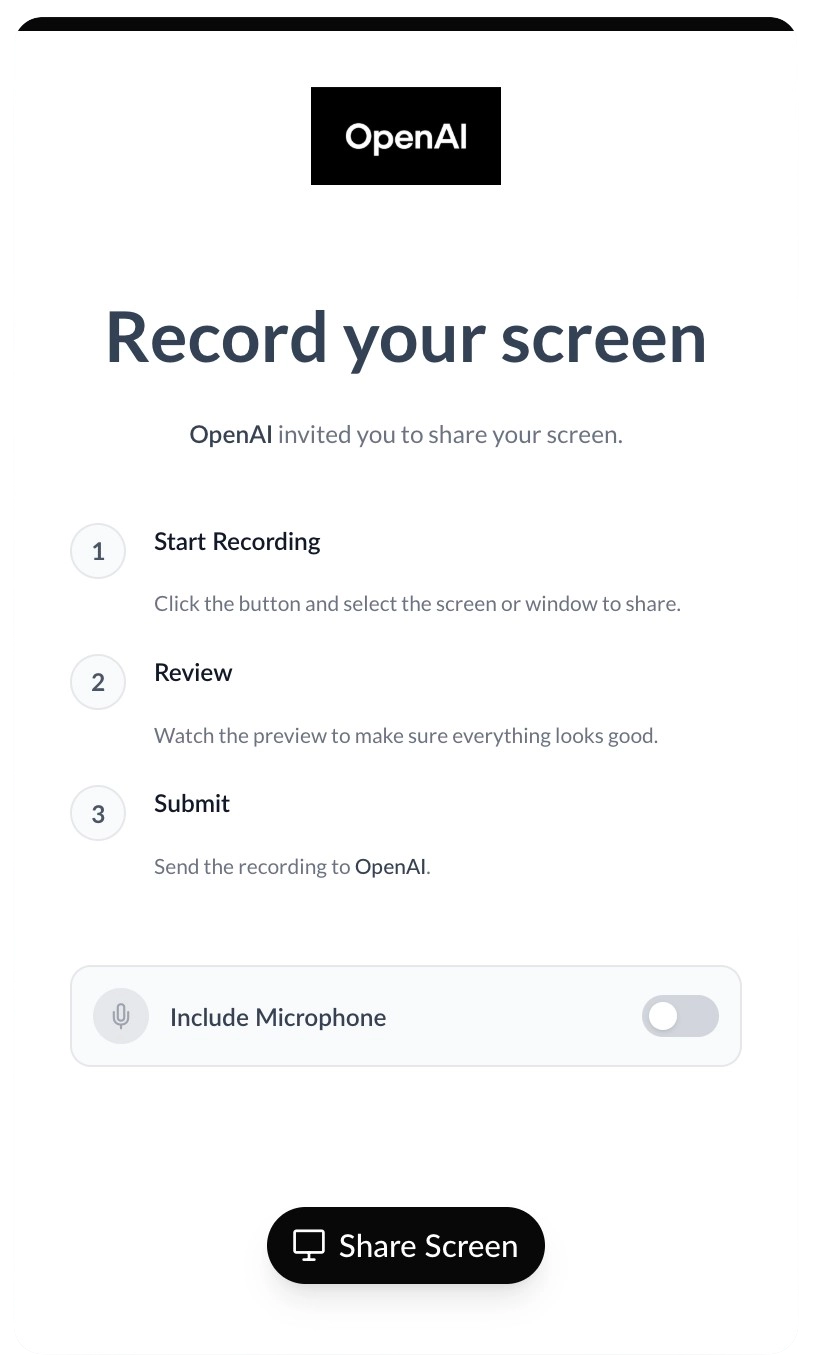
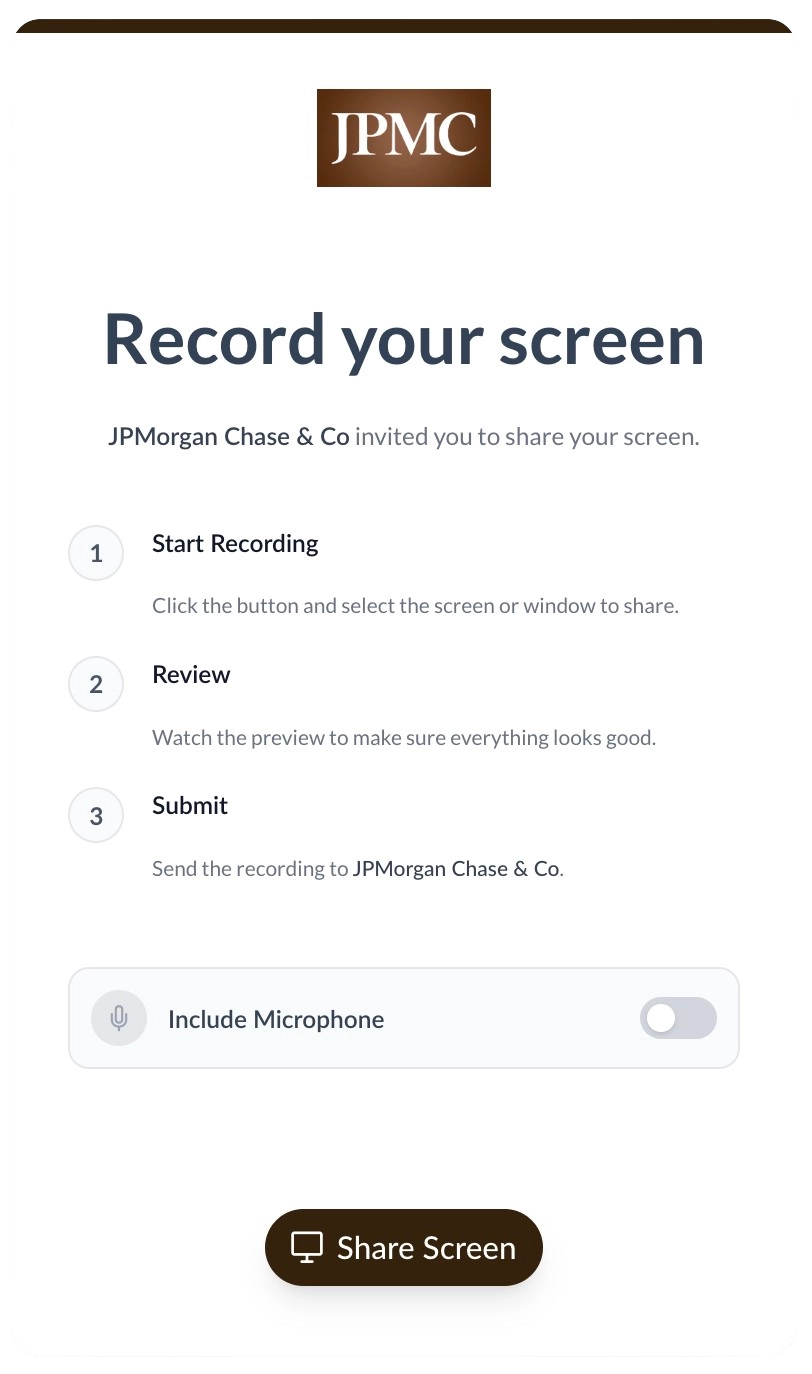
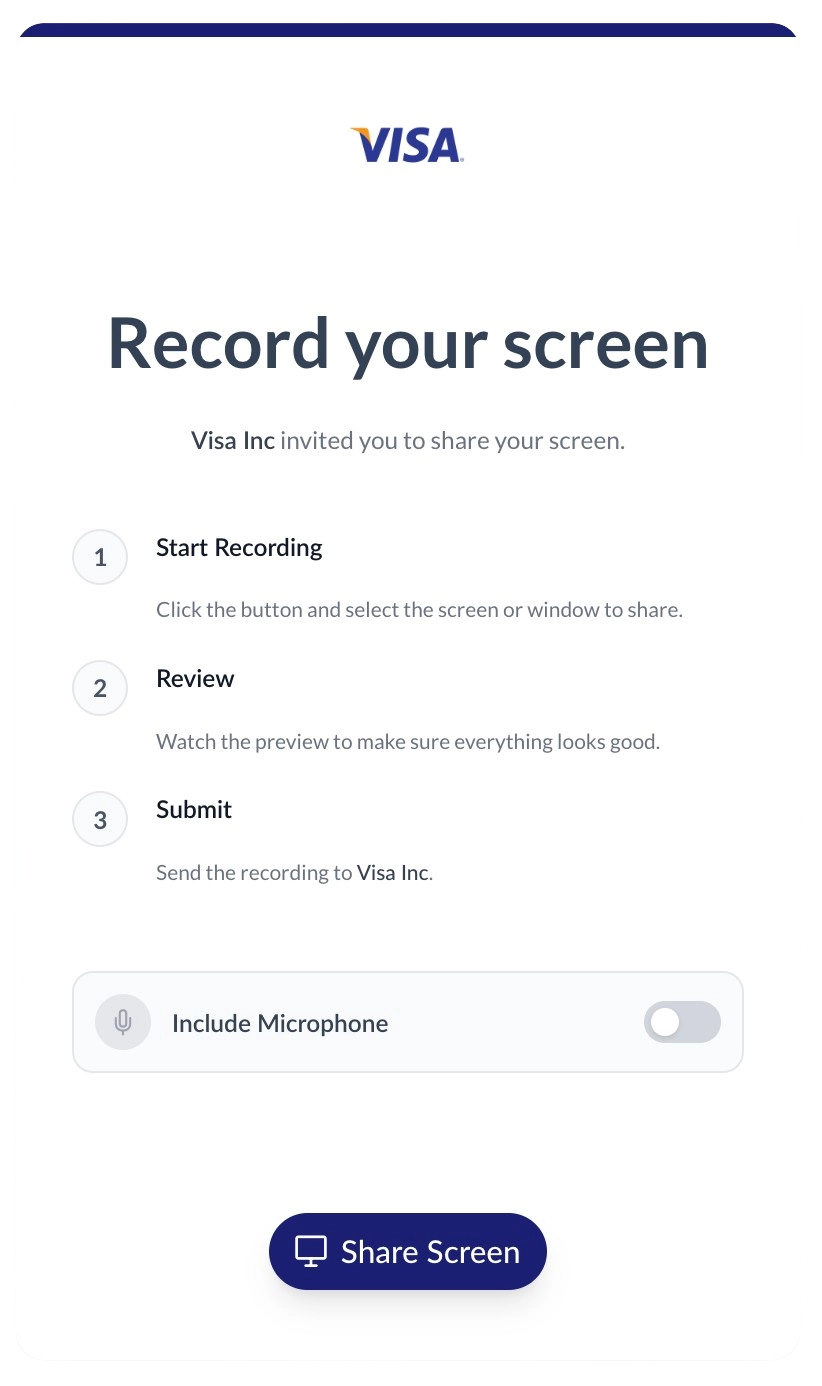
When clients click your request link, they capture their screen in a 100% white-labeled environment. Upload your logo, set your brand colors, and host the portal on your own custom domain to ensure a professional, trustworthy experience.
Review videos directly from Updates
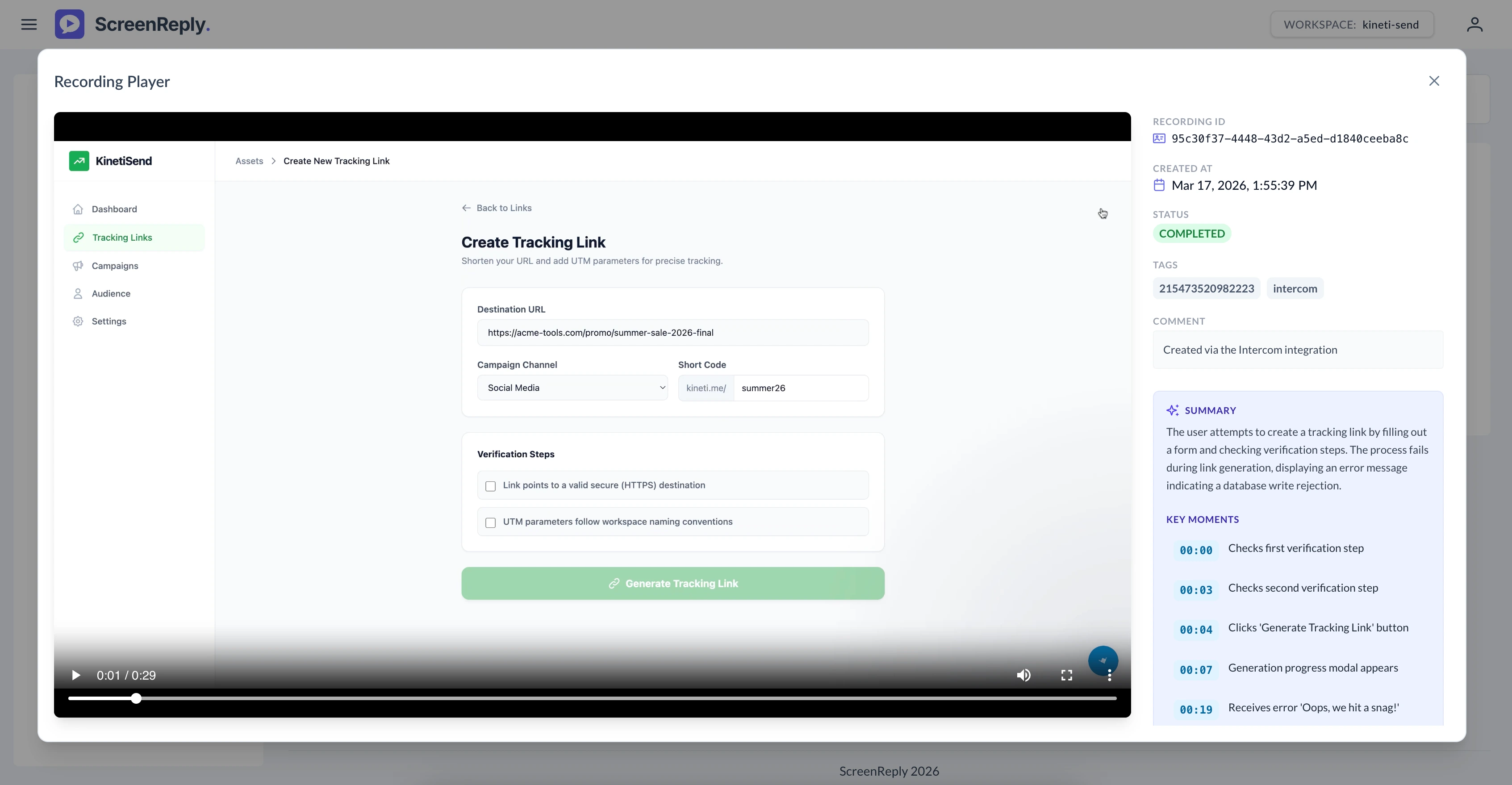
The moment a recording is submitted, ScreenReply publishes an Update to the associated Monday.com item. Your team can click the secure link to access the player, read an AI-generated text summary of the issue, and jump to specific timestamps.
Frequently Asked Questions
How do I request a screen recording from a client in Monday.com?
Generate a secure request link directly from the ScreenReply Item View within your Monday.com items. When the client clicks the link, they can instantly record their screen from their browser without installing extensions. Once submitted, the video and its AI summary are automatically pushed as a new Update to the item.
Which Monday.com products does this support?
The ScreenReply integration is built as an Item View app, meaning it can be added to any item across Monday work management, Monday sales CRM, and Monday dev boards.
Are recordings automatically logged to the item?
Yes! As soon as a client completes their recording, a new Update is automatically posted to the exact Monday.com item where the link was generated. This update contains the secure video link and an AI-generated text summary.
Do our clients need to install an extension to record?
No installations are necessary. Your leads, clients, and internal stakeholders simply click the secure link and record directly from their modern web browser (Chrome, Safari, Edge, Firefox).
Can we automate link generation using Monday.com automations?
While the Item View allows teammates to generate unique links manually for personalized communication, your technical team can also utilize our robust REST API via webhooks or platforms like Make.com to fully automate link generation within your Monday.com boards.
Ready to visually upgrade your Monday.com items?
Join the agile teams using ScreenReply for Monday.com to resolve bugs faster, improve support times, and communicate clearly.