Request & Share
Screen Recordings
Send a link to request a recording from your users, or capture your own screen to share a quick update. No apps or installations required.
14-day free trial. Unlimited recordings.
Easy steps to clarity
Stop the endless back-and-forth emails.
Request & Share Screen Recordings for Any Workflow
Replace endless text threads with instant video feedback. Help your clients and colleagues faster by seeing exactly what they see.
Customer Support
Stop asking external users to describe bugs in writing. Request a one-click video directly from Zendesk or Intercom to resolve SaaS issues on the first reply.
Software Teams
Stop the "cannot reproduce" cycle. Request native browser recordings with attached AI summaries to spot exact bugs and UI states instantly.
Account Management
Help non-technical users get the most out of your platform. Ask them to record their setup process to spot bottlenecks and ensure smooth onboarding.
IT Helpdesk
Support internal employees efficiently. When a colleague encounters a network error or software glitch, get a quick recording to see the issue firsthand.
MSP Providers
Accelerate tier-1 resolution times. Let clients securely record their screen when an application fails, auto-uploading the video directly to your PSA or ticketing system.
Full Control Over Your Video Infrastructure
Take absolute ownership of your video data and customer experience. Fully white-label your setup in just a few clicks—no coding required—or connect our API for advanced workflows.
100% White-Label App
Make the video platform your own. Remove all ScreenReply branding and provide a seamless, no-install experience that builds trust with your clients.
- Custom domains (video.yourbrand.com)
- Branded emails for video requests and shares
- Fully hidden ScreenReply watermarks
Custom S3 Video Hosting
Use our secure built-in hosting or connect your own S3 bucket. Storing screen recordings on your own infrastructure gives you complete ownership of customer data and ensures compliance.
- Connect any S3-compatible cloud bucket
- Complete video data ownership and privacy
- Scale recordings on your own infrastructure
Robust Screen Capture API
Automate your video workflows programmatically. Generate unique screen recording and request links on the fly and pipe the video data directly into your internal CRM or helpdesk.
- Create dynamic recording requests via API
- Retrieve MP4 video links and metadata
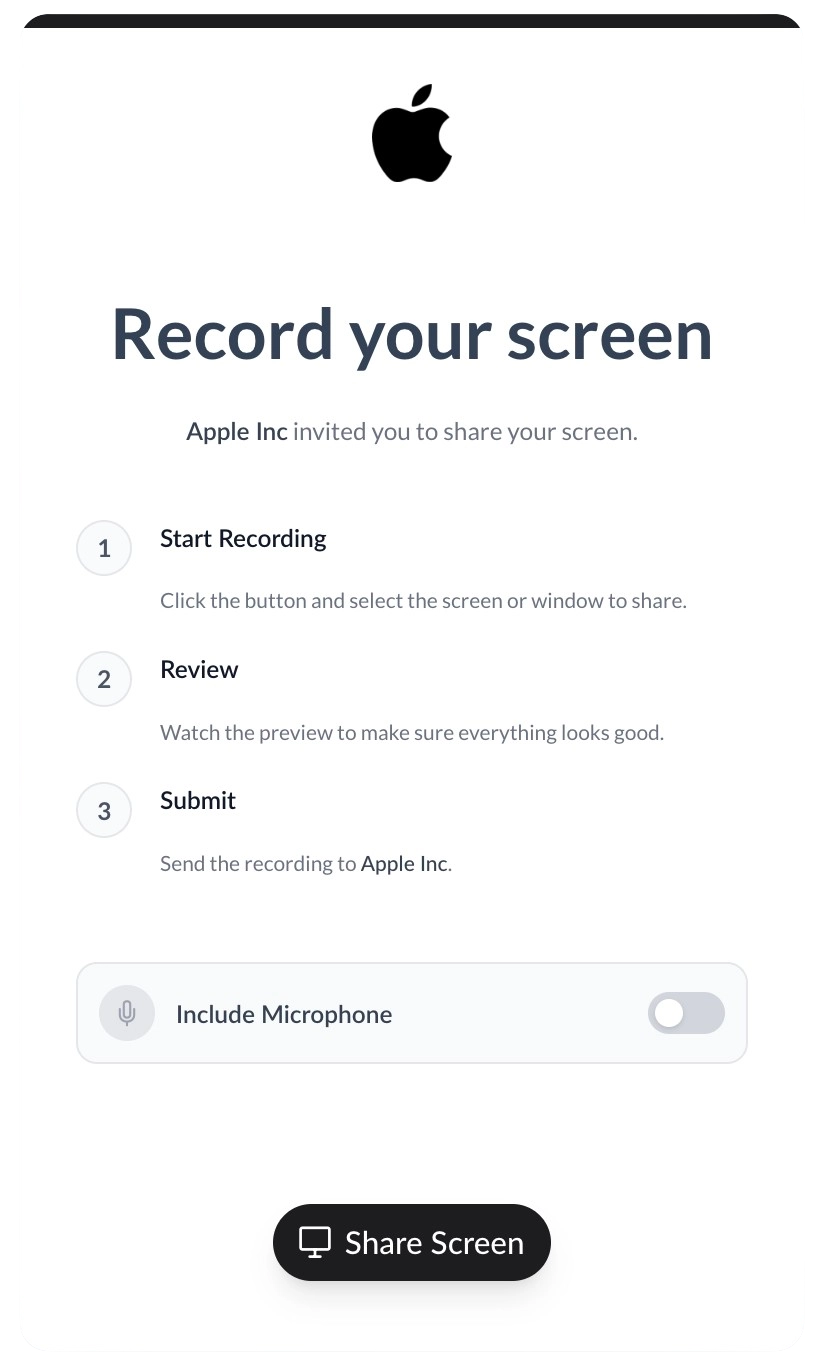
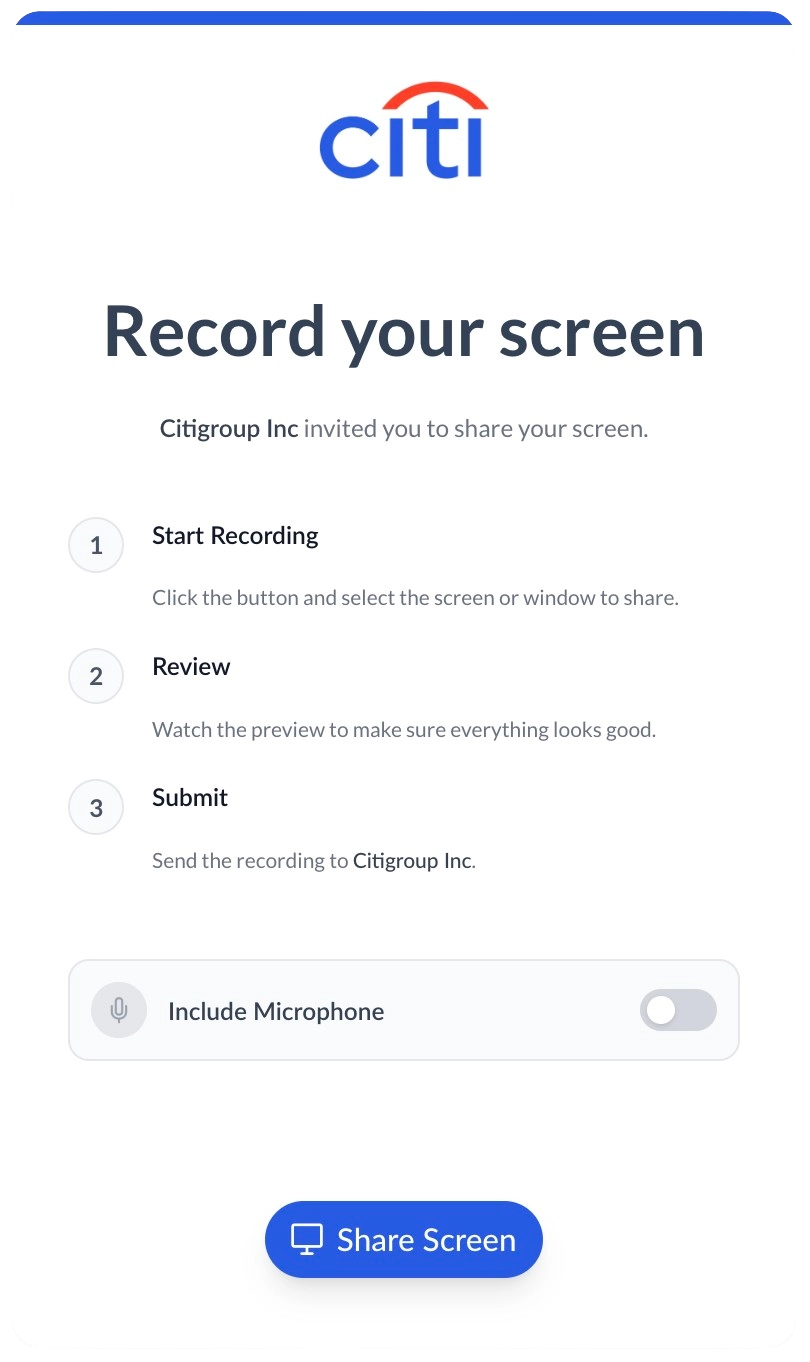
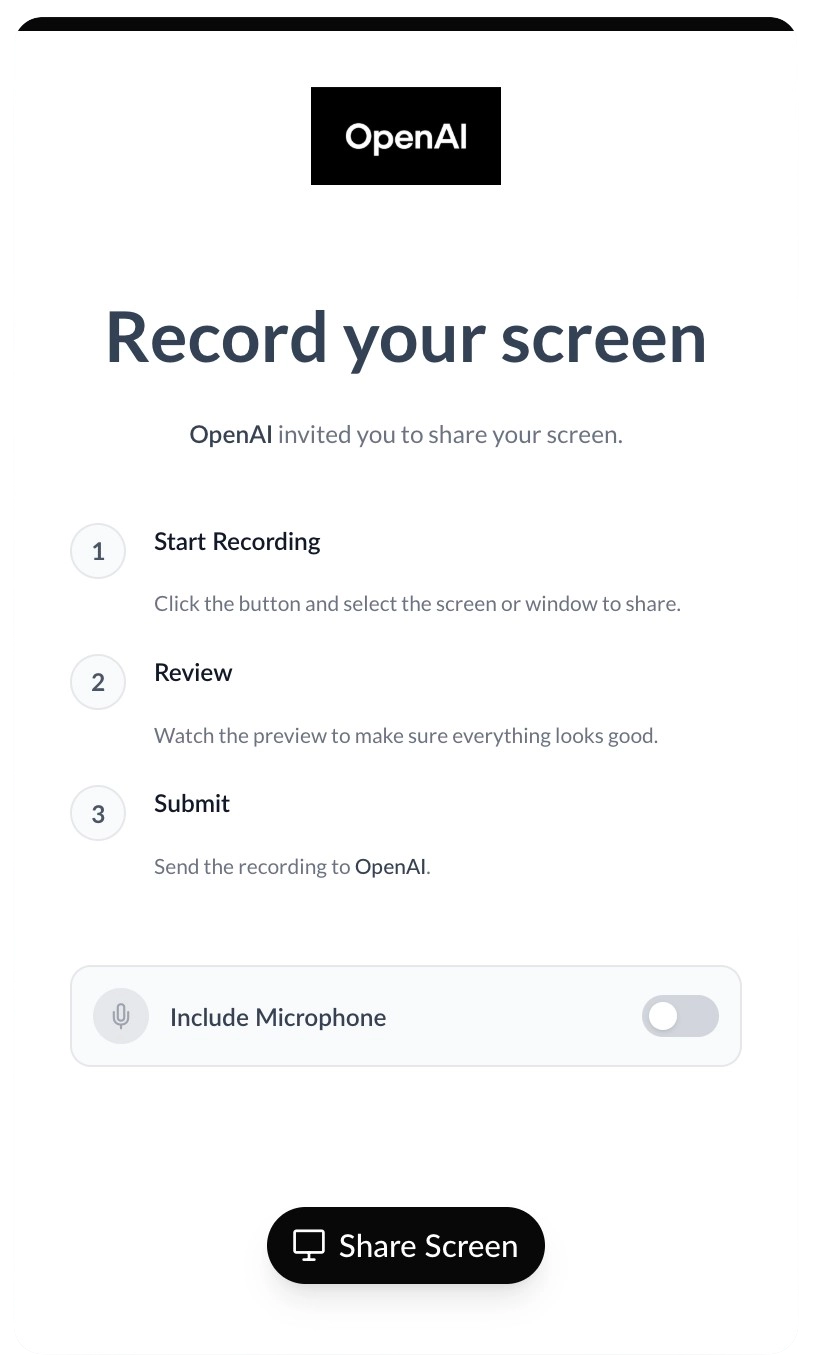
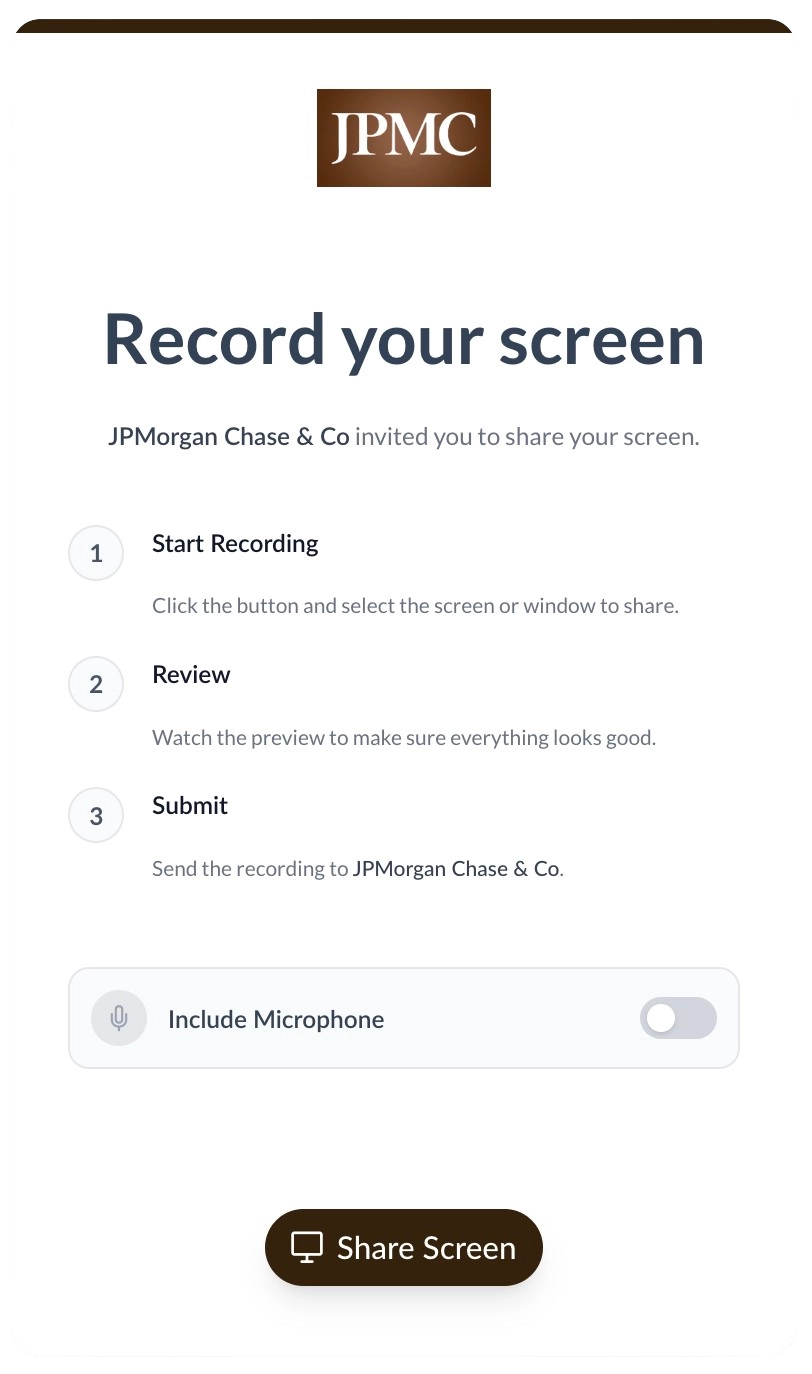
Seamless Brand Customization
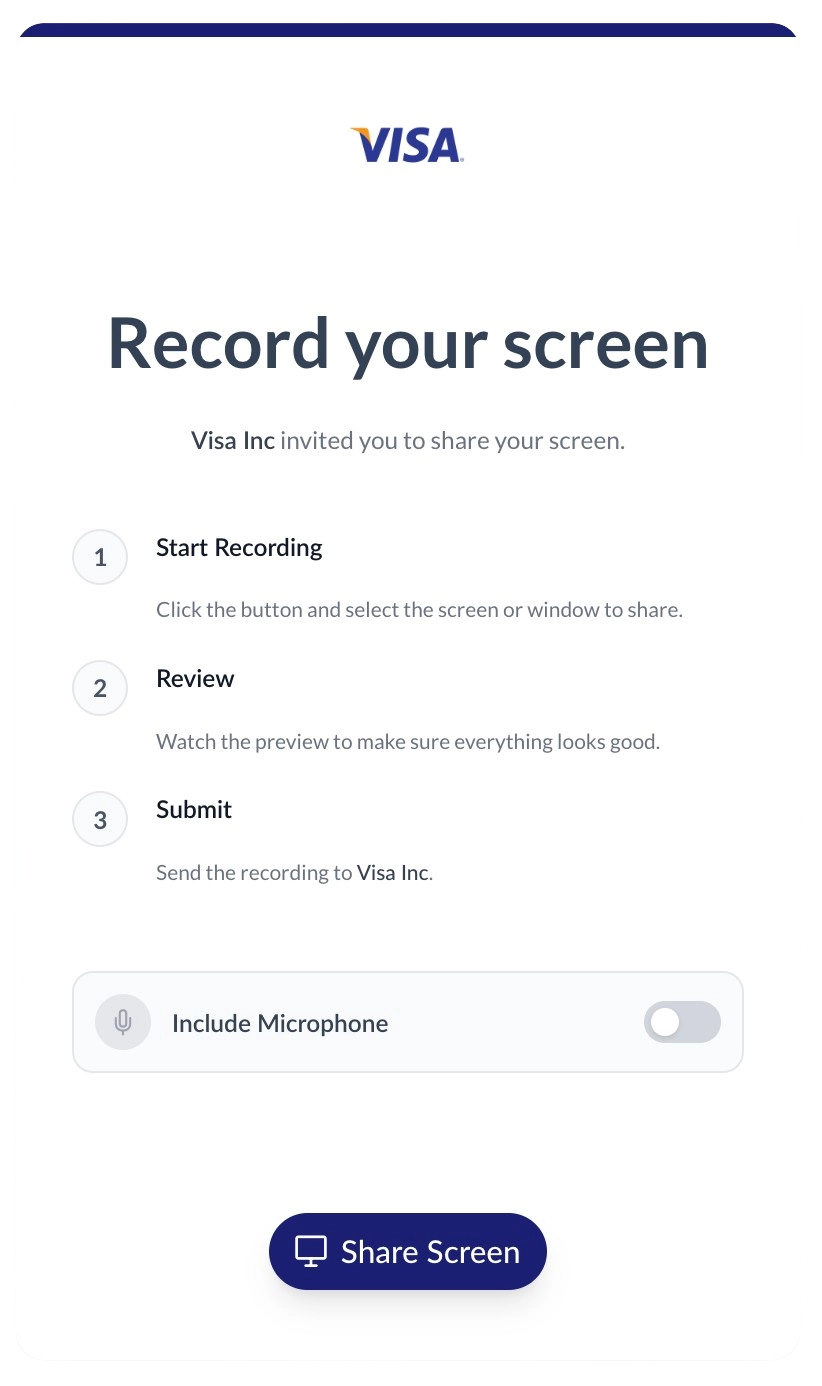
Customize the recording page to perfectly match your brand's look and feel, ensuring a consistent experience for your users.
Examples of how customized recording interfaces might look for different brands.
Request & Share Videos Directly From Your Favourite Tools
Integrate ScreenReply into your CRM or Helpdesk system. Record your screen to answer tickets, send recording requests to customers, and view AI-generated summaries without ever leaving your inbox.
Frequently Asked Questions
How much does it cost?
ScreenReply starts at $39 per month per workspace. Every workspace includes up to 5 users and an unlimited number of recordings. You can create as many workspaces as your team needs, each with its own subscription. See our pricing page for more details.
Is it only for requesting videos, or can I share my own screen recordings too?
ScreenReply works both ways! You can generate a request link to ask someone to record their screen for you, or you can capture your own screen and share the link with them.
Do users or recipients need to install any software or browser extensions?
No installations required! ScreenReply is 100% browser-based. The person receiving the video request link does not need to download any desktop apps or browser extensions. They just click and record.
Is the recording limited to just web browsers and web applications?
Users can capture absolutely anything visible on their screen. By choosing to share their entire desktop, they can record web apps, native desktop software, terminal windows, system settings, and more. They can even seamlessly switch between different programs during the same recording—and everything will be captured.
How long are recordings stored?
If you use our default cloud storage, recordings are securely kept for 60 days. If you connect your own S3-compatible storage (like AWS, Google Cloud, or DigitalOcean), your recordings are stored indefinitely.
Is there a maximum recording length?
Yes. Recordings hosted on our default storage are limited to 15 minutes per video. If you connect your own S3 bucket, the recording limit increases to 30 minutes per video.
Can I customize the recording page sent to clients?
Absolutely. You can apply custom branding to the client experience by uploading your logo, setting your company name, and choosing your brand colors so it seamlessly matches your corporate identity.
Do I have to watch every long recording?
Not at all. ScreenReply automatically generates AI-powered summaries with clickable timecodes for longer screen recordings. Read a quick text recap and jump straight to the issue.
Do you support corporate SSO/SAML authentication?
Yes, we support enterprise authentication via Active Directory (SSO, SAML). Please contact our sales team to get this configured for your organization.
Do you have native integrations with other tools?
Yes! We offer direct integrations with popular helpdesks and communication platforms like Intercom, Zendesk, Front, Help Scout, and more. To see the full list and their current availability, please check out our Integrations page.
Can I build a custom integration with my internal CRM?
Yes! We offer a robust API to seamlessly integrate screen recording workflows into your own custom CRM, bug tracking system, or internal tools. Check out our API documentation to learn more.
We want to make communication more effective.
They say it’s better to see something once than to hear about it a hundred times. We truly believe in that.
Communication shouldn't require 10 screenshots or email threads that drag on for days. We built ScreenReply to allow anyone to simply reply with what's happening on their screen in the easiest way possible, so you can see the context and move forward faster.
By leveraging modern AI tools, we’ve made this process even more efficient and pleasant.
Give it a try, and let us know what you think.
Alex Bar
Founder, ScreenReply
Stop Guessing. Start Requesting & Sharing Videos.
Resolve issues faster by letting users show you the problem, or capture your screen to guide them. No installs, no extensions, just simple links to capture screens.
14-day free trial. Unlimited recordings.