Screen Recording for Front:
Let Clients Share Their Screen
Instantly request screen recordings with a simple link, without leaving the Front composer. Once a client finishes recording, the secure video link is automatically saved as an internal comment in the conversation. Zero software installs required.
A picture is worth a thousand emails
Stop asking clients to describe what they see. Let them show you, and help your team resolve complex issues on the first reply.
Insert via the Composer
Teammates can insert a unique recording link straight into their email drafts using the ScreenReply plugin panel. No switching tabs or juggling external apps.
Zero-Friction for Clients
Your clients receive the link in their email thread and can instantly record their screen. No browser extensions, logins, or software downloads required.
Collaborate & Resolve
An internal comment with a secure link is added straight to your Front conversation. Click it to open the ScreenReply player to watch the video, read the AI summary, and use clickable timestamps.
Built for collaborative teams
You don't need to change how your support or success teams work. ScreenReply integrates seamlessly into your existing Front workspaces.
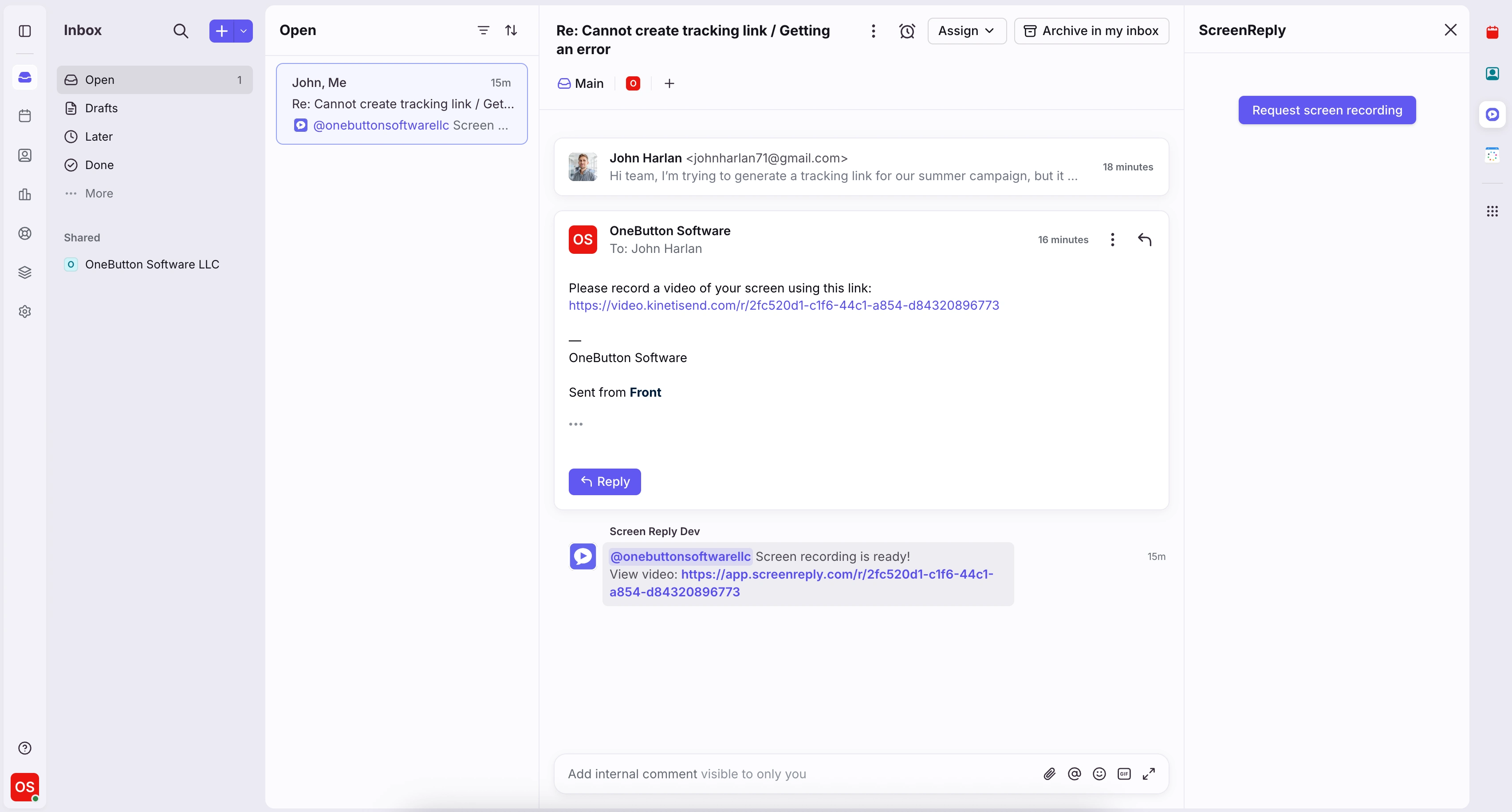
How to request a screen recording in Front
Request screen recordings in three simple steps — zero software installs required for your client. Perfect for collaborative customer support and high-touch account management workflows.
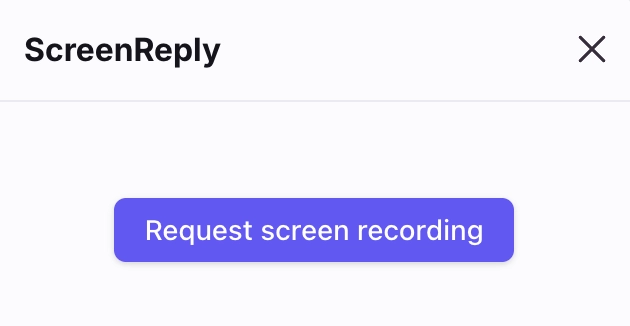
Insert links via the Composer
The ScreenReply app lives directly in the plugin panel of your Front inbox. Teammates can generate a recording request link and drop it into their email reply with a single click.
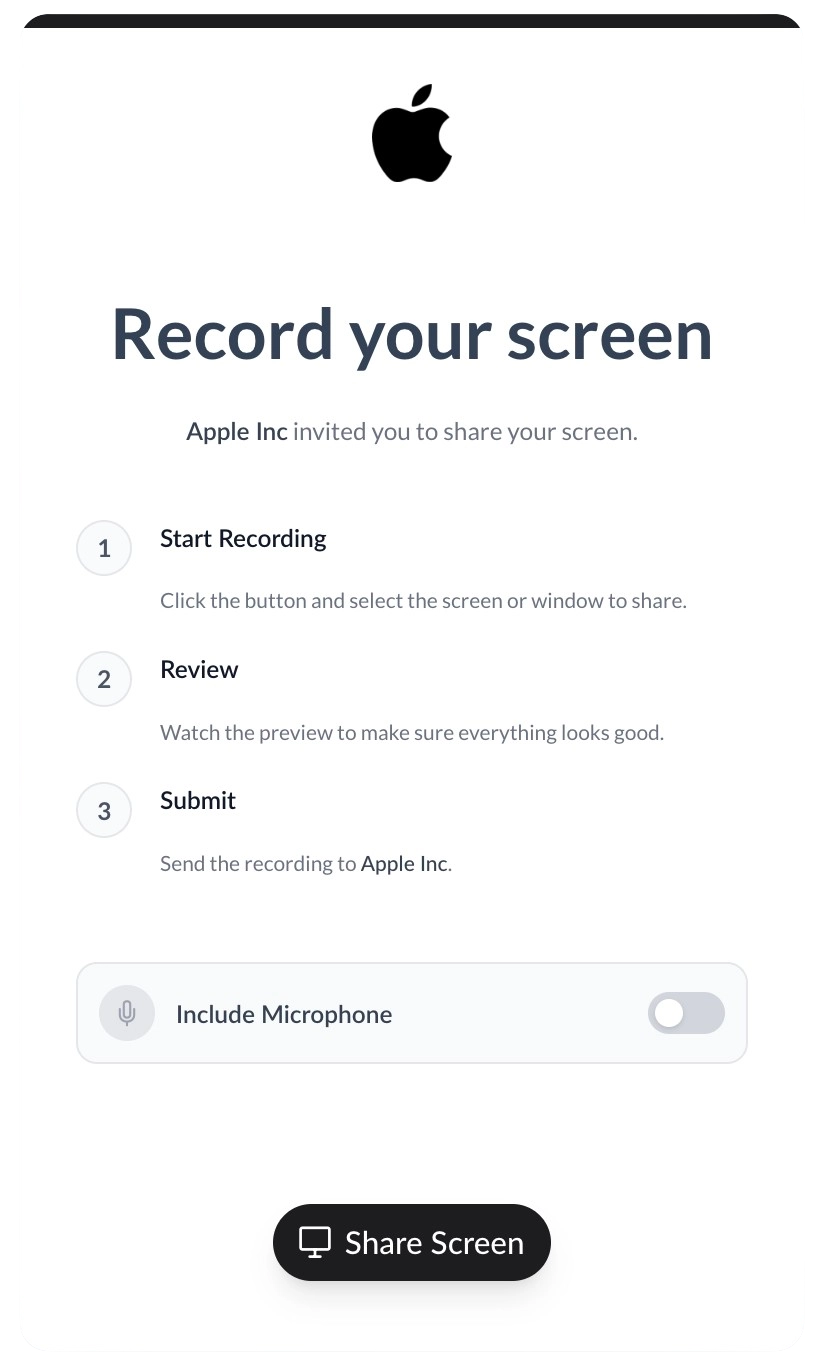
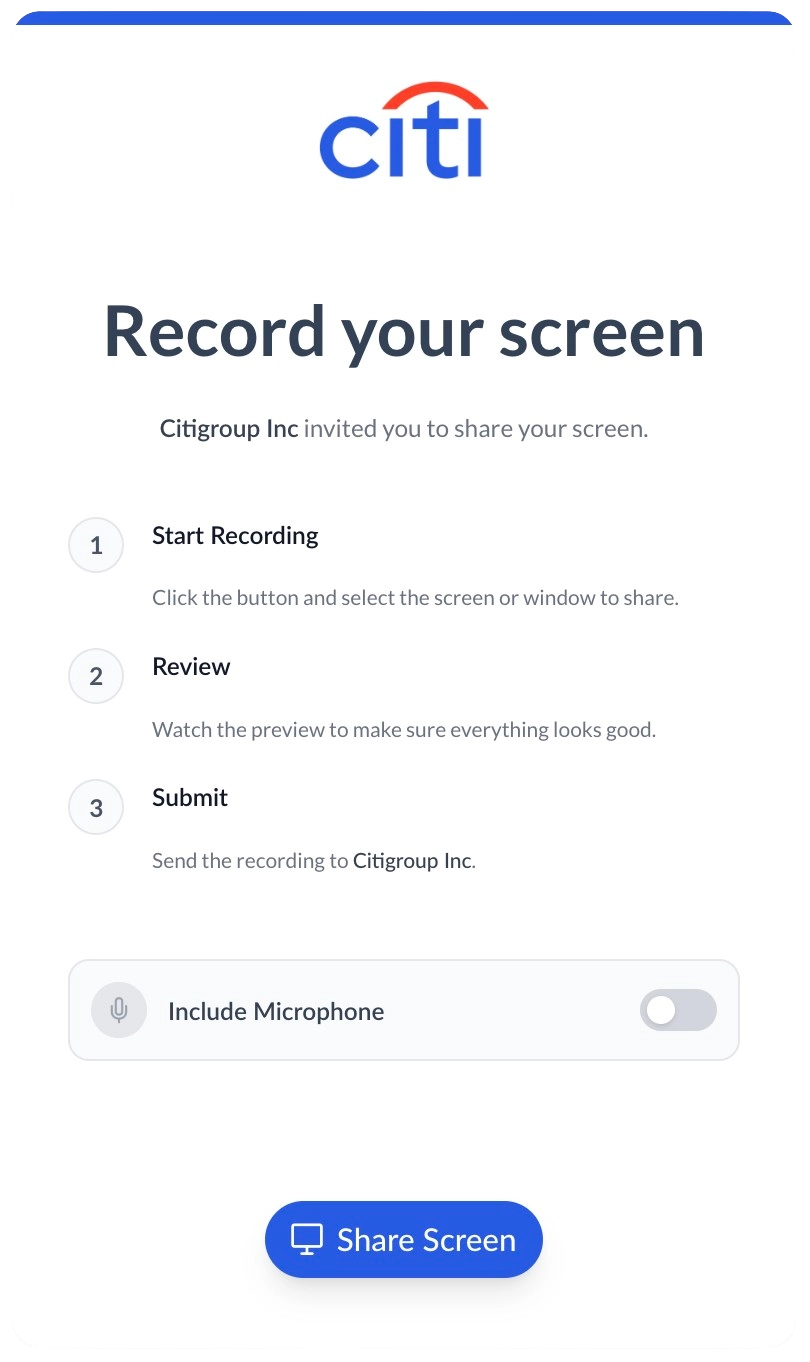
Deliver a premium, white-labeled experience
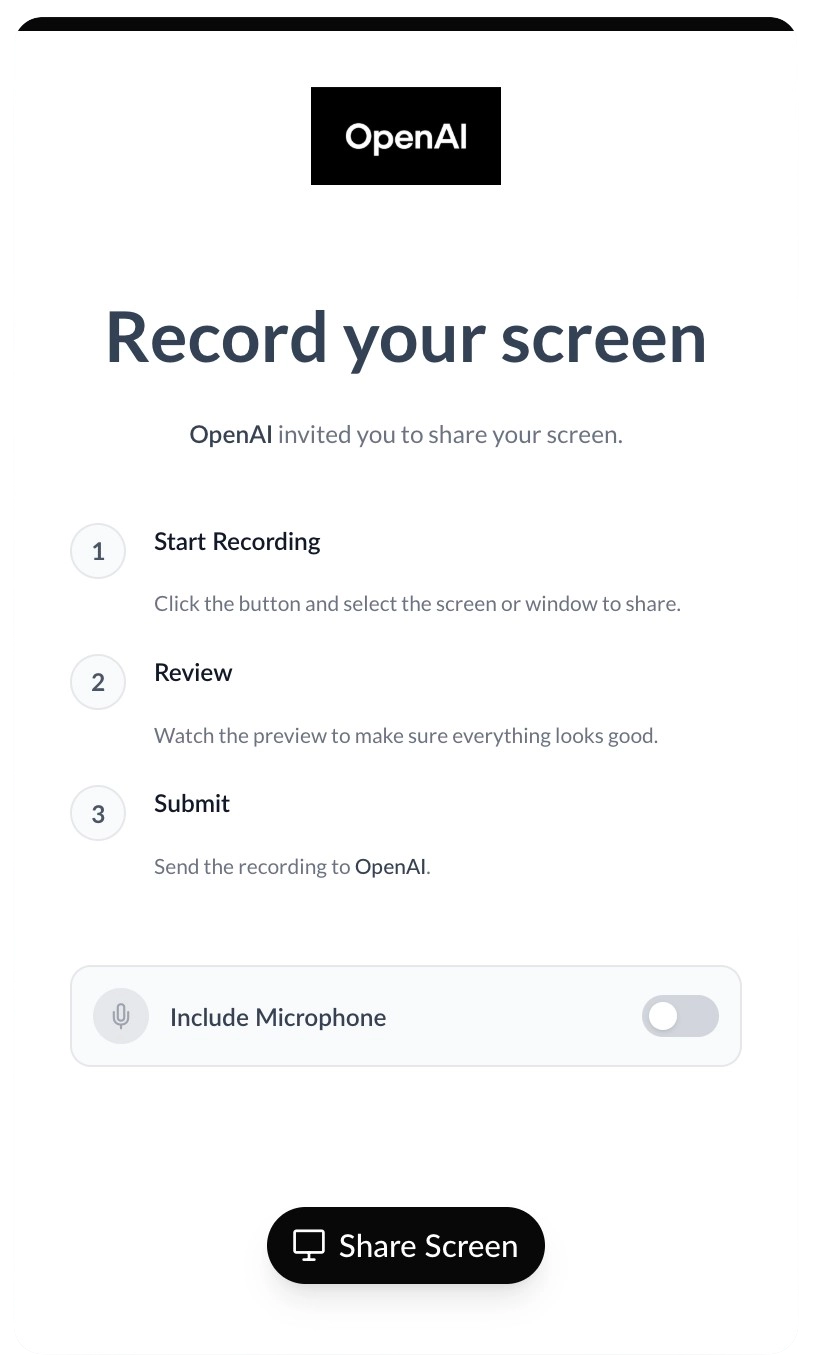
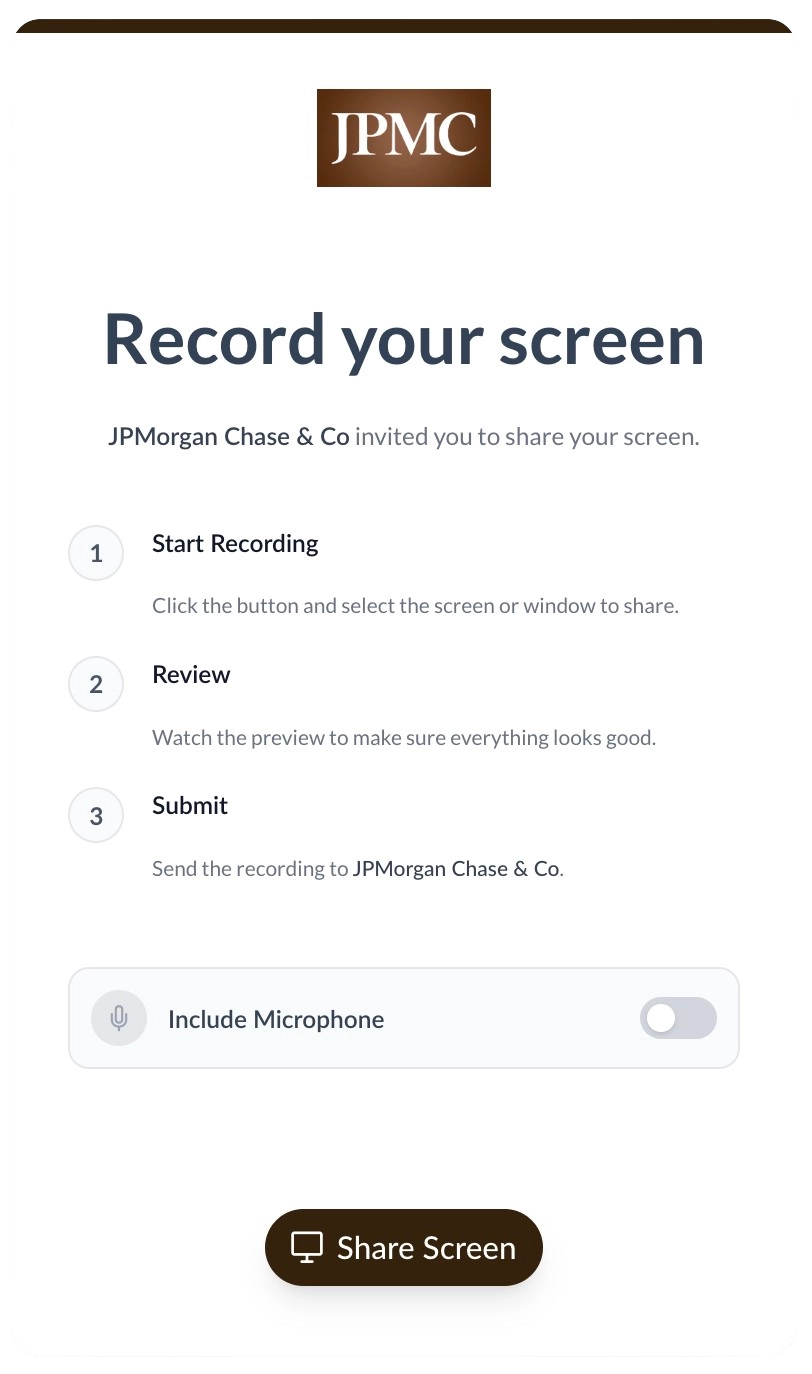
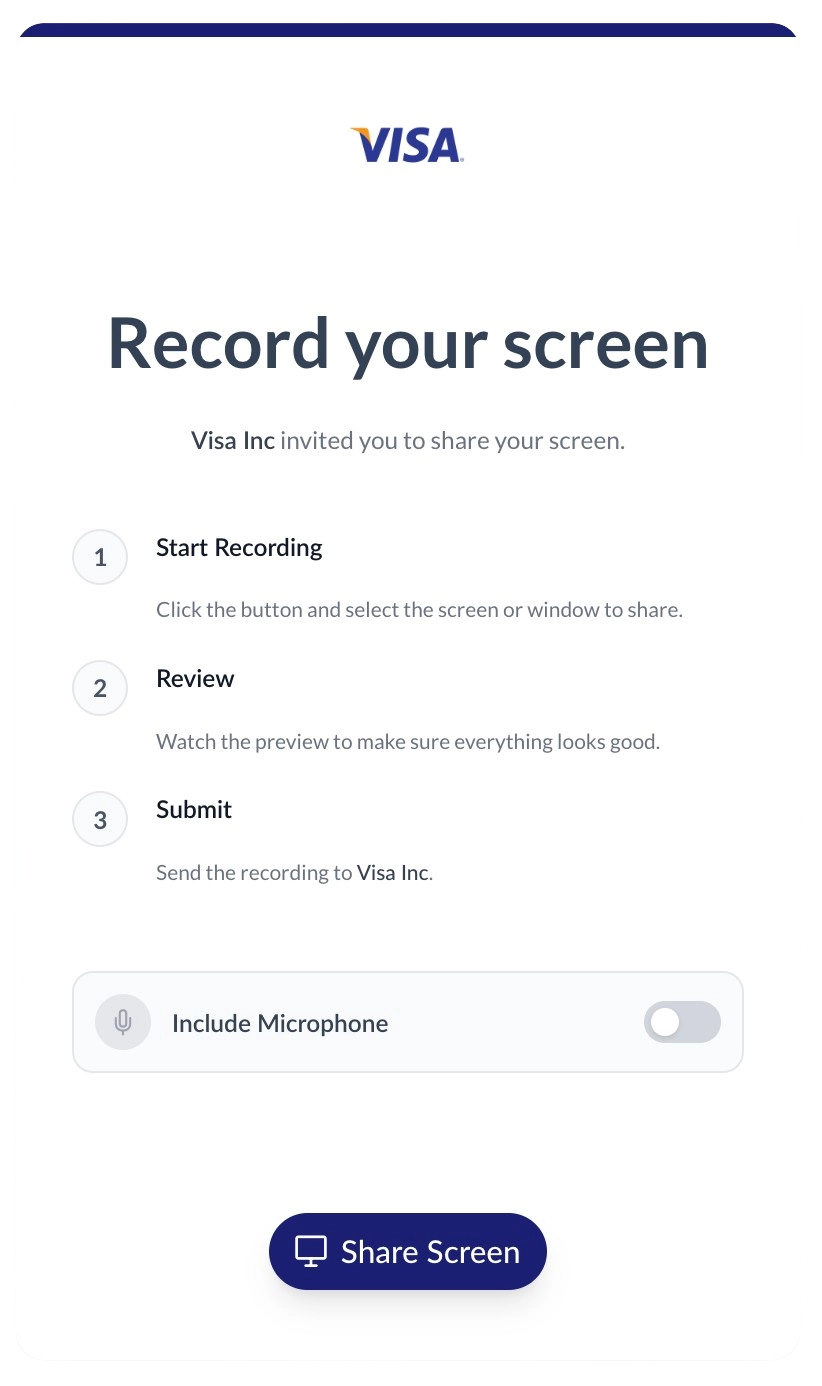
When clients click your request link, they record their screen in a 100% branded environment. Upload your logo, customize your brand colors, and host the recording portal on your own custom domain to build trust.
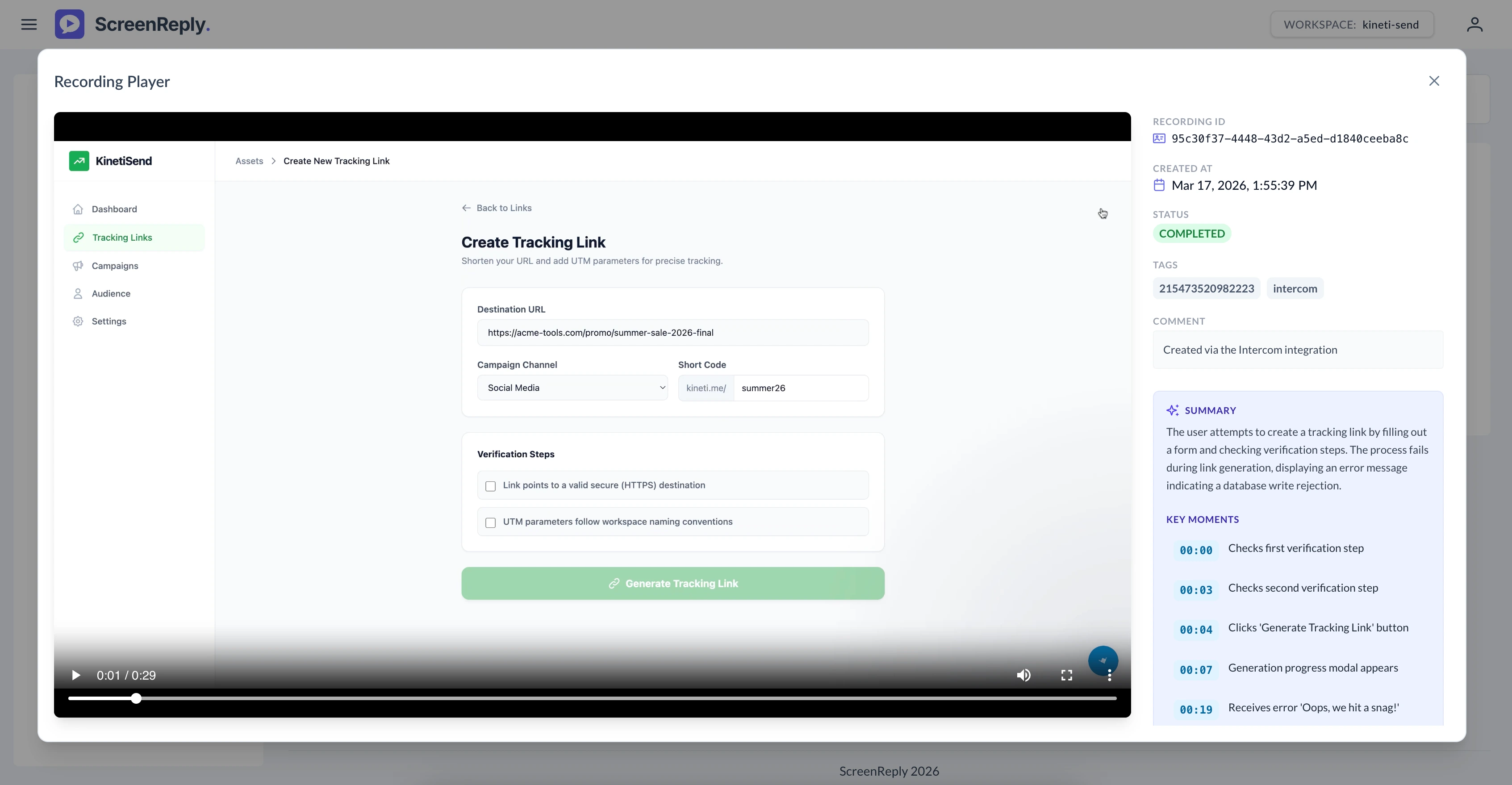
Review video and AI summary via link
Once the recording is submitted, an internal comment with a direct link is automatically pushed to the Front conversation. Teammates can click the link to access the ScreenReply dashboard, where they can watch the video, read the AI-generated text summary, and jump to specific timestamps.
Frequently Asked Questions
How do I request a screen recording in Front?
Generate a secure recording link directly from the ScreenReply app in your Front plugin panel. When the client clicks the link in your email, they can instantly record their screen from their browser without installing any extensions. Once finished, an internal comment with a direct link is automatically added to the conversation. Teammates can click this link to view the video and its AI summary in the dedicated ScreenReply player.
Does this work in the Front desktop app?
Yes! The ScreenReply integration works perfectly across both the Front web browser application and the native desktop apps for macOS and Windows. The plugin panel experience is identical across platforms.
Can multiple teammates watch the same recording?
Absolutely. When a client submits a video, a secure link to the recording is posted as an internal comment in your Front shared inbox. Anyone on your team with access to that conversation can click the link to view the video and AI summary in the ScreenReply player.
Do our clients need to install an extension?
No. Clients just click the link in your email and record straight from their browser. It works flawlessly on modern browsers like Chrome, Edge, Safari, and Firefox completely out of the box.
Can we trigger recording requests using Front Rules?
Currently, unique recording links are generated manually by teammates via the plugin panel to ensure personalized support. However, we provide a robust REST API if your engineering team wants to build custom automated workflows or rules.
Ready to visually upgrade your Front inbox?
Join the collaborative teams using ScreenReply and Front to resolve complex issues faster and eliminate confusing email chains.