HubSpot Screen Recording:
Let Clients Share Their Screen
Instantly request screen recordings with a simple link, without leaving HubSpot. Once a client finishes recording, the secure video link is automatically synced to the CRM timeline. Zero software installs required.
A picture is worth a thousand emails
Give your sales and support teams the visual context they need to close deals faster and resolve tickets on the first reply.
Multi-Object Support
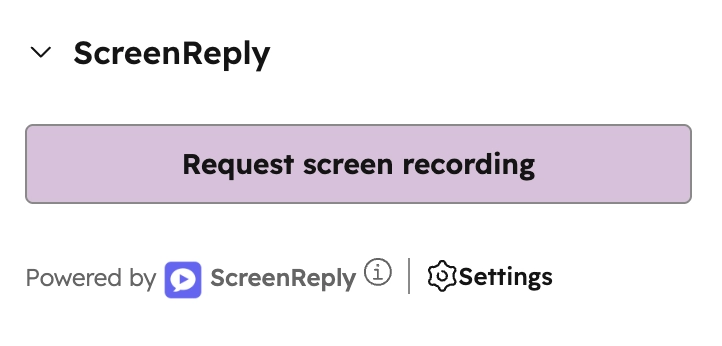
Generate secure recording request links natively from the right sidebar of any Contact, Deal, Company, or Ticket record in HubSpot.
Zero-Friction for Clients
Clients click your link and capture their screen instantly. No software downloads, browser extensions, or account sign-ins required on their end.
Timeline Sync & AI Summaries
When a video is submitted, an engagement event is automatically synced to the HubSpot timeline, complete with an AI-generated text summary and a secure viewing link.
Seamlessly integrated into your CRM
No need to switch between tabs or search for external tools. ScreenReply is available as a CRM Card right where your revenue and support teams already work.
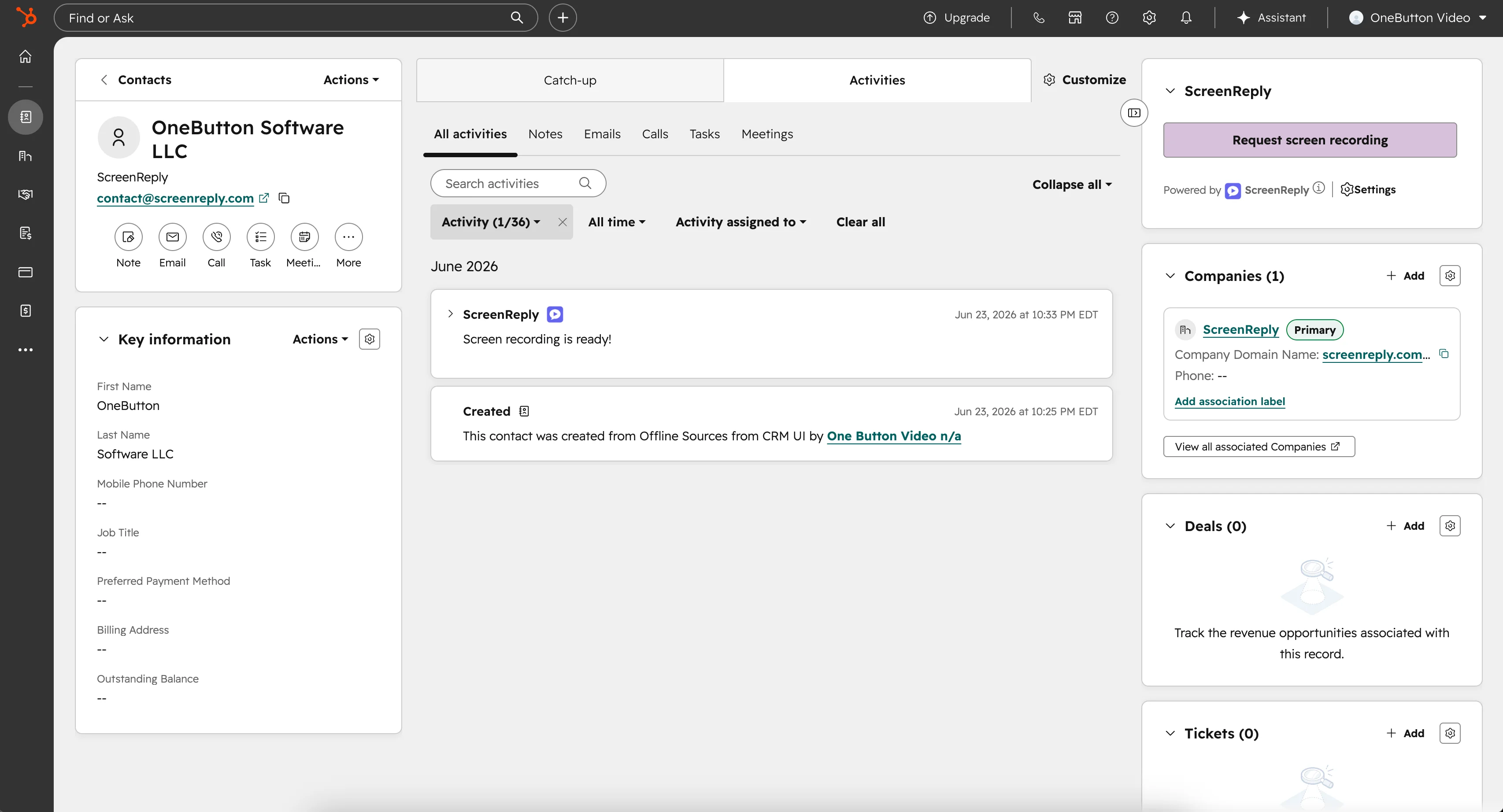
How to request a screen recording in HubSpot
Three steps from CRM record to video — zero software installs required for your client. The perfect screen recorder for account managers.
Create links from any HubSpot record
ScreenReply adds a dedicated UI extension to the right sidebar of your HubSpot records. Whether you are working in Contacts, Companies, Deals, or Service Hub Tickets, your team can generate a unique recording request link with one click and drop it into their email draft.
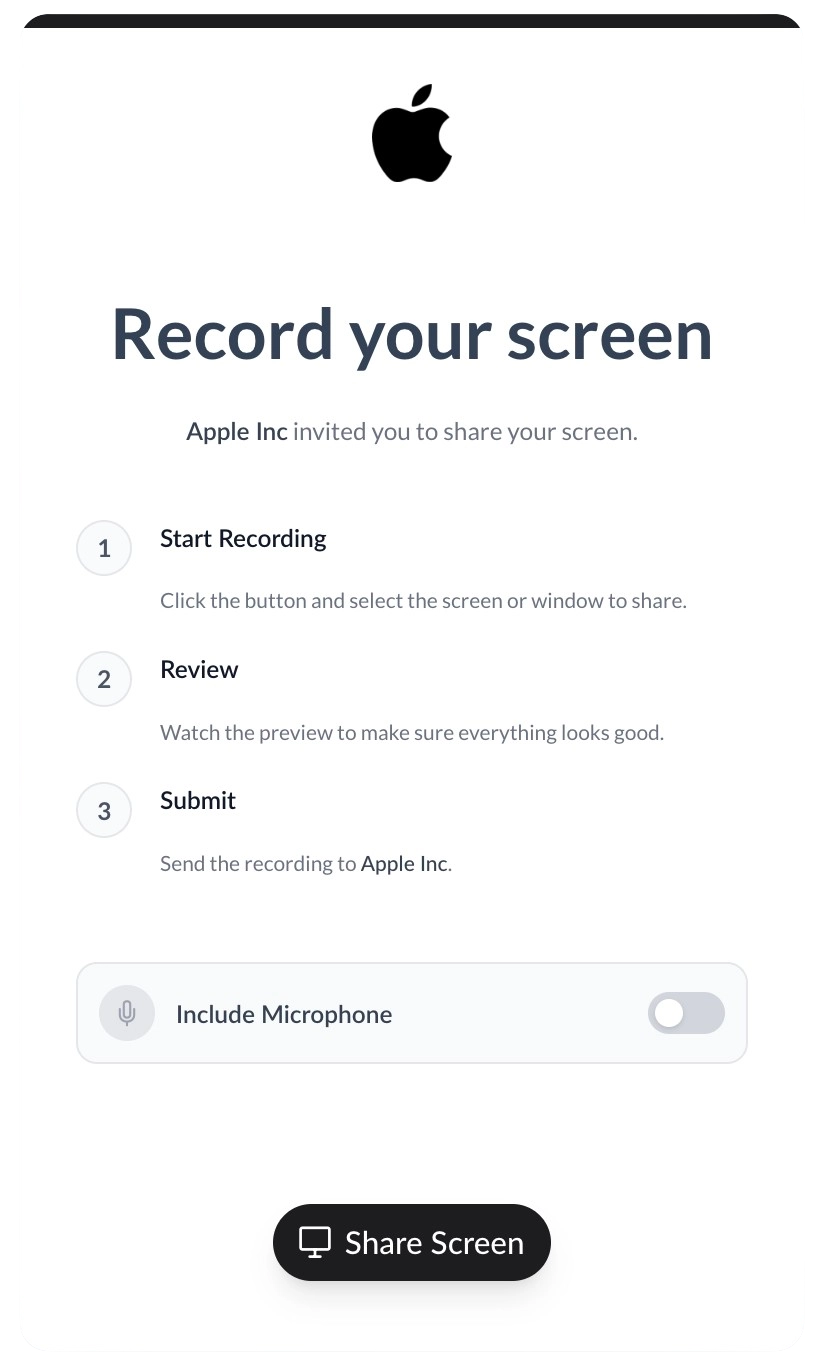
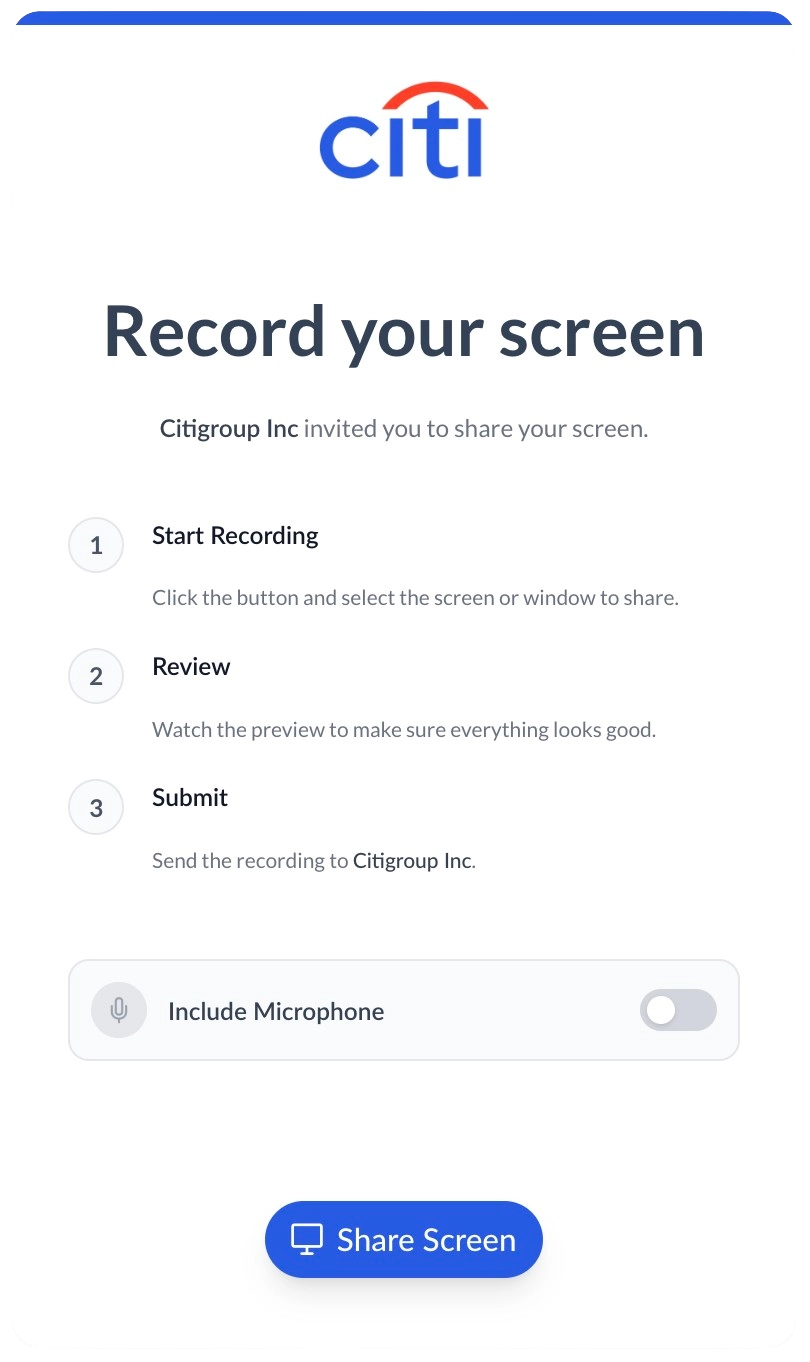
Maintain your brand identity
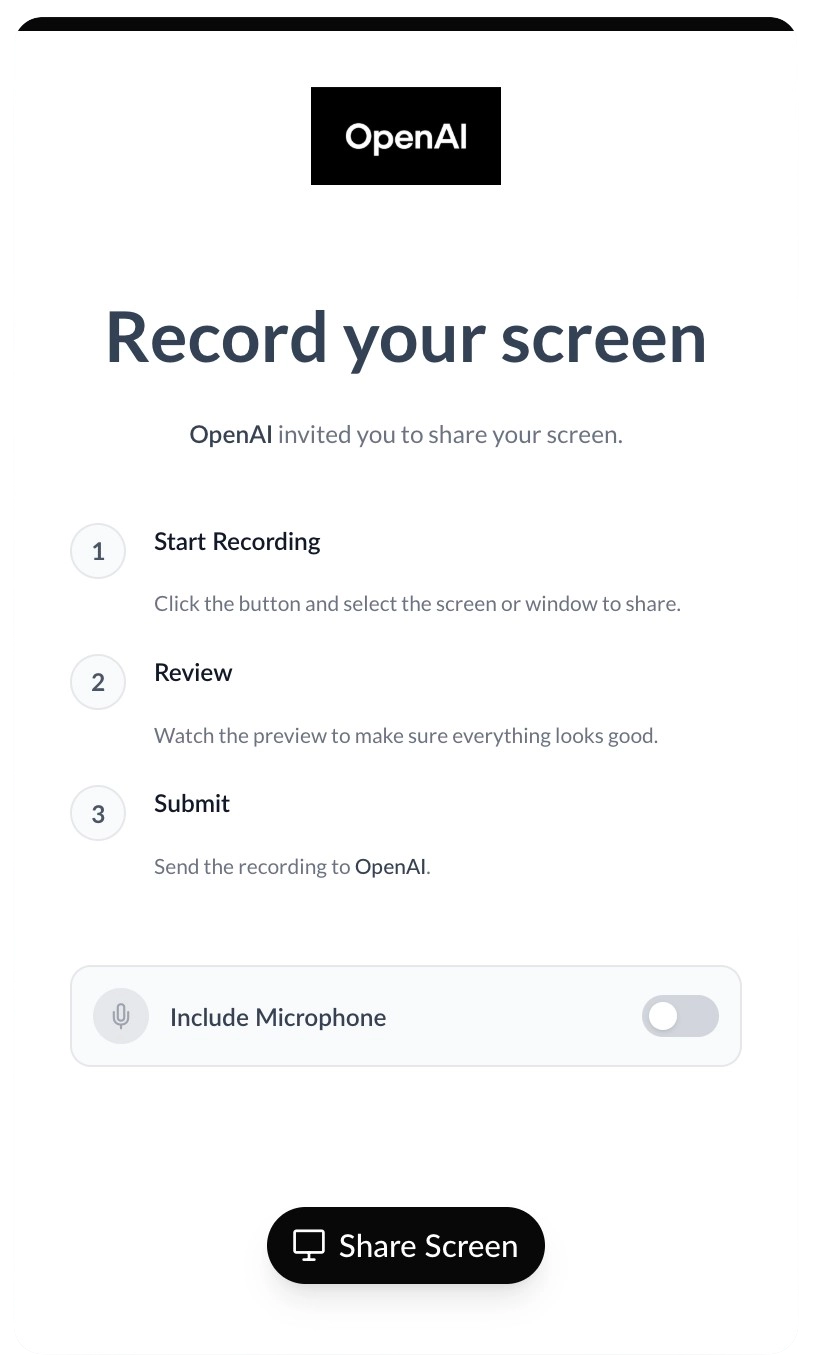
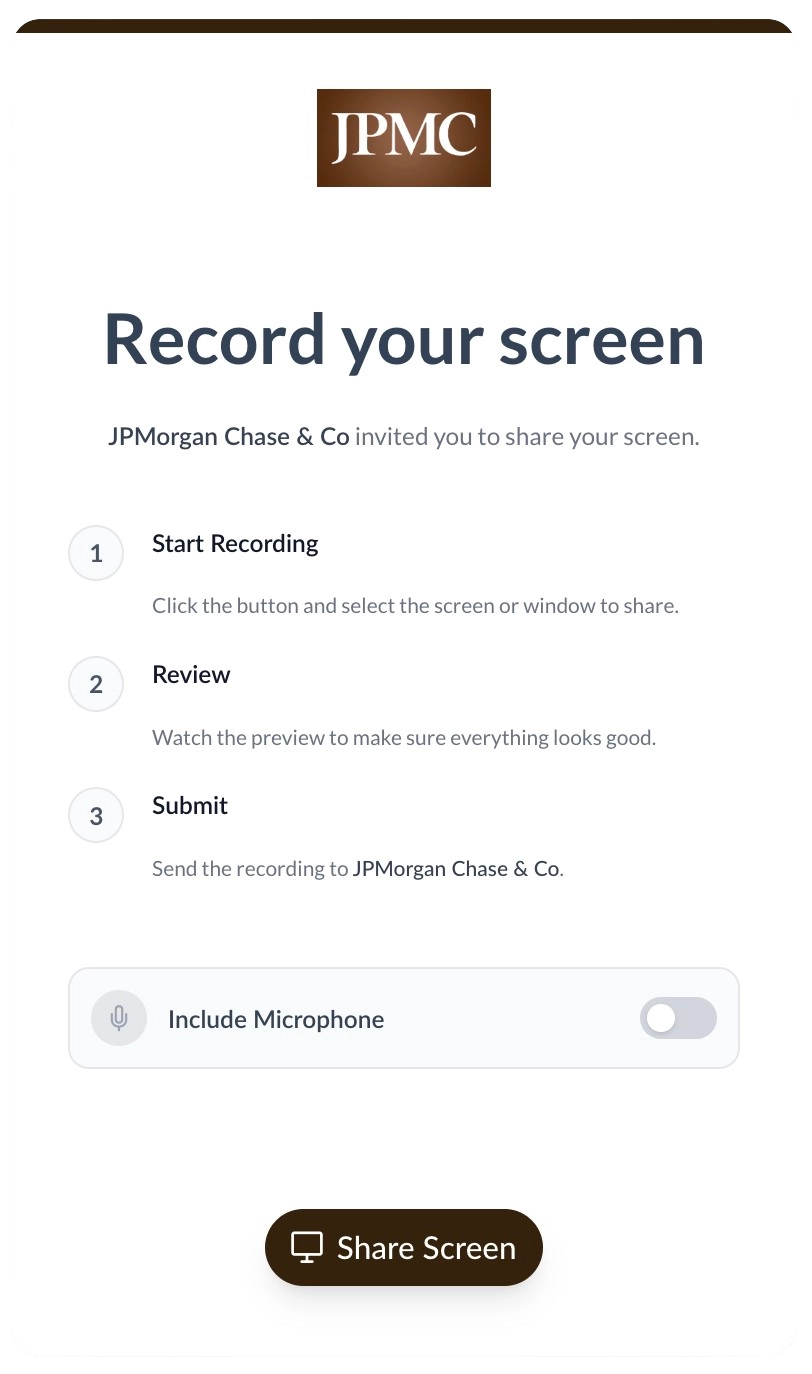
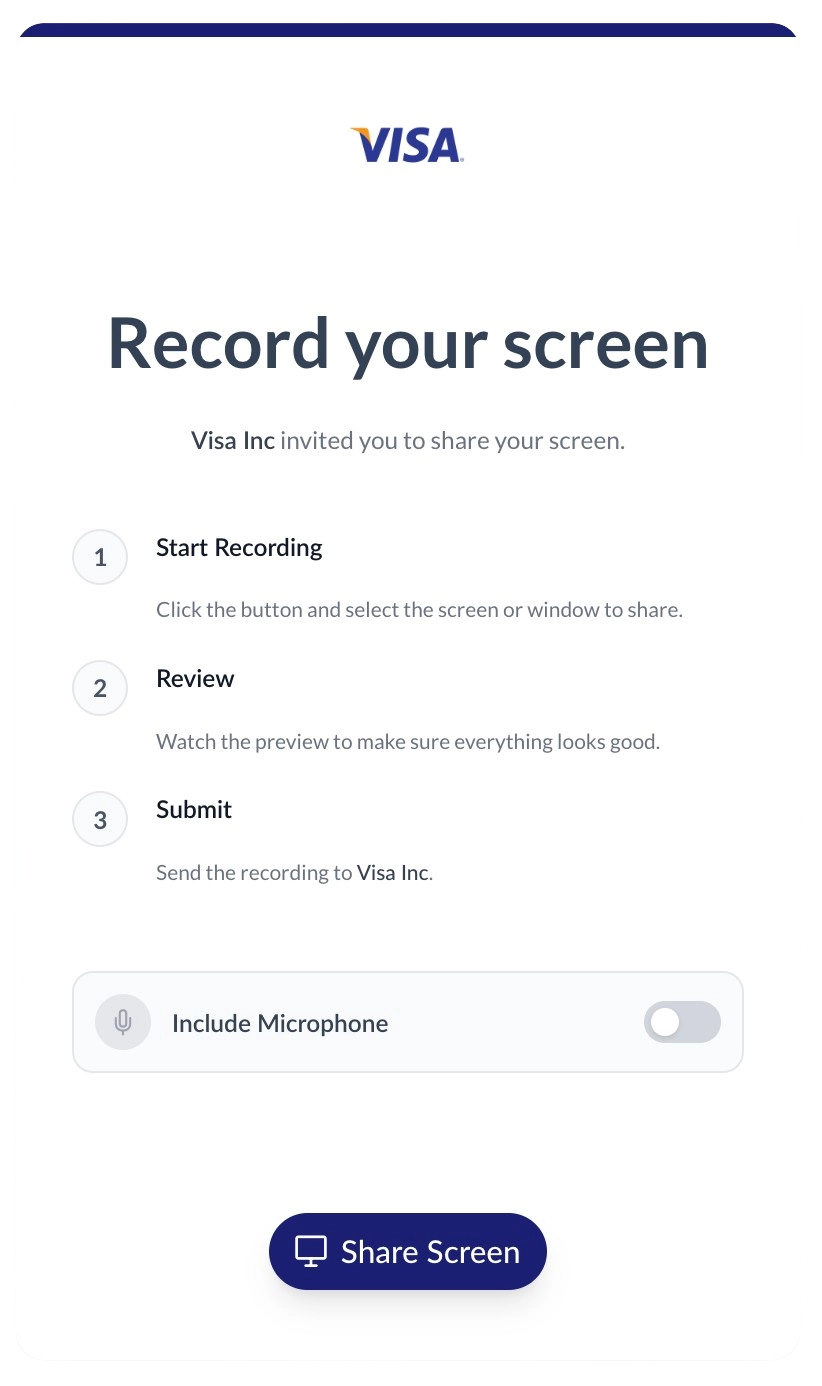
When leads or clients click your request link, they capture their screen in a 100% white-labeled environment. Upload your logo, set your brand colors, and host the portal on your own custom domain to ensure a professional, trustworthy experience.
Review videos directly from the Timeline
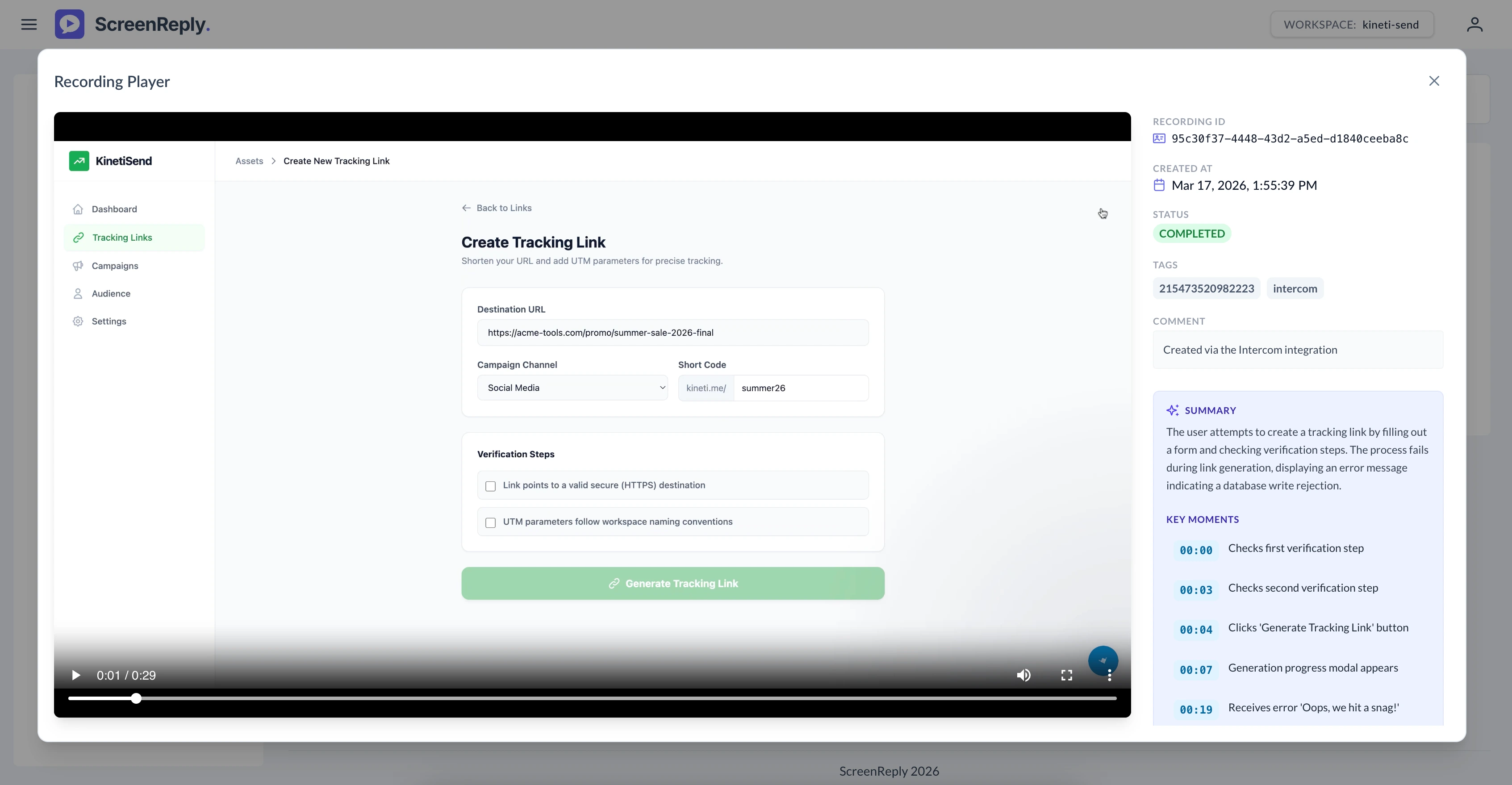
The moment a recording is submitted, ScreenReply pushes an engagement event to the associated HubSpot record's timeline. Your team can click the secure link to access the player, read an AI-generated text summary of the issue, and jump to specific timestamps.
Frequently Asked Questions
How do I get a screen recording from a client in HubSpot?
Generate a secure request link directly from the ScreenReply CRM card in your Deals, Tickets, Contacts, or Companies records. When the client clicks the link, they can instantly record their screen from their browser without installing extensions. Once submitted, the video and its AI summary are automatically synced back to the HubSpot timeline.
Which HubSpot objects does this integration support?
The ScreenReply UI extension adds a CRM card to the right sidebar of your Contacts, Companies, Deals, and Service Hub Tickets records, giving you full coverage across sales and support workflows.
Are recordings automatically logged in the HubSpot CRM?
Yes! As soon as a client completes their recording, a timeline activity event is automatically synced to the exact HubSpot record where the link was generated. This event contains the secure video link and an AI-generated text summary.
Do our clients need to install an extension to record?
No installations are necessary. Your leads and clients simply click the secure link in your HubSpot email and record directly from their modern web browser (Chrome, Safari, Edge, Firefox). It is a frictionless experience designed for high conversion.
Can we automate request generation using HubSpot Workflows?
While the CRM UI extension allows reps to generate unique links manually for personalized communication, your technical team can also utilize our REST API in combination with HubSpot webhooks to fully automate link generation within your Workflows.
Ready to visually upgrade your HubSpot workspace?
Join the revenue and support teams using ScreenReply for HubSpot to close deals faster and provide a superior, visual customer experience.