Attio Screen Recording:
Let Clients Share Their Screen
Instantly request screen recordings with a simple link, without leaving Attio. Once a client finishes recording, the secure video link is automatically saved as a note on their CRM record. Zero software installs required.
A picture is worth a thousand emails
Give your team the clarity they need to quickly understand client requests, troubleshoot issues, and close deals using powerful screen capture tools.
Native Component
Generate secure screen recording links directly from the sidebar of any Person, Company, or custom object record in Attio using our native integration.
No-Install Screen Recorder
Your clients simply click the link to start an instant screen capture in their browser—no software downloads, Chrome extensions, or logins required.
Automated Notes Sync
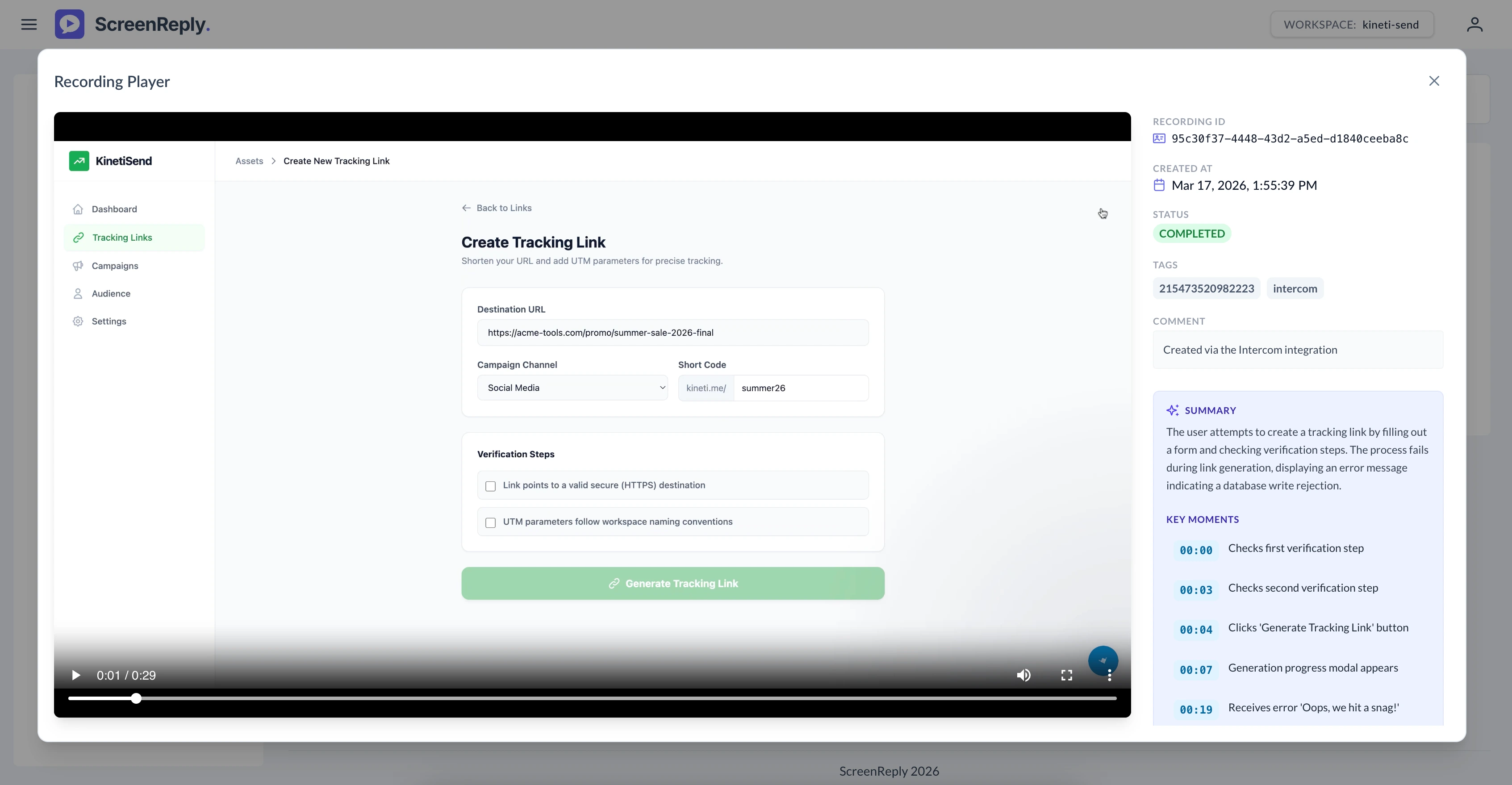
When a screen recording is finished, a new note containing the secure link is automatically pushed to the original Attio record. Click to watch the video, read the AI summary, and navigate via timestamps.
Deeply woven into your Attio workflow
Don't disrupt your team's rhythm. ScreenReply sits right alongside your standard CRM data, providing rich visual context at a glance.
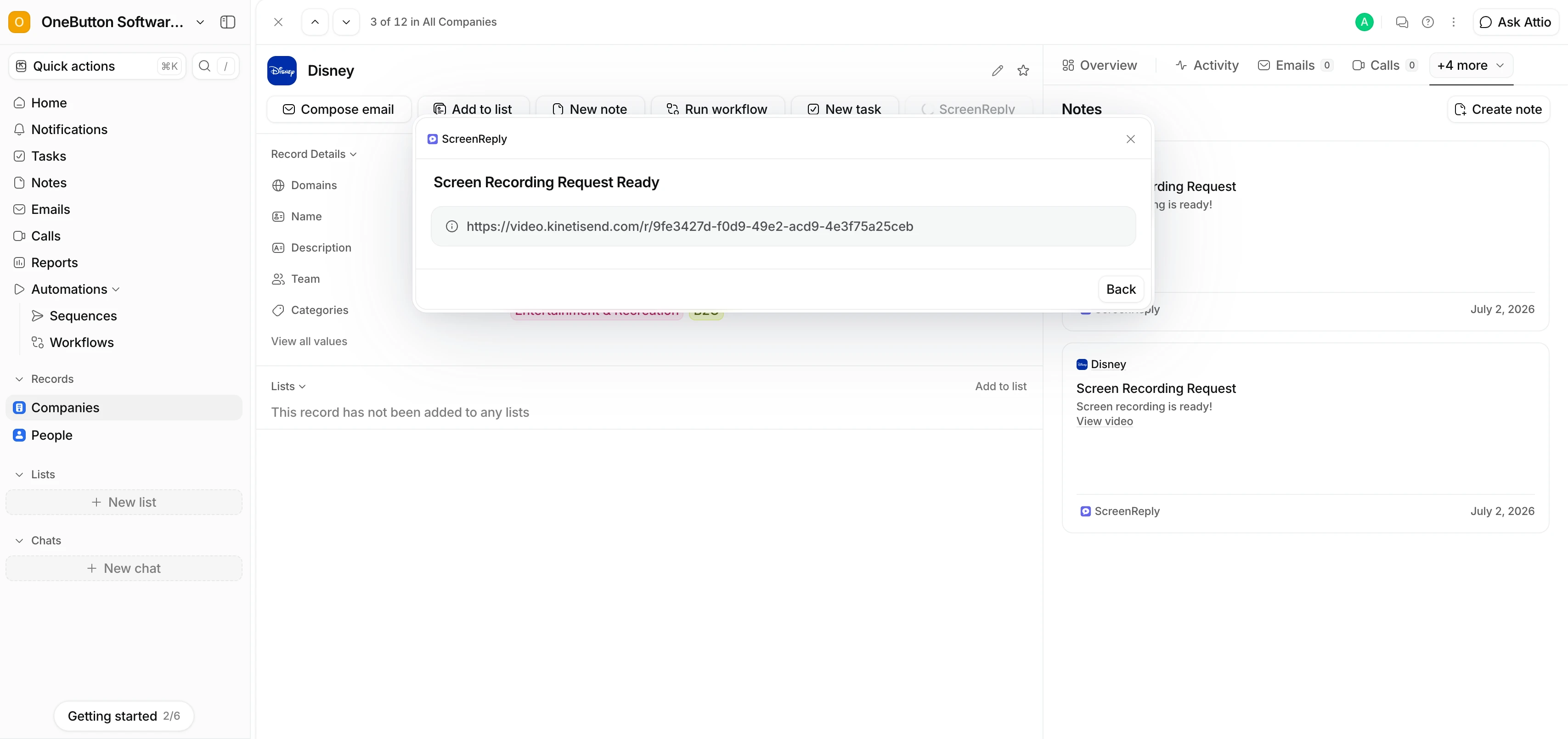
How to request a screen recording in Attio
Request screen recordings in three simple steps — zero software installs required for your client. Perfect for relationship-driven account management and customer support workflows.
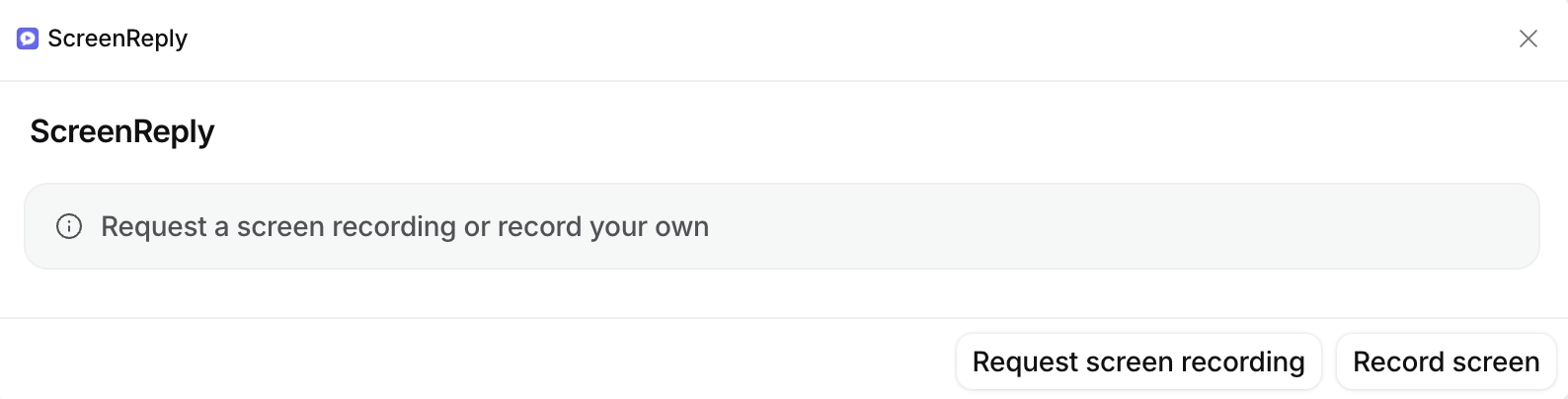
Create links from any Attio record
ScreenReply adds a powerful custom component right into your Attio interface. Whether you are managing People, Companies, or custom workspaces, you can generate a unique screen capture link with one click and share it instantly.
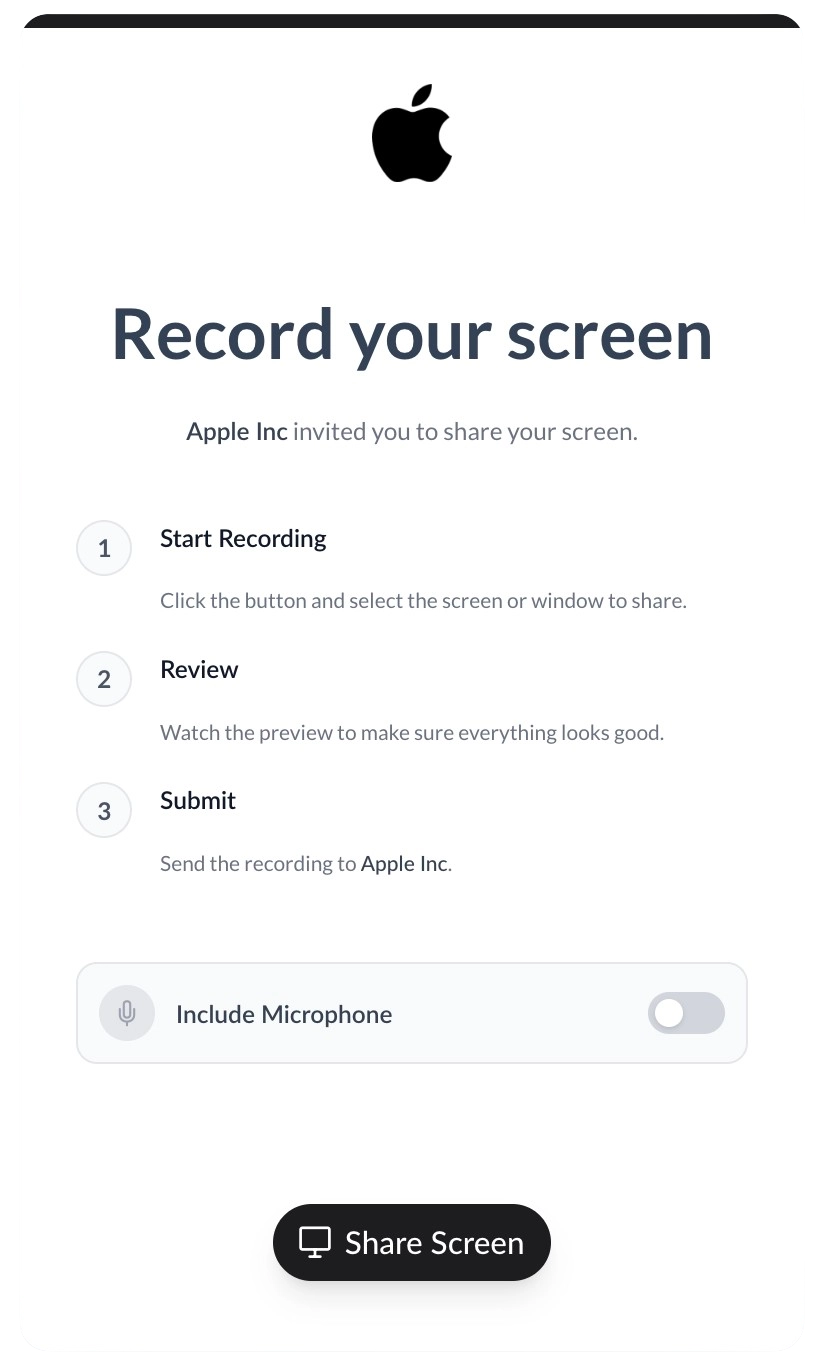
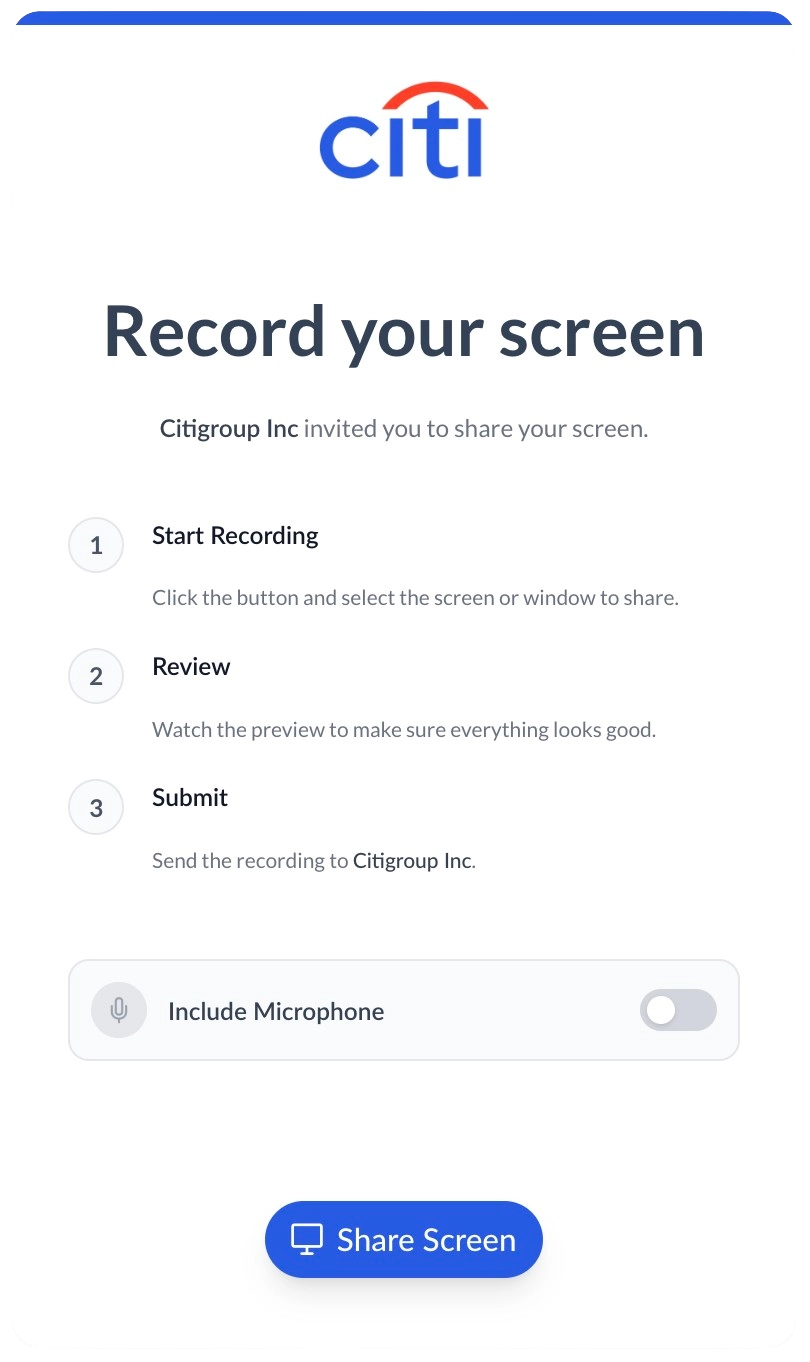
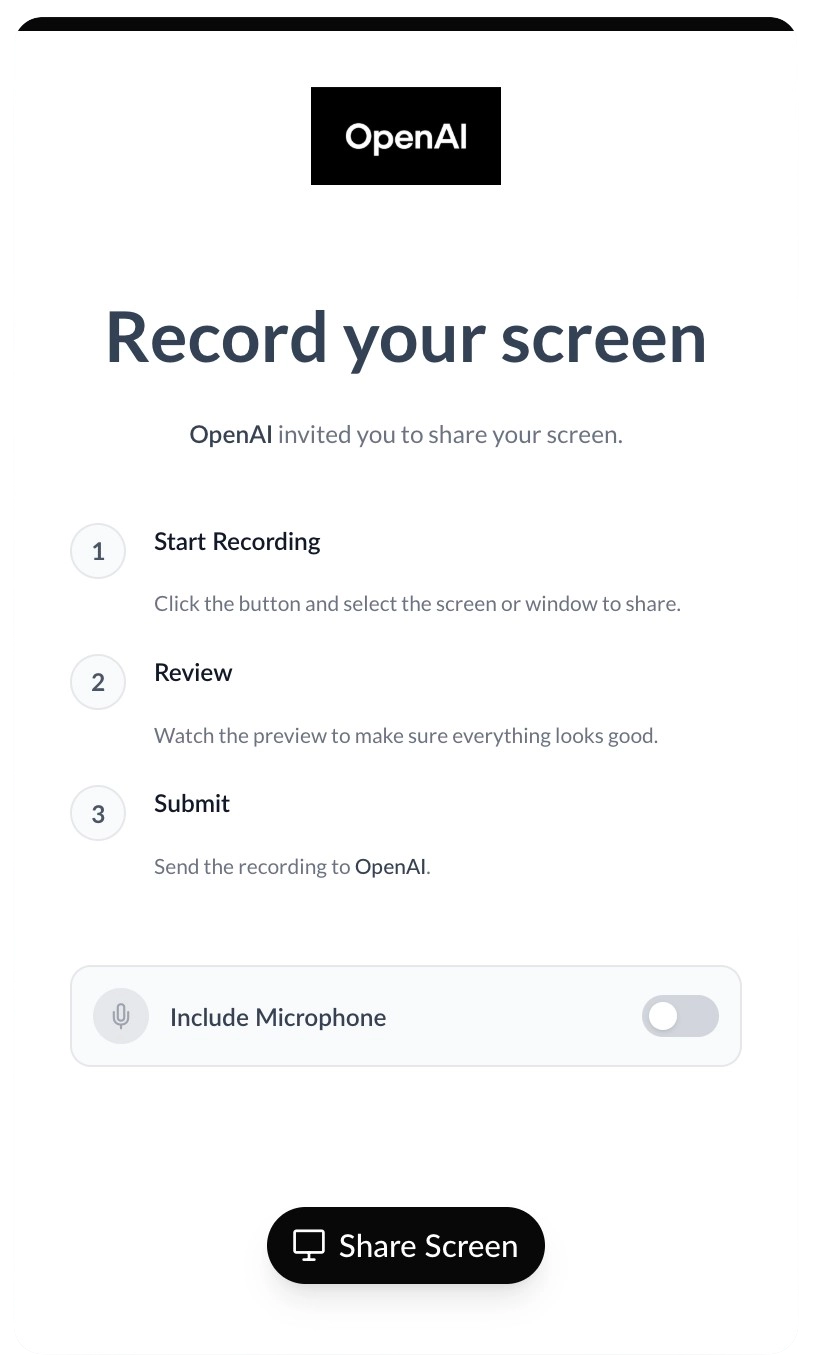
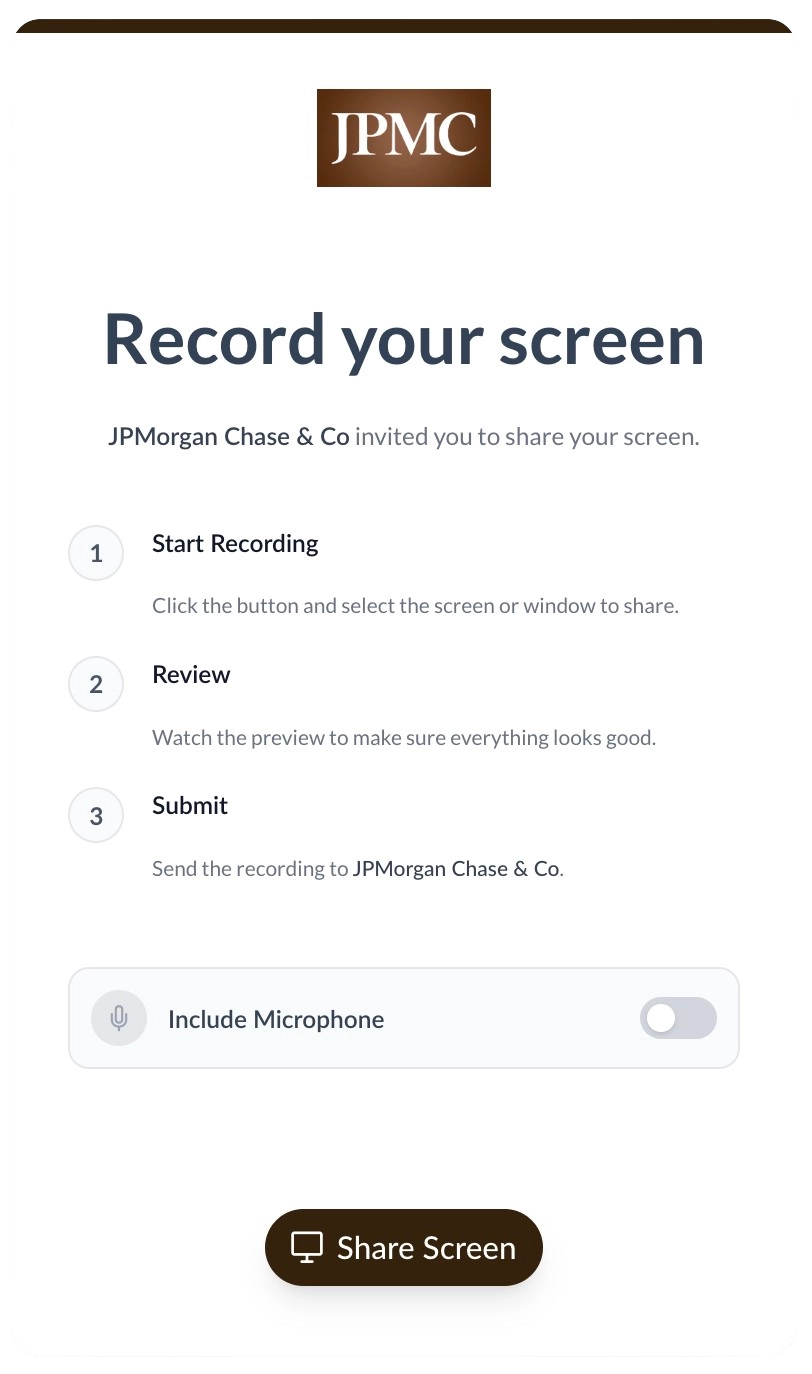
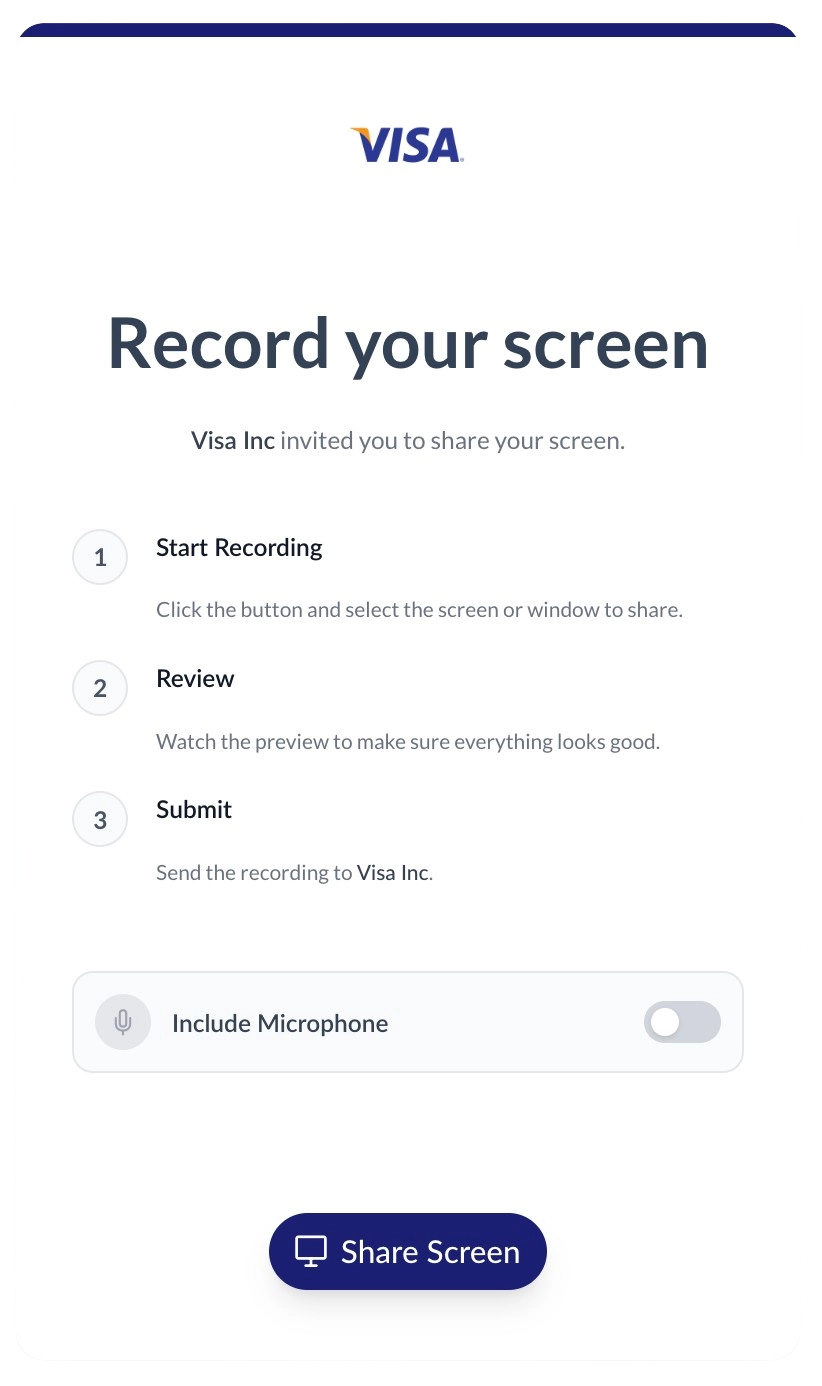
Deliver a premium, white-labeled experience
When clients click your request link, they record their screen in a 100% branded environment. Upload your logo, customize your brand colors, and host the recording portal on your own custom domain to build trust.
Review videos right from the Activity feed
The second a screen recording is submitted, ScreenReply logs a new note on the original Attio record. Your team can click the link to watch the video, read an AI-extracted summary of the conversation, and navigate easily via smart timestamps.
Frequently Asked Questions
How do I request a screen recording from a client in Attio?
Generate a secure request link directly from the ScreenReply custom component inside your Attio record. When your client clicks the link, they can instantly record their screen from their browser without installing any software. Once the screen capture is submitted, an internal note with a direct video link is automatically added to the Attio record. Your team can click this link to view the video and its AI summary in the ScreenReply player.
Which Attio objects are supported?
The ScreenReply component can be added directly to the sidebar of People, Companies, and any Custom Objects you use to manage your CRM workflow.
How are the screen recordings saved back to the CRM?
Upon completion, ScreenReply automatically creates a new note on the associated Attio record. This note contains a secure video URL. Clicking this link opens the ScreenReply player, where your team can access the screen recording, the AI-generated summary, and clickable timestamps.
Is any software required for my clients?
None at all. Clients click your link and capture their screen using their standard web browser (Chrome, Edge, Safari, Firefox). The process is completely frictionless and designed to maximize response rates.
Can we use Attio automations with this?
Yes, while screen recording links can be generated manually, you can combine Attio's native automation capabilities with our REST API to trigger specific actions or generate links programmatically.
Ready to request screen recordings in Attio?
Join the forward-thinking teams using ScreenReply for Attio to resolve issues faster and provide a superior client experience.