Freshdesk Screen Recording:
Let Clients Share Their Screen
Instantly request screen recordings with a simple link, without leaving your Freshdesk tickets. Once a client finishes recording, the secure video link is automatically saved as a private note in the ticket. Zero software installs required.
Eliminate the back-and-forth
Text-based support can be frustrating for both sides. Empower your team to get visual context right where they already work.
Request from the Sidebar
Agents can easily generate a unique recording link directly from the Freshdesk ticket sidebar. No need to switch tabs or open separate apps.
Zero-Friction for Clients
Customers receive the request link in their ticket reply, click it, and instantly record their screen. Zero browser extensions, logins, or downloads required on their end.
Private Notes & AI
When a recording is submitted, a link is automatically posted as a private note in the Freshdesk ticket. Clicking it opens the video with an AI-generated text summary and clickable timestamps.
Built right into your workflow
You don't need to change how your support team works. ScreenReply seamlessly integrates directly into the Freshdesk ticket sidebar.
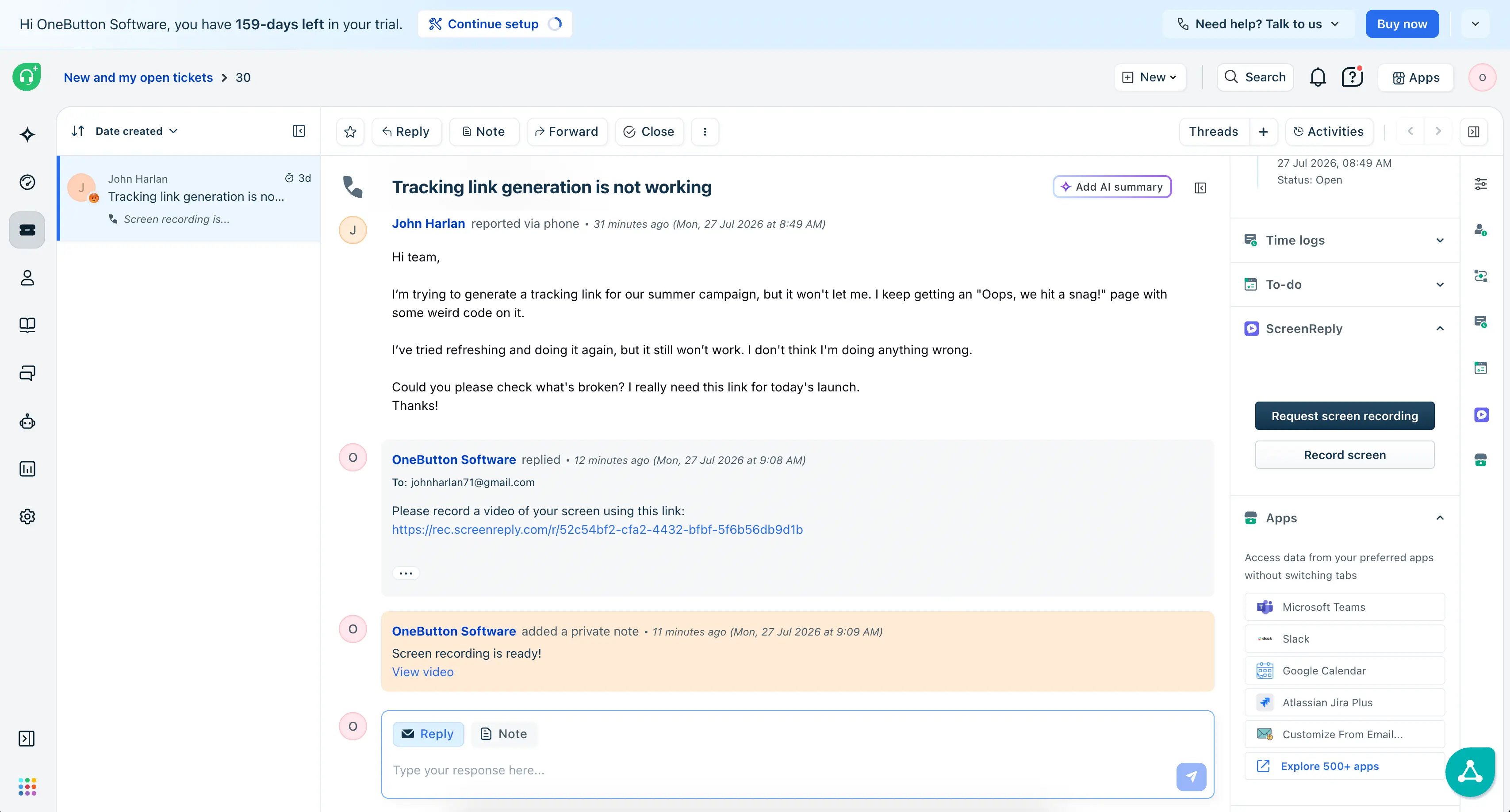
How to request a screen recording in Freshdesk
Three steps from ticket to video — zero software installs required for your client. Ideal for modern customer support workflows.
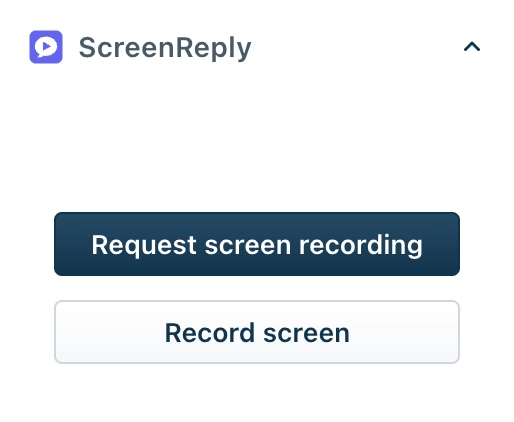
Request from the ticket sidebar
The ScreenReply app lives directly in the sidebar of your Freshdesk ticket view. Agents can generate a recording request link and drop it into their reply with a single click.
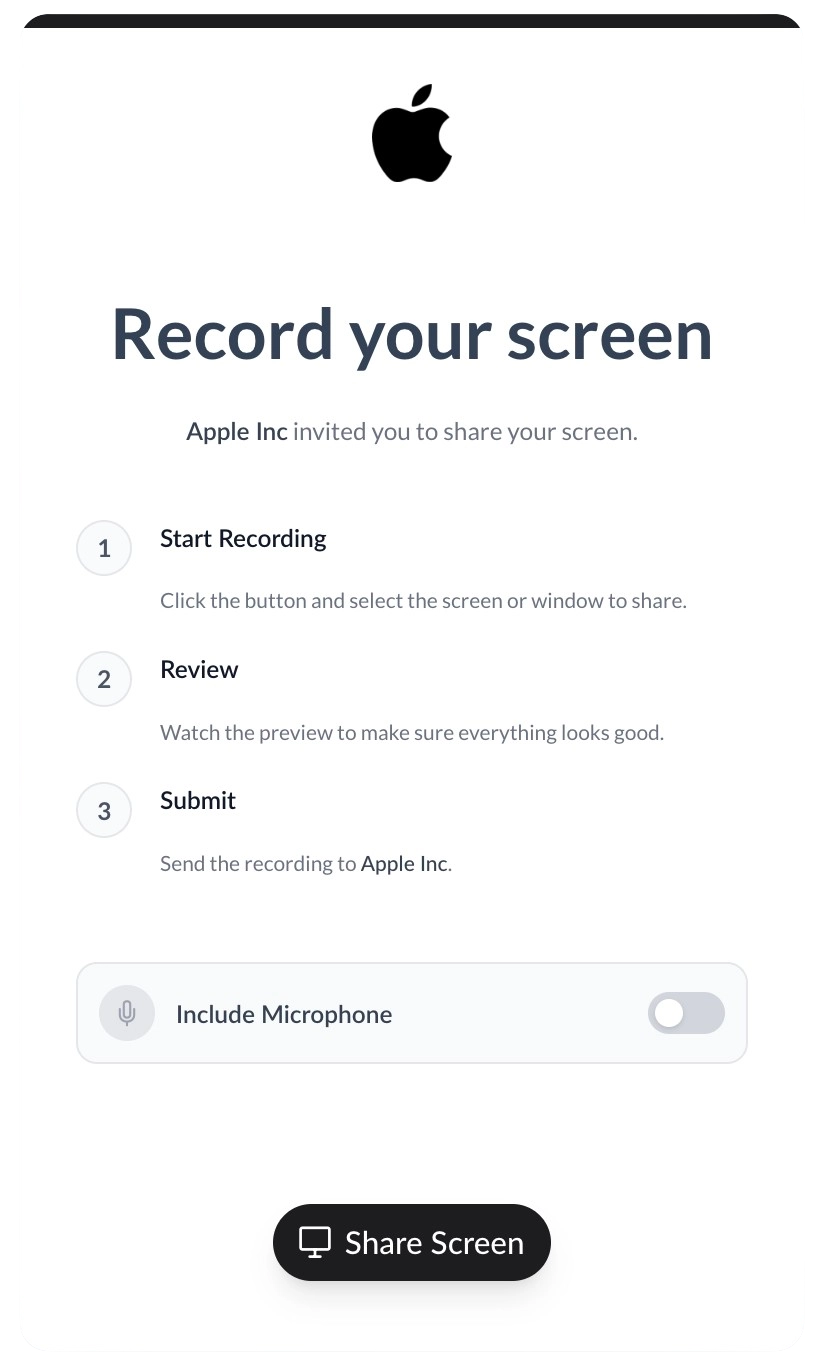
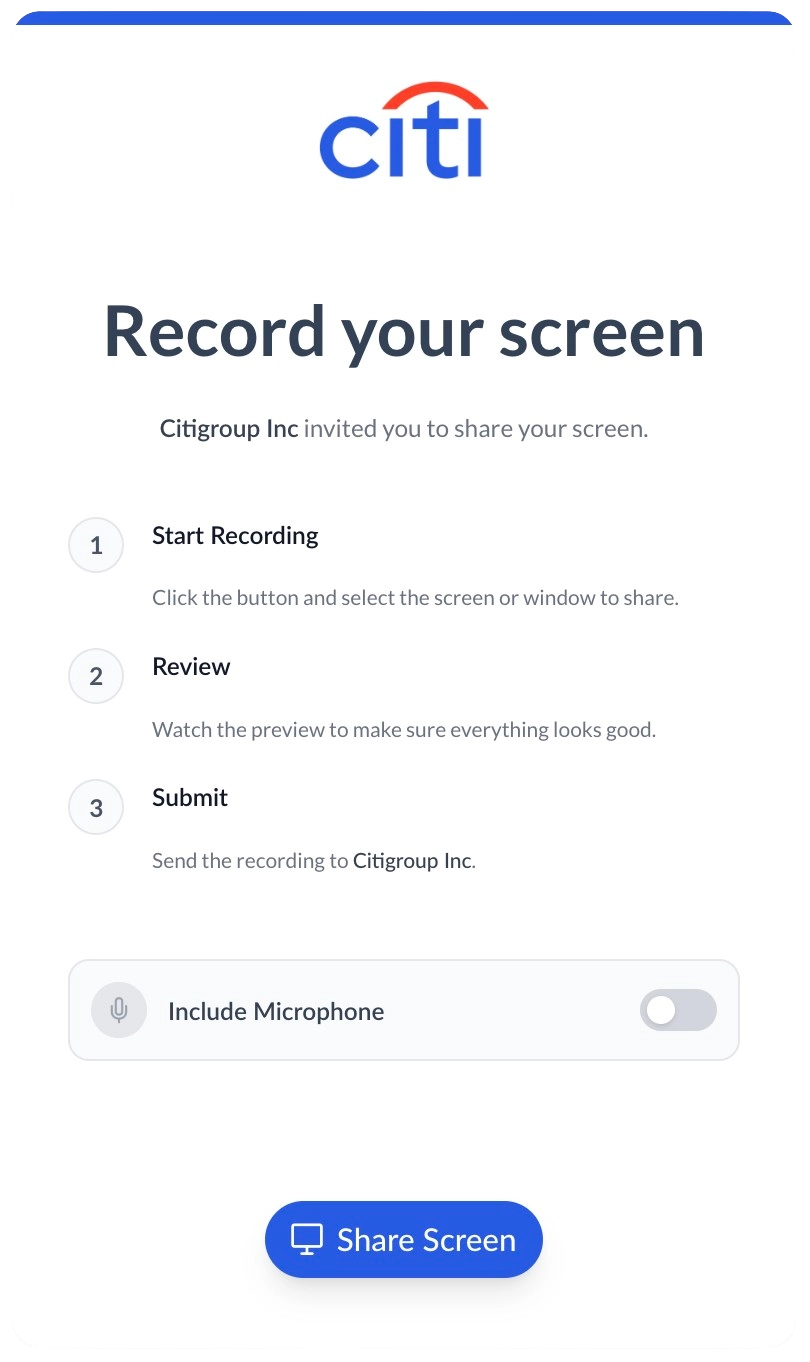
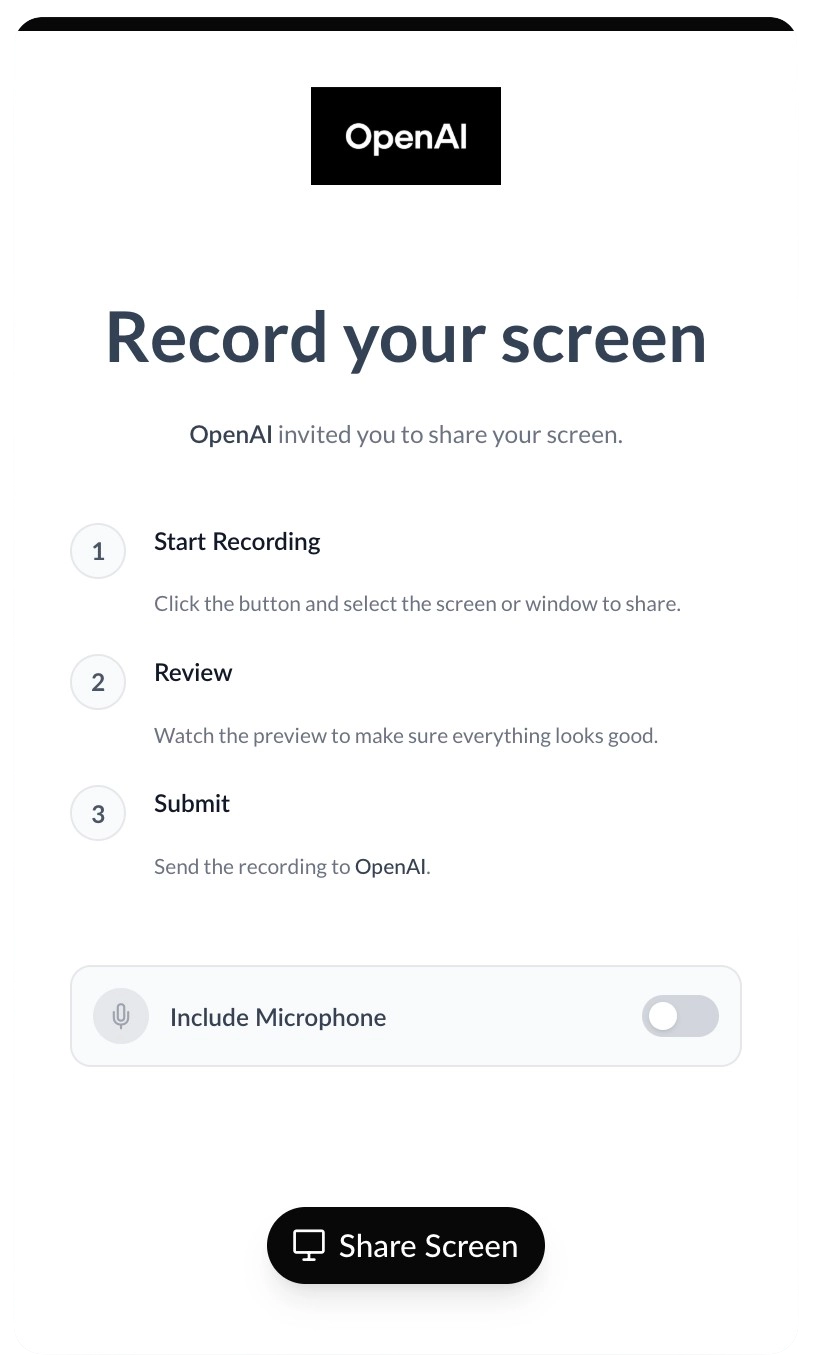
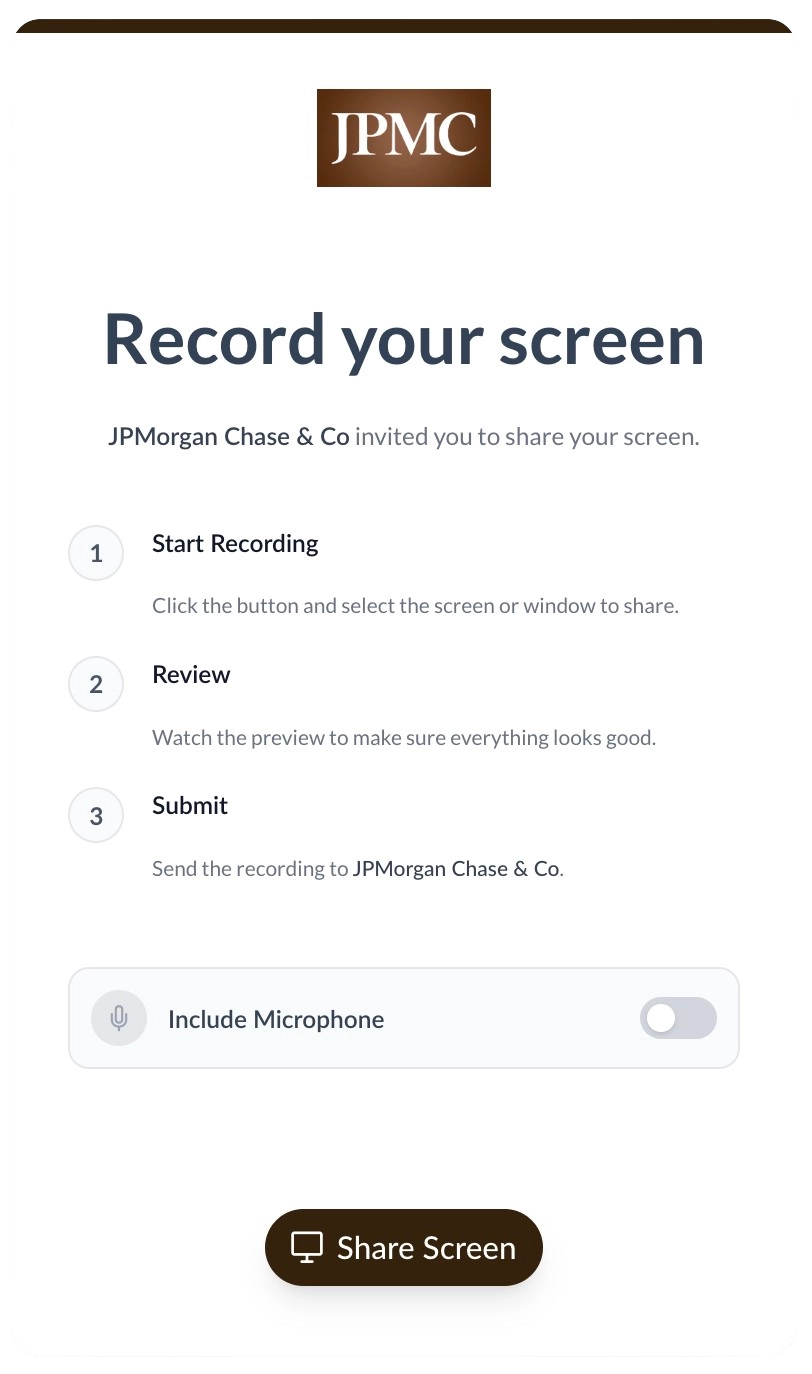
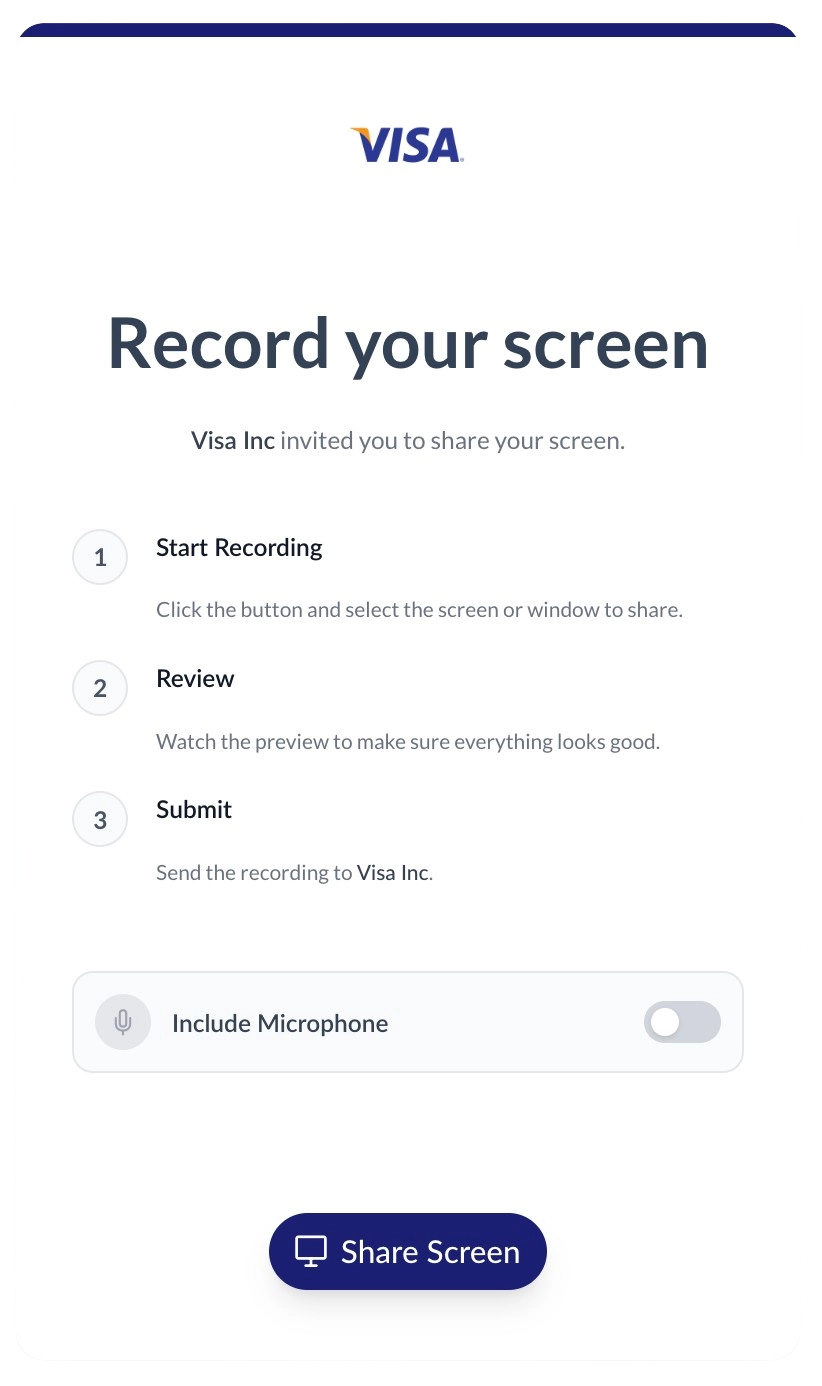
100% white-labeled experience
Customers click the link and record their screen instantly in a fully branded environment. You can customize the recording page with your company name, logo, brand colors, and even serve it from your own custom domain.
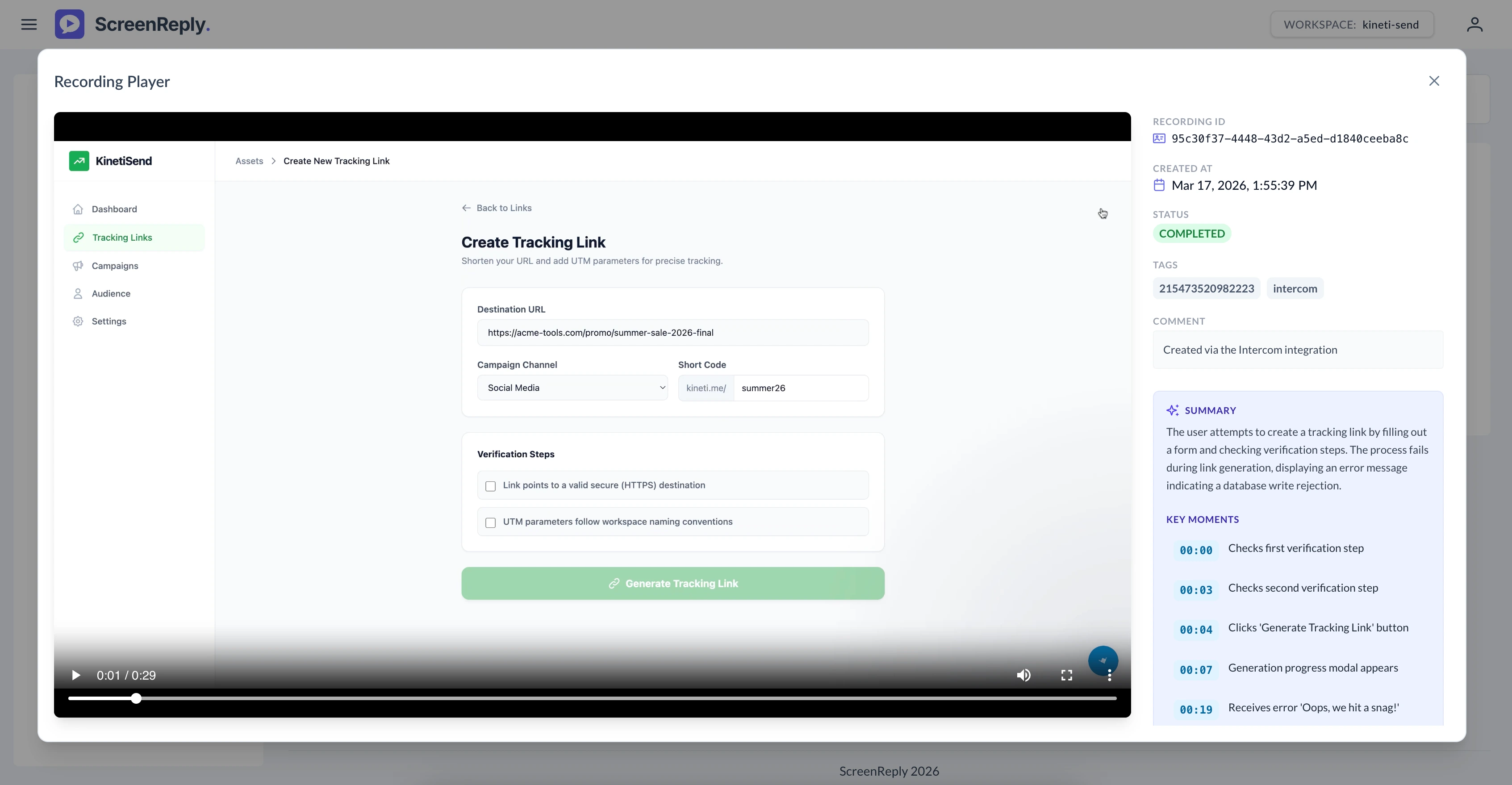
Review videos from private notes
Once the recording is complete, a private note with a secure link is automatically pushed to the Freshdesk ticket. Agents can click the link to open the player to view the video alongside an AI-generated text summary and clickable timestamps.
Frequently Asked Questions
How do I ask a customer to record their screen in Freshdesk?
Generate a unique request link directly from the ScreenReply app in the Freshdesk ticket sidebar. When the customer clicks the link in your reply, they can securely record their screen without installing any extensions. Once finished, a private note with a direct link is automatically added to the ticket. Agents can click the link to view the video, read the AI summary, and navigate via timestamps in the dedicated player.
Do our customers need to install any software or extensions?
Zero installations required! When a customer clicks your request link, they can securely record their screen directly from their web browser. It’s a completely frictionless experience supported natively on Chrome, Safari, Edge, and Firefox.
Are recordings automatically logged back to Freshdesk?
Yes. As soon as the customer finishes and submits their video, the integration automatically posts a private note directly inside the original ticket. This note contains a secure link—clicking it opens the dedicated ScreenReply player where your team can watch the video, read the AI-generated text summary, and navigate using clickable timestamps.
Can we automate request links using scenarios or macros?
While agents typically generate unique links manually from the sidebar, your technical team can also use our robust REST API to programmatically generate links and pass them into your automated emails or canned responses.
Ready to visually upgrade your support?
Join the teams using ScreenReply and Freshdesk to resolve inquiries faster, reduce customer frustration, and boost CSAT scores.